How to Create a Comfortable 3D Stereo Project
If you would like to create a project with the best 3D stereo effect, then please follow the guidelines below. In the example below, the character is set as the main target:
-
Adjust the Preview Camera to the perspective from which you want to view the scene.
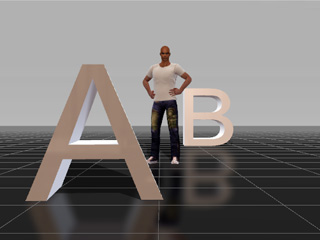
-
Add a custom camera. By default, it will have the same settings as the preview camera.
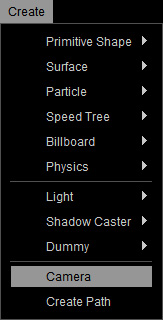
- In the Preview Window, switch the view to the Preview Camera.
-
Move the preview camera backwards to where you can see the Custom Camera.
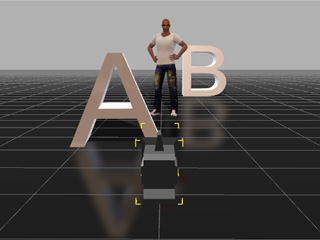
- Change to the Top View of the preview camera. (Hotkey: G)
-
Measure the distance value between the custom camera and the target object. This value
will be the Convergence Distance.
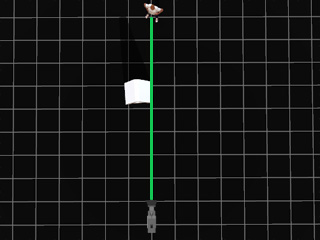
-
Switch to the custom camera and measure the width value of the Zero Parallax Plane.
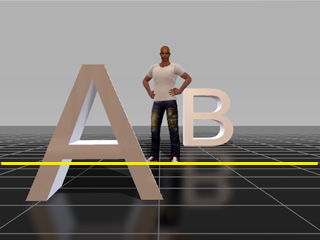
- Go to the Render panel, and select any of the Image or Video radio buttons.
- Enable the 3D Stereo Vision Output box and choose the Anaglyph (Red/Cyan), Side by Side, Above/Below or DualStream from the drop-down list.
-
Set the Convergence Distance to the number value
measured in step 6.
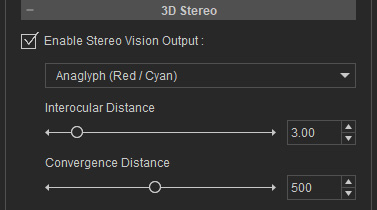
- You can also change the Interocular Distance value to adjust the depth of the image or video.
-
Export the project as a 3D stereo media.
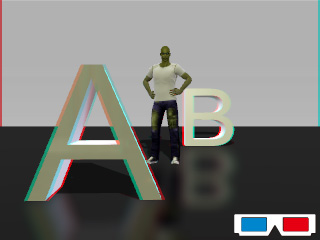
Strength the 3D Sensation: Object Arrangement and Camera Lens.
Object Arrangement
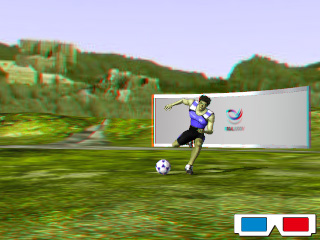
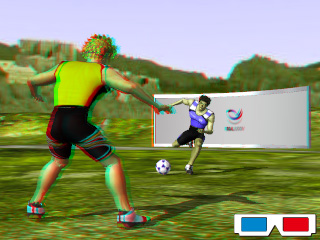
In order to generate believable 3D stereo content, it is recommended that you create a scene with objects in near perspective, middle perspective and far perspectives.
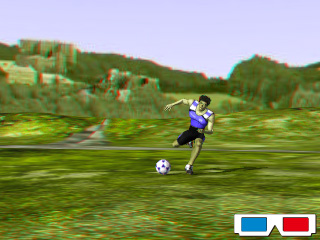
|
|
|
|
No front and rear object (weak 3D effect) |
With rear object (3D depth increased) |
With front object (3D sensation increased) |
Camera Lens
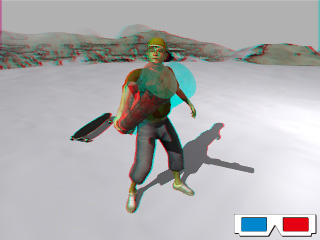
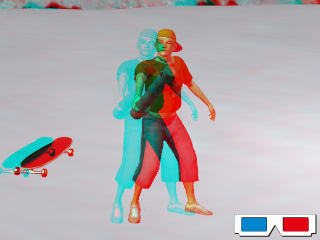
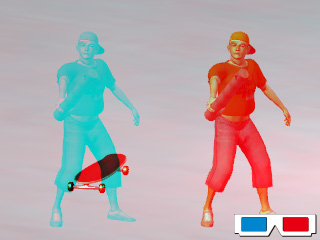
The camera lens may increase or decrease the sensation of 3D stereo depth. Given a same project, a wide angle (low lens value) may provide a more pronounced 3D stereo sensation than a long-take angle (high lens value) may. The higher the lens value, the harder for your eyes to focus on the target object.
|
|
|
|
Lens = 20 (Wide-angle shot; 3D stereo enhanced) |
Lens = 120 (Long-take shot; 3D stereo weakened) |
Lens = 200 (Long-take shot; difficult to focus) |
 Note:
Note: