How to maintain crowd formation with flock mode (New for v. 8.41)
When Motion Director > Player Control mode is activated, pedestrians will move towards the target spot that you set by Alt + clicking on the floor. However, upon reaching the spot, they will scatter randomly at that location and begin their idle loops.
If you wish to maintain the initial group formation of the crowd after relocation, follow the steps below:
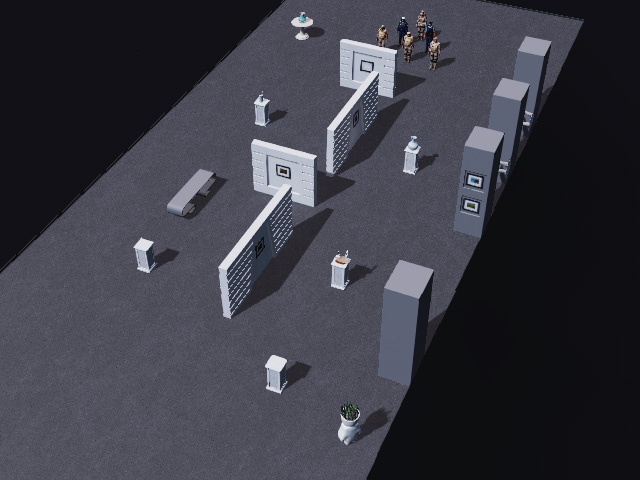
- Ensure that all character settings for the Motion Director mode
are completed, and deliberately arrange their positions as desired.
- Launch the MD Controls panel. Make sure
the character control settings are set to Device Control.
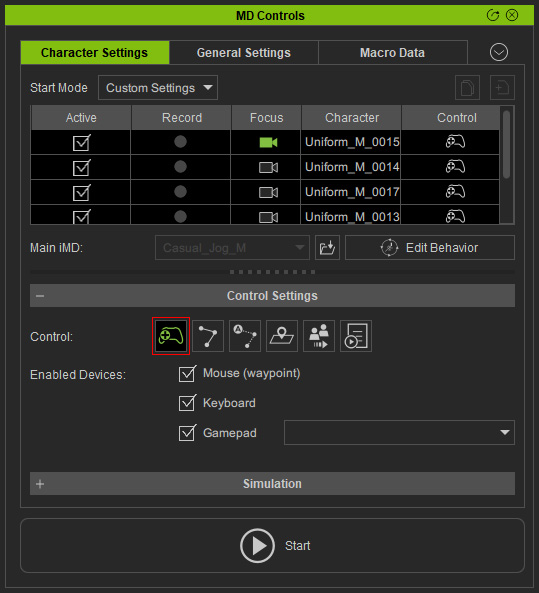
- Initiate the Motion Director mode by clicking the Start button.
- Click on another location with the middle mouse button to turn on the
FLOCKING mode.
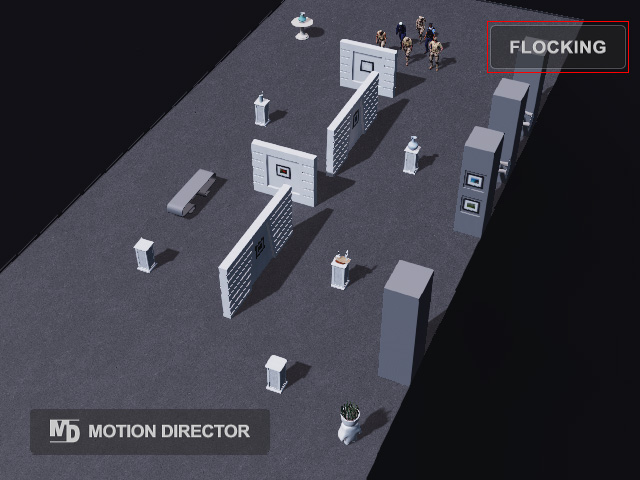
* Click the middle mouse button again to turn off the flock mode. - Hold the Alt key and click on the floor with right or left mouse buttons.
- Character formations will be maintained as they move to their
final destination.
