How to activate / deactivate behaviors with Behavior Manager (New in version 8.5)
The behavior motions in the Behavior Settings tab can be manually activated or deactivated to adjust the resources occupied by the MD props.
Before proceeding, apply one of the MD prop template from the Prop >
MD prop library.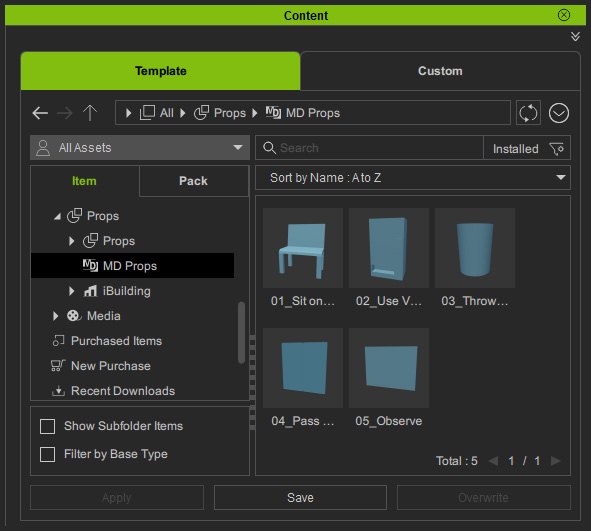
In this case, the
"01_Sit on Chair" template was chosen.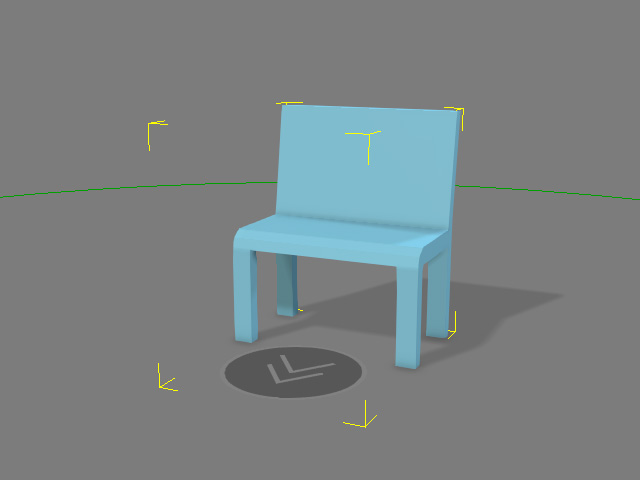
Enable / Disable Behavior Motions
- Make sure you have applied a character in Edit mode as the base for adjusting the perform motions.
- Select an iMD from the drop-down list.
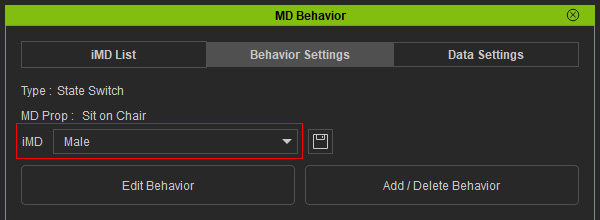
- To adjust the status of the perform motions, click the Edit Behavior button.
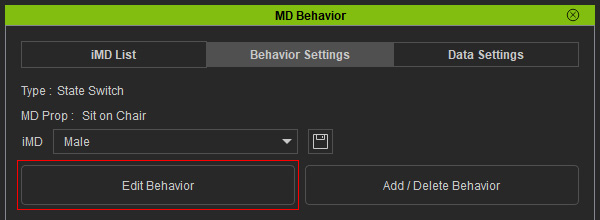
- Choose the base character for modification from the panel. Click the
Apply button.
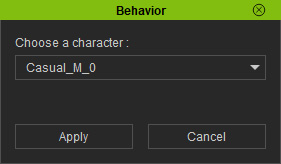
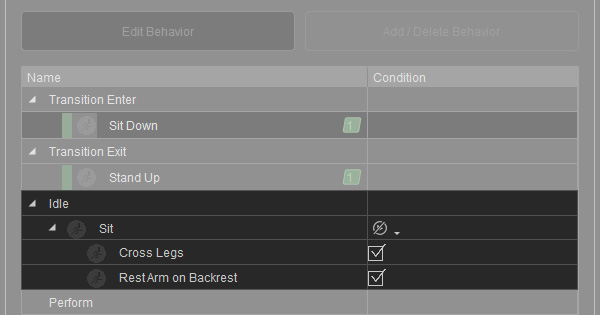
- Notice the
checkboxes appear in the Condition column on the list pane.
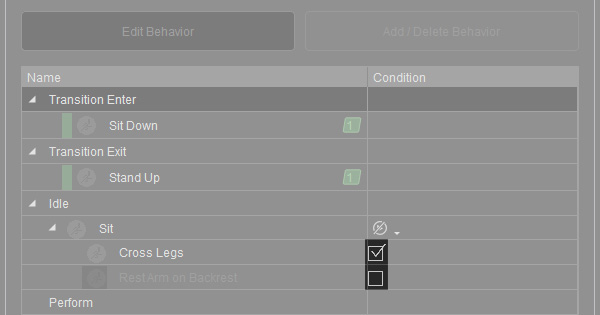
- Activate or deactivate the motions in accordance with your needs.
- Click the Apply button to accept the adjustments.
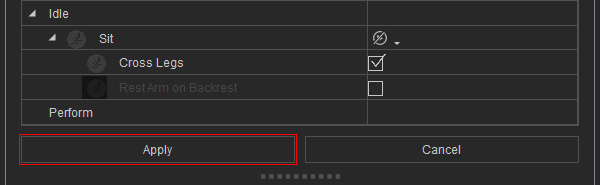
Click the OK button for the information dialog box.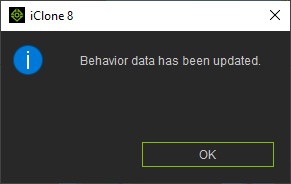
Note: You can proceed to Auto Assign the hotkeys for your needs. - When you start the MD mode, the behavior motions for the MD prop will be different.
Original behavior motions performed in turn randomly.
Behavior motion performed to the order of the activation status.
