Replacing Meshes (New in version 8.5)
After applying the MD prop template from the library, you can exchange the dummies for the actual props you are looking to use.
Replacing Dummies using Drag and Drop
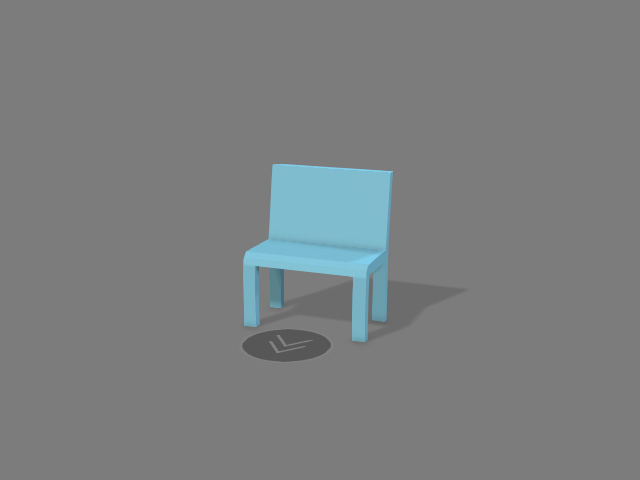
- Apply either one of the
MD prop templates from the library.
- Browse other prop libraries for related content.
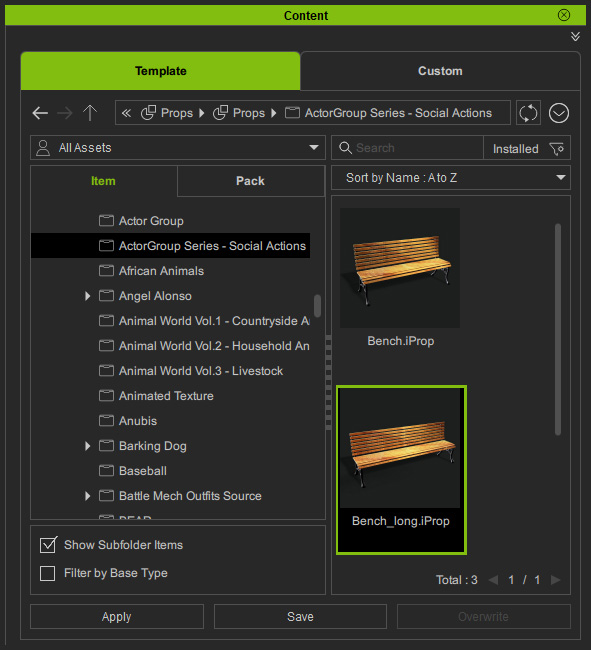
- Drag the desired prop using the right mouse button and drop it onto the dummy.
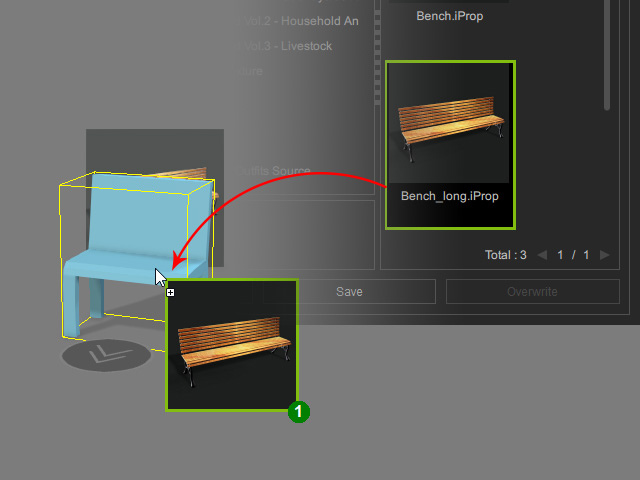
The dummy will be replaced with the chosen prop.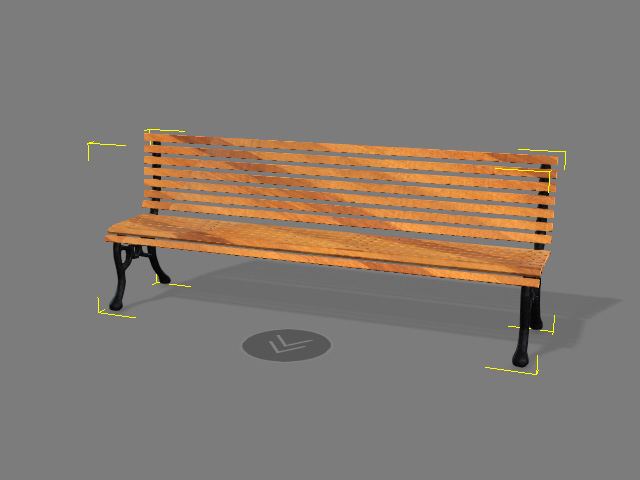
- Enter MD mode to have the prop ready for interaction.
Using Attach Method
- Apply either one of the
MD prop templates from the library.
- Browse your content library for a similar prop.
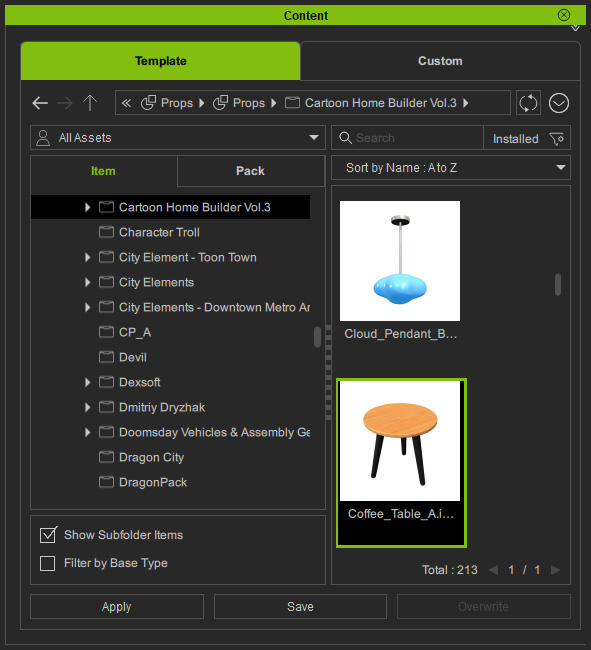
- Drag and drop the desired prop to an empty space in the scene.
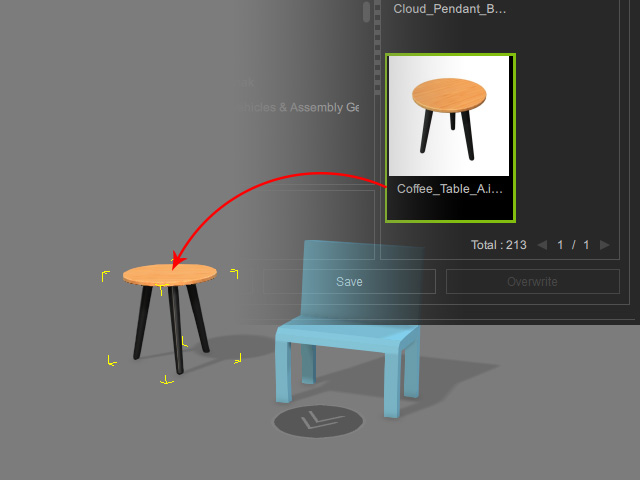
- Attach the prop to the dummy.
- Align and translate the prop to the dummy.
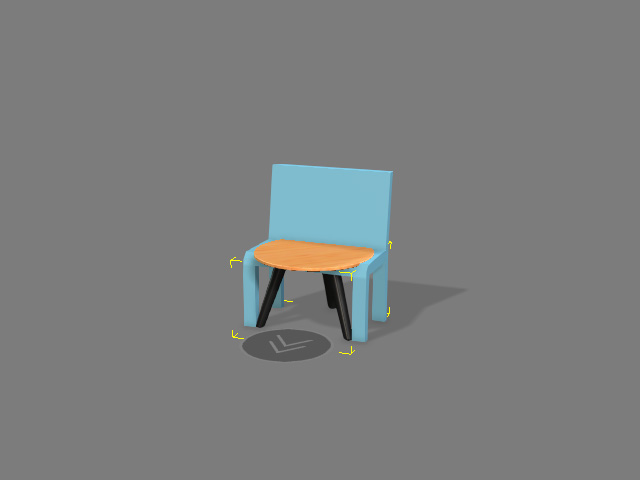
- Hide the dummy.
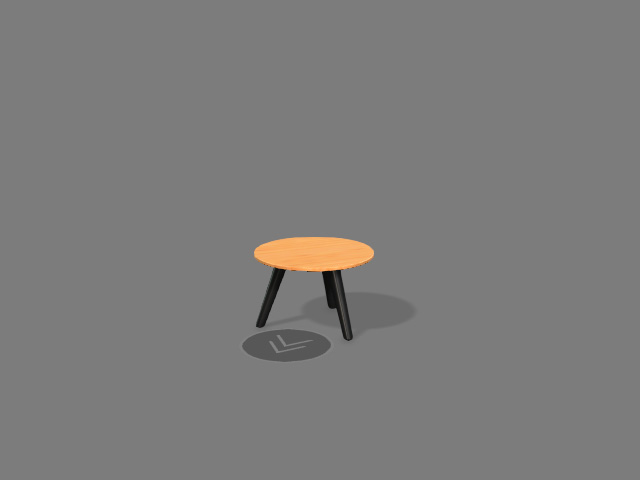
- Enter MD mode to have the prop ready for interaction.
