If you would like to export an alpha video in order to mask out other videos with
external video editing tools, then please follow the steps below:
Prepare an iClone project.
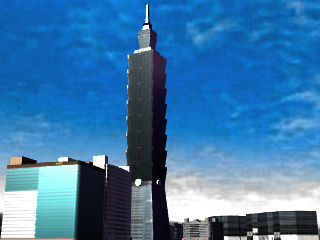
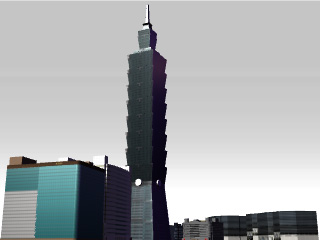
Remove the Sky and optionally remove the
Terrain.
Sky On
Sky Off
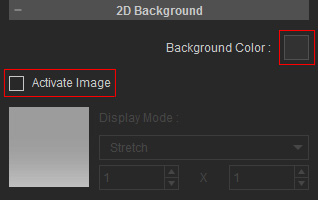
Click the Project Settings button on the play bar,
disable the Activate Image box so
that the
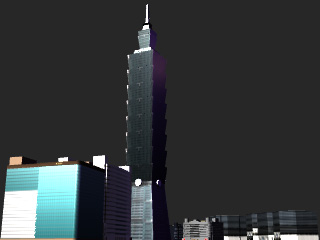
background turns to a solid color.
In the Render panel,
scroll to the 3D Stereo section and disable the Enable Stereo Vision Output box.
Leave the other settings in default. For more information, please refer to the
General Output Settings section.
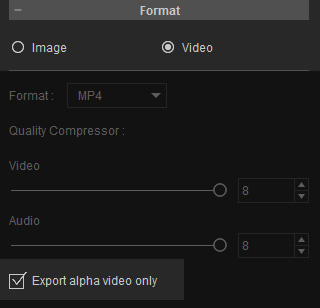
Scroll to the Format section, choose Video and enable the Export alpha video only box.
Click the Export button to export as an alpha video.
Using Alpha Videos in Video Editing Tools
The exported alpha video can be imported into any video editing tool to
create frame or special overlaying effects. We will use
Adobe Premiere as
an example in the following case.
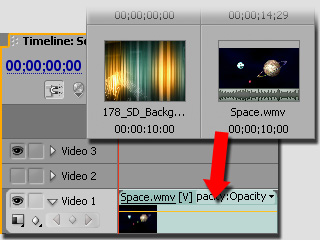
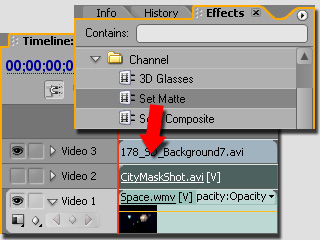
Drag and drop the background video into Video 1 track.
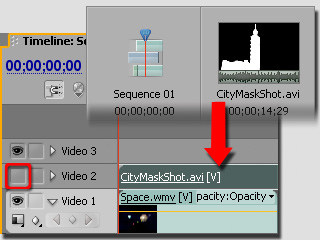
Drag and drop the alpha video into Video 2 track. Disable the Toggle Track Output box to make the video invisible.
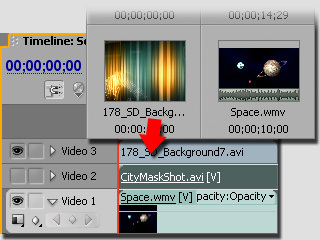
Drag and drop the main video to apply the alpha video into Video 3 track.
Optionally, you may adjust the size of the main video.
Drag and drop the Channel/Set Matte, in the Effect
panel, onto the main video.
In the Effect Control panel, collapse the Set Matte effect and set the two settings as
shown in the illustration below.