Substance 3D Blocks (New for 6)

To find the props applied with substance material, you may follow the steps below:

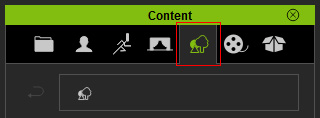
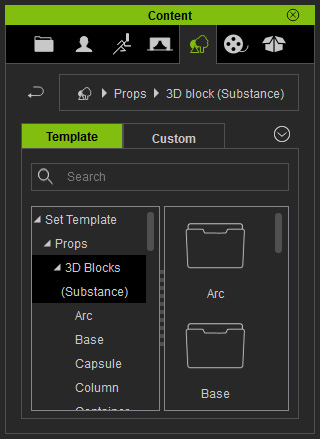
  1. Switch to the Set tab in the Content Manager.
  2. Open the Set Template >> Props >> 3D Blocks (Substance) folder.
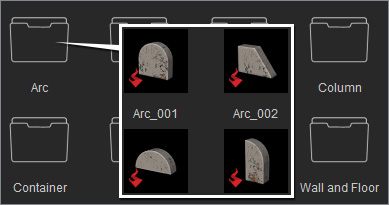
  3. You may find the embedded props of this kind in different sub folders.

    Note:

    The path of the folder is (by default):
    C:\Users\Public\Documents\Reallusion\Template\iClone 6 Template\iClone Template\Props\3D block (Substance)

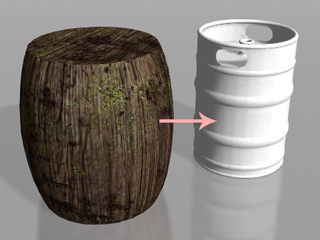
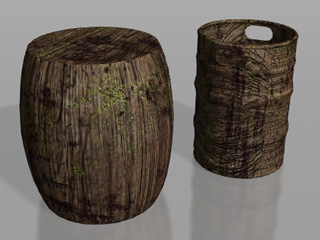
  4. After apply the props from the substance library, you may freely share the substance material to any other object that supports this type of material.

    Note:

    • The advantages and disadvantage of sharing the substance material on substance 3D blocks to other models are:
      Advantage:
      You may adjust the complete parameters of the substance material from the substance prop.
      Disadvantage:
      The UV coordination of the objects could be different from the substance props, therefore, the result of the substance material applied on them may be expected.
    • For more information about adjusting the substance material applied on the substance 3D blocks, please refer to the Using Substance 3D Blocks section.
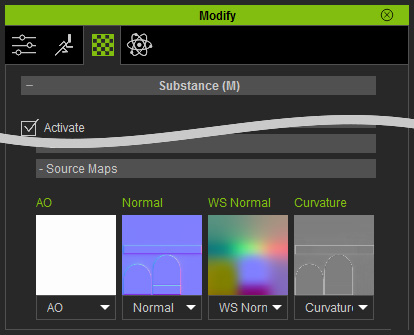
    • If you want the custom model to have correct mapping result, four unique maps (UV dependent) are required to make it fully compatible. They are: Normal, Curvature Map, WS Normal, and AO. These four maps must be load to the four channels under Substance >> Source Maps

      You are able to bake those maps by using Substance Designer.

iClone Substance Materials on 3D Blocks

An iClone substance material on any substance 3D block is composed of multiple layers; the basic adjustments for each layer can be individually done. Besides, each layer can be designated with different Diffuse, Normal and Specular channels in iClone.
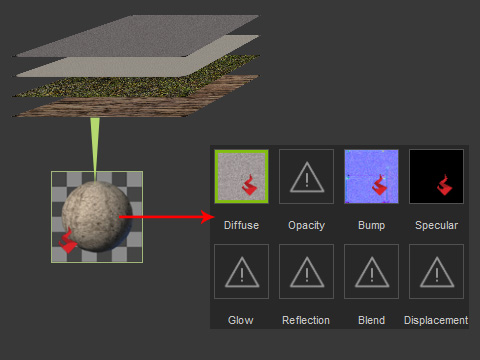
The layers form the substance material; and the substance material result is passed to the eight channels.

Benefits of Using Substance 3D Blocks

By adjusting the parameters of the layers, including the density and masking method, the looks of the layers are altered and passed to the texture channels of an object, which create a realistic texture for the 3D object.
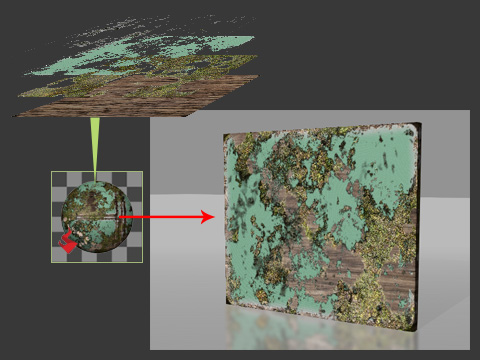
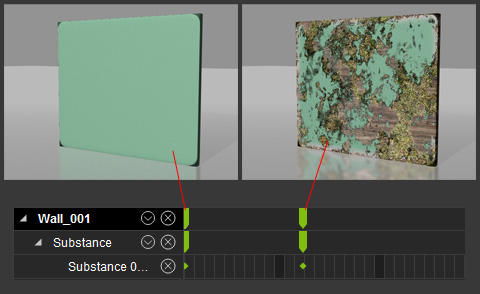
The parameters for the layers can all be keyed, which means you are able to generate dynamic weathering, erosion, scratching, or mossing animation for the object.