Substance Materials (New for 6)

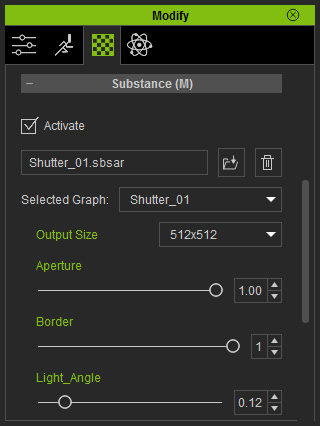
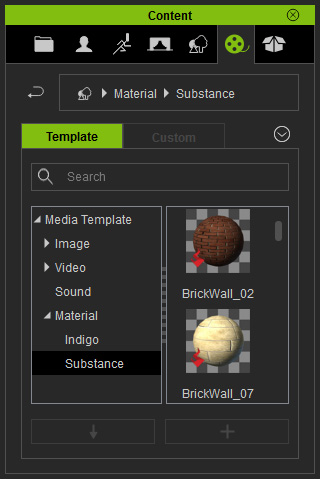
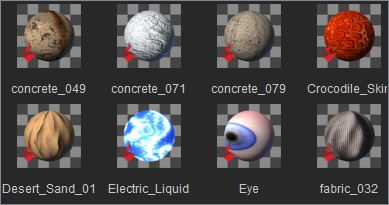
iClone provides Substance Materials templates, in addition to the Substance 3D Blocks. You are freely to apply it to any 3D object you want without considering the UV coordination. However, you can only adjust partial parameters to this type of substance materials.

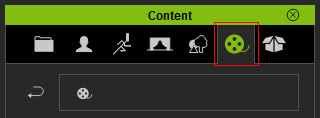
  1. Switch to the Media tab in the Content Manager.
  2. Open the Set Template >> Props >> 3D Blocks (Substance) folder.
  3. You may find the embedded Substance templates.

    Note:

    The path of the folder is (by default):
    C:\Users\Public\Documents\Reallusion\Template\iClone 6 Template\iClone Template\Materials Lib\Substance

  4. You may freely apply one of these templates to the objects you want.

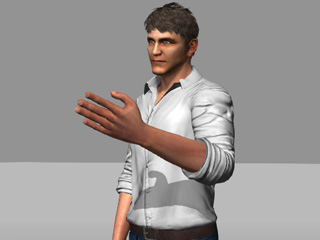
    A character with default material settings

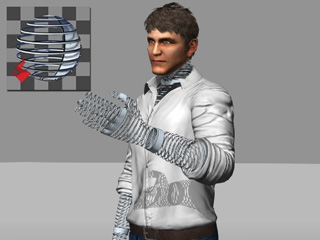
    A Substance material is applied to the skin

    Note:

    Advantage:
    You don not need to care the UV coordination of the target object because the material will be applied in accordance with the original UV style of the object.

    Disadvantage:
    Only limited parameters can be adjusted for the substance materials.