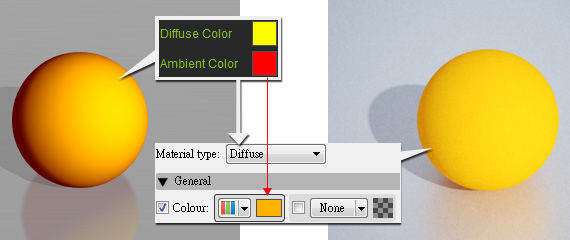
The Diffuse and Ambient colours will be combined and converted to the Colour of the Diffuse material type in Indigo.
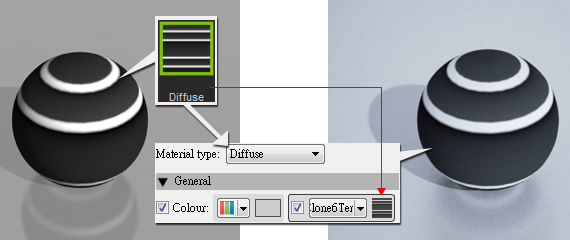
The Diffuse map texture will be set to the Colour channel.
The iClone material settings that map to the Indigo Diffuse type are the Diffuse Texture, and the Diffuse/Ambient colors.
* Please note that if you utilize any reflection-related material settings, such as Reflection Map, Reflection, iClone Specular or Glossiness values, then the material will be auto-converted to the Indigo Phong Material Type.
|
|
|
The Diffuse and Ambient colours will be combined and converted to the Colour of the Diffuse material type in Indigo. |
|
|
|
The Diffuse map texture will be set to the Colour channel. |
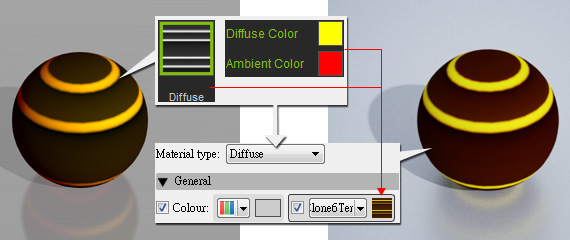
If an object has both these settings, then the texture and the color will be merged together
before being exported to Indigo for rendering.
|
Note: |
|
This material type is suitable for you to generate wood, rubber or any surface without shiny spots. |