Applying Cloth Template
In iClone, you are able to freely clothe the character from iClone Character Creator by means of embedded templates, and then, manually adjusting the provided parameters for shapes, textures and materials to change the clothes into different style.
Clothing Character with Templates
-
Apply a base (nude) character from iClone Character Creator.

-
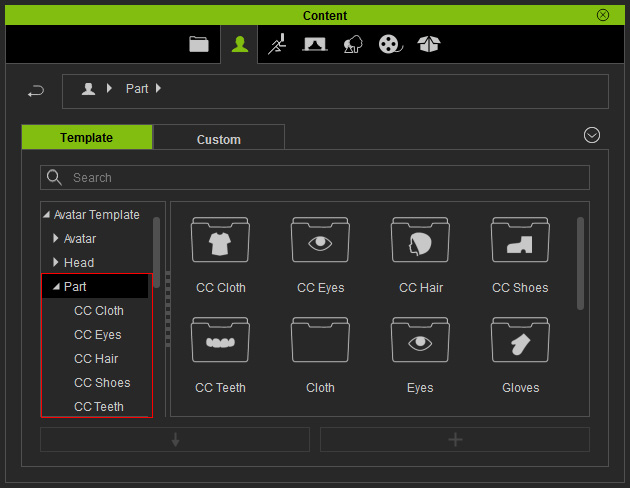
Switch the Content Manager to Avatar Template >> Part.
-
Open the desired library, with names of prefix CC, under the Part (in this case, the CC Cloth).

-
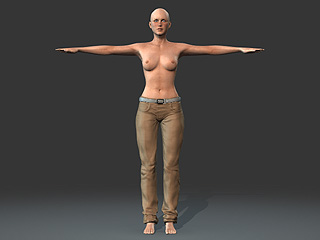
Apply either one of the template (in this case, the Jeans) by double-clicking on the template.
The cloth will be instantly put on the character.
-
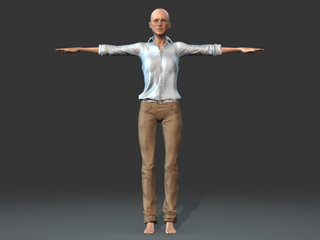
Repeat the same steps until the character has a desired outfit.

 Note:
Note:The clothing will auto adapt to the body shape even if the body proportions are different.

If you encounter any body skin penetration issue, please refer to the sections below to solve the problem:
Getting Content Pack
If you want to have more options for the cloths of the character, then go to the
official website for purchasing additional content packs.
