Decorator Node
The Decorator nodes are used to modify or control the execution conditions and results of child nodes. They usually do not perform actions directly but instead restrict, delay, repeat, or alter the execution of child nodes. You can place them between Composite nodes and child nodes, and then set execution limits, invert success / failure results, or add conditional checks to modify or determine the execution results of child nodes based on specified conditions.
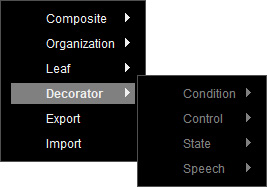
Right-click on the empty area of the Behavior Tree Graph, and select Decorator to show the node options.
 Condition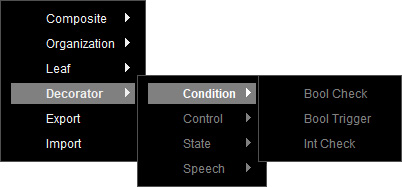
- Bool Trigger
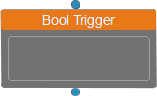
This node works in conjunction with the Leaf > Set Bool node, and determines its own status based on the return status of its child node. Select a pre-defined variable from the drop-down list in the Parameters section.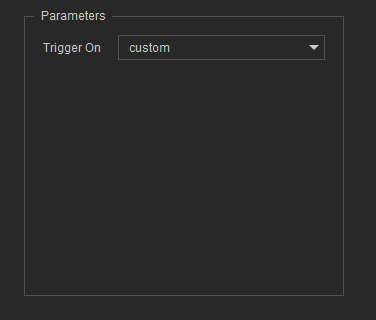
When the True toggle is enabled in the Set Bool node and triggered by a Composite node, then the next time the Bool Trigger is executed, it will be evaluated as successful and execute its linked child node.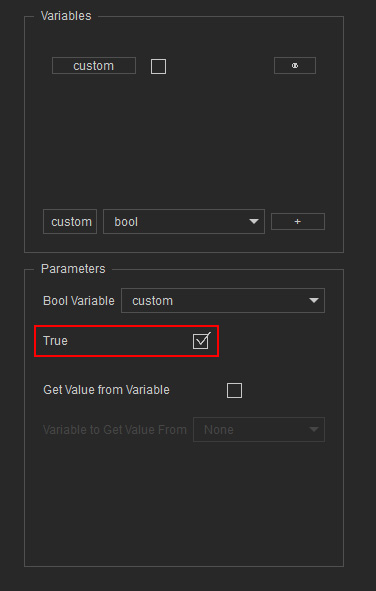
On the contrary, if the True toggle is disabled, then the next time the Bool Trigger is executed, it will not run the child node and will immediately return false to its parent node.
* After the child node returns either success or failure, the corresponding Boolean value in the Variables section will be automatically set to false.- Upward Linking: This node can be connected to a Composite or Decorator node.
- Downward Linking: This node can be connected to a Composite, Decorator, or Leaf node. Only one child is allowed.
- Bool Check
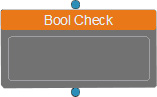
This node works in conjunction with the Leaf > Condition > Set Bool node, and determines its own status based on the return status of its child node. Select a pre-defined variable from the drop-down list in the Parameters section.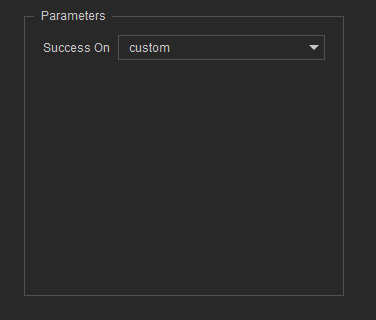
When the True toggle is enabled in the Set Bool node and triggered by a Composite node, then the next time the Bool Trigger is executed, it will be evaluated as successful and execute its linked child node.
On the contrary, if the True toggle is disabled, then the next time the Bool Trigger is executed, it will not run the child node and will immediately return false to its parent node.
* After the child node returns either success or failure, the corresponding boolean value in the Variables section will not be changed.- Upward Linking: This node can be connected to a Composite or Decorator node.
- Downward Linking: This node can be connected to a Composite, Decorator, or Leaf node. Only one child is allowed.
- Int Check
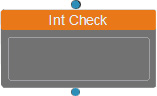
This node works in conjunction with the Leaf > Value > Set Int node. It checks whether the set value is the same as the currently loaded Set Int value in order to determine its own status to execute its child node. Select a variable from the drop-down list in the Parameters section, and specify the Compare Value for a child node.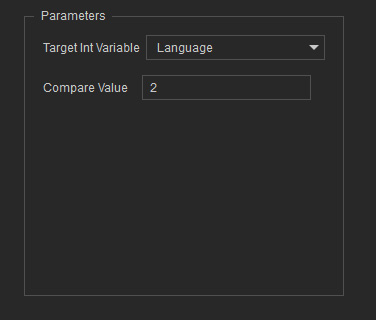
For example, create multiple Int Check nodes and set their values from 0 to 5 for different execution results. Then you can decide the execution result by inputting the identical Set Int values in the Parameters section.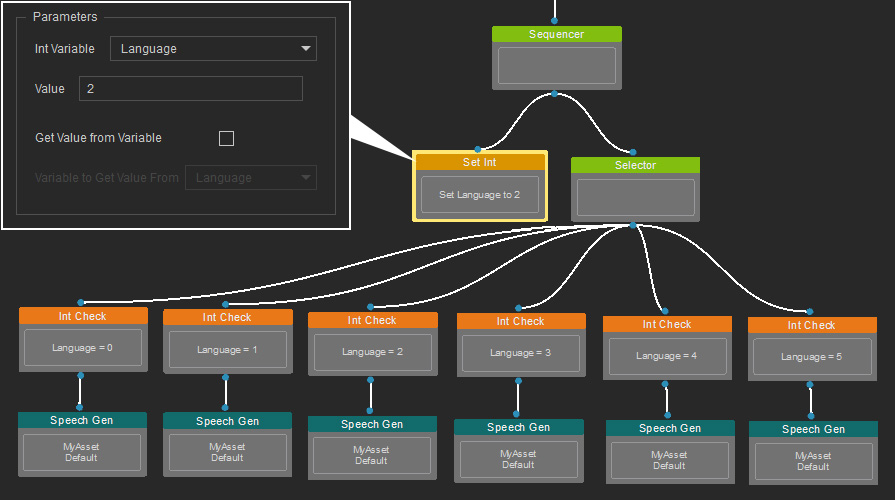
Control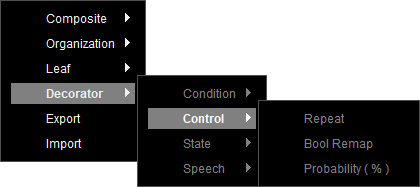
- Repeat
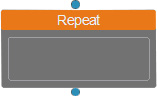
Controls all logic and execution nodes linked under it. There are two execution modes available in the Parameters section.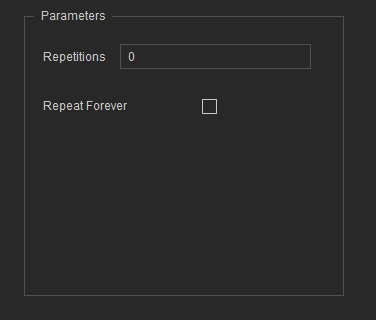
- Fixed Count Execution: Input a specific execution count (integer) in the Repetitions text field to only return success after the specified number of executions is completed.
- Loop Execution: Enable the Repeat Forever checkbox to always return success and continue executing indefinitely.
- Upward Linking: This node can be connected to a Composite or Decorator node.
- Downward Linking: This node can be connected to a Composite, Decorator, or Leaf node. Only one child is allowed.
- Bool Remap
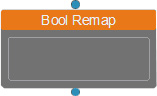
Modifies its execution result based on the success or failure status of its child node. You can define how the node respond to success or failure from its child node by selecting the desired status from the drop-down list of the Parameters section.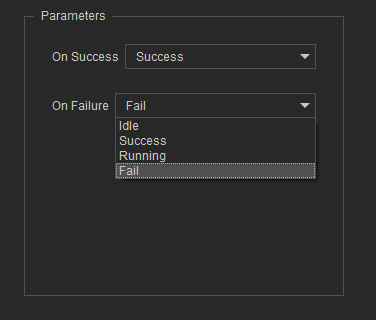
- On Success = Success: When the child node succeeds, this node returns Success to its parent.
- On Success = Fail: When the child node succeeds, this node returns Failure to its parent.
- On Failure = Success: When the child node fails, this node returns Success to its parent.
- On Failure = Fail: When the child node fails, this node returns Failure to its parent.
- Upward Linking: This node can be connected to a Composite or Decorator node.
- Downward Linking: This node can be connected to a Composite, Decorator, or Leaf node. Only one child is allowed.
- Probability
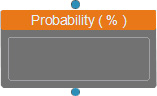
This node executes its child node only if a specified success probability (percentage) set in the Parameters section is met.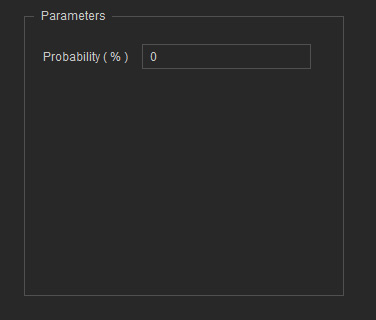
It returns success once its child node has finished executing, regardless of whether it succeeded or failed. If the child is still running, the node continues to return a running state.- Upward Linking: This node can be connected to a Composite or Decorator node.
- Downward Linking: This node can be connected to a Composite, Decorator, or Leaf node. Only one child is allowed.
State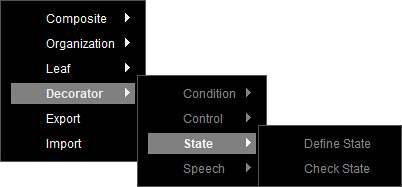
- Define State
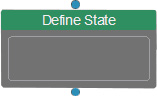
This Boolean-driven node allows categorizing behaviors by linking specific child nodes, giving the node a distinct character trait. For example, if you specify a speaking state (created in the State Manager) to this node in the Parameters section, its child nodes might include Speak-Gen LLM, Speak Player, and other related nodes to define a speaking behavior.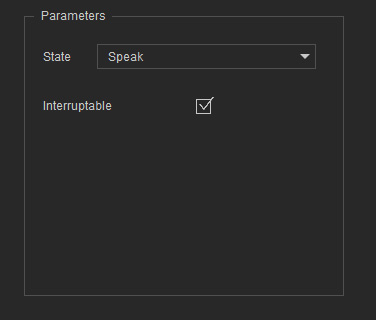
Key Characteristics:- Multiple Define State nodes can co-exist, but they must be children of the State Manager.
- When this node is activated, it interrupts ongoing behaviors and prioritizes its own child nodes.
- This node can be triggered by:
- Composite > State Manager node’s default entry.
- Leaf > State > Switch State node.
- Only one Define State can be active at a time.
- Supports API-based execution for external triggering.
- Upward Linking: This node can only link to the Composite > State Manager node.
- Downward Linking: This node can be connected to a Composite, Decorator, or Leaf node. Only one child is allowed.
- Check State
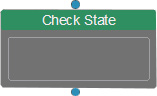
This node acts as a conditional Boolean checker to determine whether execution should proceed. It verifies whether a character state (Define State node) specified in the Parameters section is currently active.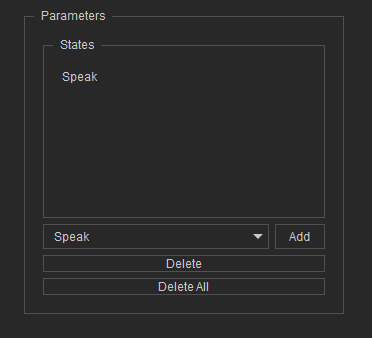
- To add a character state for verification, select the desired Define State from the drop-down list and click on Add to the right.
- Click on Delete to remove a selected state in the list. Or, click the Delete All button to remove all states in the list.
Execution Logic:- When the corresponding Define State node is active, it executes its child node and returns the child's result.
- When the corresponding Define State node is inactive, it returns failure directly without running its child node.
- Upward Linking: This node can be connected to a Composite or Decorator node.
- Downward Linking: This node can be connected to a Composite, Decorator, or Leaf node. Only one child is allowed.
Speech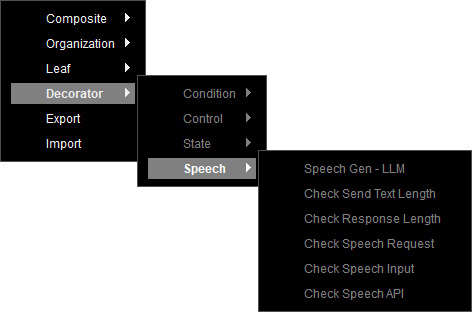
- Speech Gen - LLM
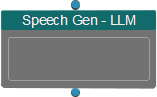
This node functions similarly to the Leaf > Speech Gen - LLM node, but as a decorator node, it allows linking to child nodes and introduces two additional options in the Parameters section.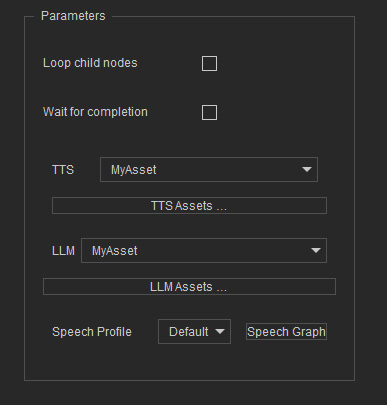
- Loop child nodes: When this node executes successfully, the linked child node will continuously loop until interrupted.
- Wait for complete: When this node executes successfully, it must wait for the linked child node to complete its task before it is considered successful. Otherwise, it remains a running state.
- Upward Linking: This node can link to a Composite or Decorator node.
- Downward Linking: This node can link to a Composite, Decorator, or Leaf node. Only one child is allowed.
- Check Response Length
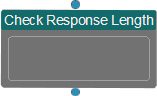
This node functions as a conditional boolean checker to determine whether the node execution is considered successful based on the total number of characters in the LLM's response. The condition is triggered only after the LLM has finished generating the entire response.
In the Parameters section, you can specify a judgment rule from the drop-down list and enter the target word count.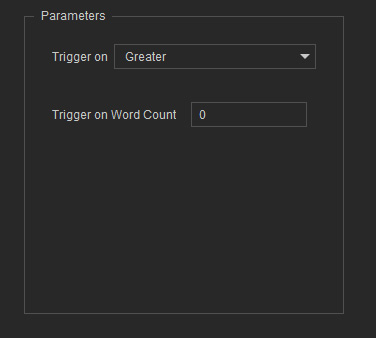
- Greater: Success when the response length is greater than a defined number.
- Less: Success when the response length is less than a defined number.
- Equal: Success when the response length is equal to a defined number.
- Not Equal: Success when the response length is not equal to a defined number.
If the condition is met, the node executes its linked child and returns success as soon as the child completes. On the contrary, if the condition is not met, the node still returns success but does not execute its child node.- Upward Linking: This node can be connected to a Composite or Decorator node.
- Downward Linking: This node can be connected to a Composite, Decorator, or Leaf node. Only one child is allowed.
- Check Send Text Length
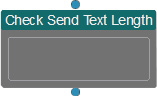
This node functions as a conditional boolean checker to determine whether the node execution is considered successful based on the total number of characters sent via the Send button in the Chat panel.
In the Parameters section, you can specify a evaluation condition from the drop-down list and enter the target word count.- Greater: Success when the request length is greater than a specified number.
- Less: Success when the request length is less than a specified number.
- Equal: Success when the request length is equal to a specified number.
- Not Equal: Success when the request length is not equal to a specified number.
If the condition is met, the node executes its linked child and returns success as soon as the child completes. On the contrary, if the condition is not met, the node still returns success but does not execute its child node.- Upward Linking: This node can be connected to a Composite or Decorator node.
- Downward Linking: This node can be connected to a Composite, Decorator, or Leaf node. Only one child is allowed.
- Check Speech Request
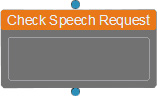
This node functions as a conditional Boolean checker to determine whether it executes successfully based on the speech request via the Chat panel. when text is entered into the input box and the Send button is clicked, the node is considered successful.- Upward Linking: This node can link to a Composite or Decorator node. It usually used as a child of the Priority Pick node, often alongside Check Speak API and Check Speech Input nodes.
- Downward Linking: This node can link to a Composite, Decorator, or Leaf node. Only one child is allowed.
- Check Speech Input
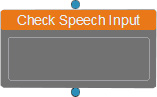
This node acts as a conditional Boolean checker to determine whether execution should proceed. If it detects any keyboard input within the Chat window, the node registers as successful. An API-based execution for external triggering is also supported.
You can set a Trigger Cooldown period in the Parameters section to prevent the result from being re-evaluated within the specified period of time (in seconds).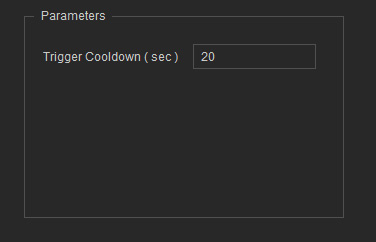
- Upward Linking: This node can link to a Composite or Decorator node. It usually used as a child of the Priority Pick node, often alongside Check Speech Request and Check Speak API nodes.
- Downward Linking: This node can link to a Composite, Decorator, or Leaf node. Only one child is allowed.
- Check Speech API
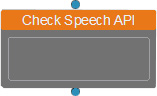
This node is exclusively used for API-based execution and is triggered only when an API call is received. It acts as a conditional Boolean trigger to determine whether it executes successfully. The success condition is met when an API call is detected, and the API content contains text data to facilitate subsequent animation generation.- Upward Linking: This node can link to a Composite or Decorator node. It usually used as a child of the Priority Pick node, often alongside Check Speech Request and Check Speech Input nodes.
- Downward Linking: This node can link to a Composite, Decorator, or Leaf node. Only one child is allowed.
