Creating State Machine
A state machine is used to visualize different character states and implement the behavior loop from idle to speak.
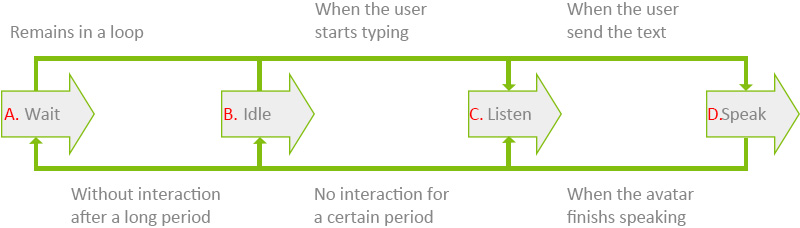
- Wait state.
- Idle state.
- Listen state.
- Speak state.
Follow the instruction below to build these states in the Behavior Tree.
- In the Behavior Tree graph, right-click on the empty area and select Composite > State Manager.
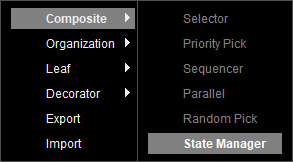
- A State Manager node is created.
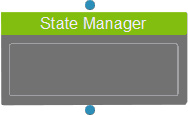
Select the node to show its corresponding settings in the Parameters section on the right.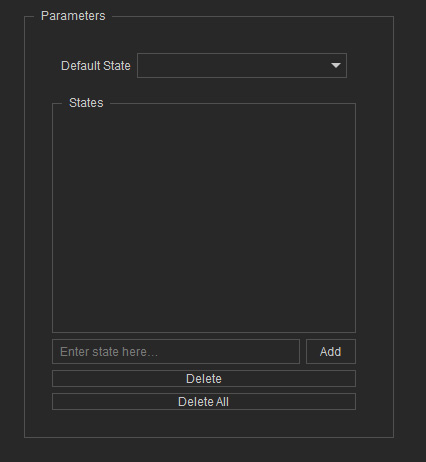
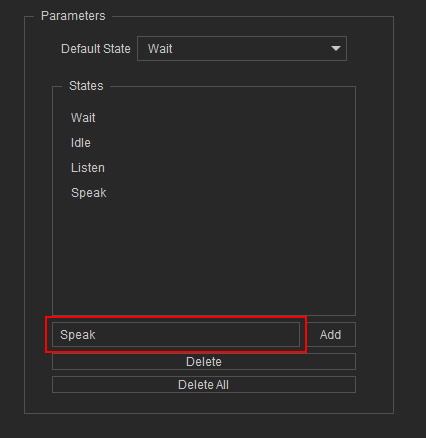
- Add a state by typing the state name in the text field and clicking on Add to the right.
The created state will be added to the list above.
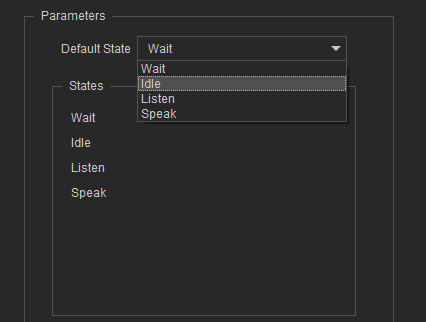
- Select the Idle state as the default state from the drop-down list.
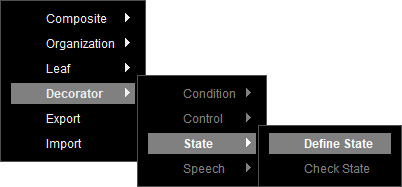
- To create a state node, right-click on the empty area and select Decorator > State > Define State.
- A Define State node is created.
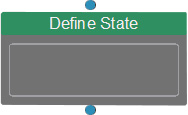
Select the node to show its corresponding settings in the Parameters section on the right.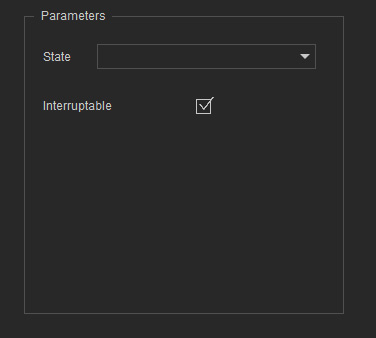
- Specify a state for the node from the drop-down list.
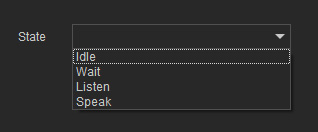
- After creating all state nodes, connect them to the State Manager.
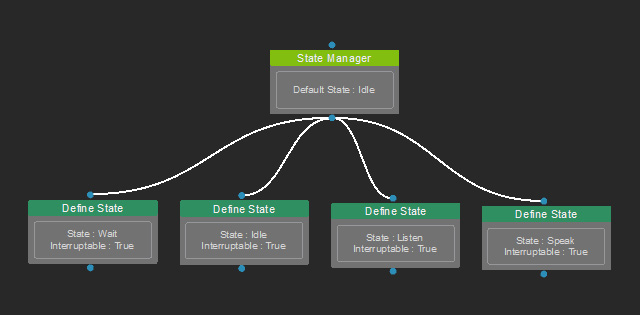
- Switch between states to complete the behavior flow.
