Launching Video Mocap
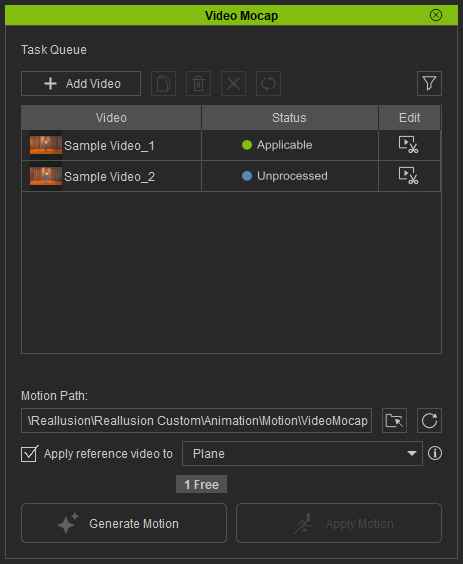
You can launch the Video Mocap plug-in from the main menu or dedicated toolbar in iClone.
Main Menu
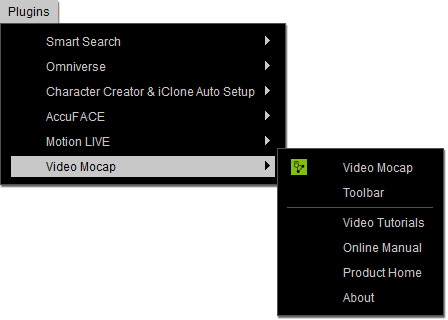
Go to the Plugins > Video Mocap menu on the main menu. The Video Mocap menu contains the following commands:
- Video Mocap: Launches the Video Mocap panel.
- Toolbar: Toggles the Video Mocap toolbar.
- Video Tutorials: Launches the official webpage for complete instructional videos.
- Online Manual: Accesses the online manual.
- Product Home: Accesses the Video Mocap homepage.
- About: Shows the product information for the Video Mocap plugin.
Toolbar

- Click on the icon to launch the Video Mocap panel.
-
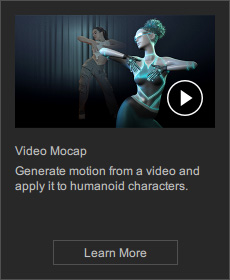
Hover over the icon to show a quick video guide and open the online manual by clicking the Learn More button.
Refer to the Video Mocap Panel section for the user interface introduction.
