Denoising Facial Performances 
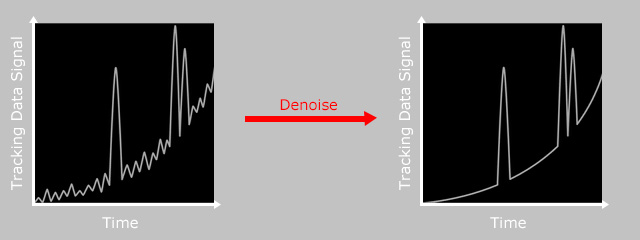
While recording facial performances, you may encounter unwanted jittering in the recording. You can remove these artifacts and still preserve prominent facial expressions by activating the denoise function.
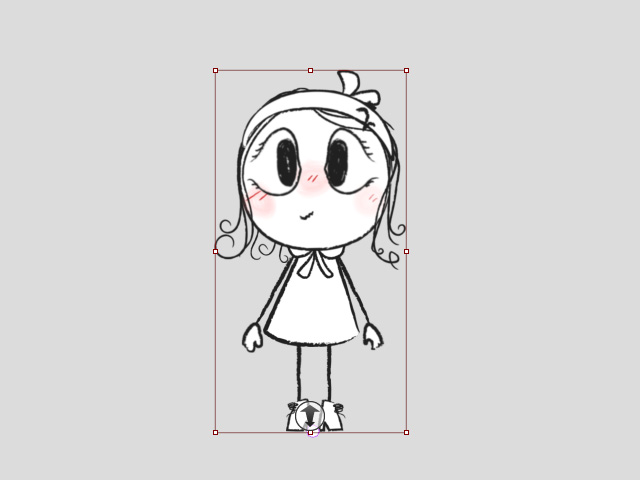
- Ensure the character is selected.
- Click the Motion LIVE 2D
 button on the Add-on Toolbar.
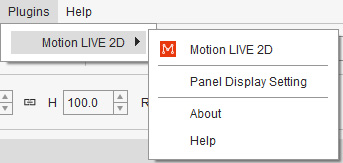
Alternatively, go to Plugins > Motion LIVE 2D > Motion LIVE 2D.
button on the Add-on Toolbar.
Alternatively, go to Plugins > Motion LIVE 2D > Motion LIVE 2D.
- When the Motion LIVE 2D panel displays, start connecting to a facial mocap device.
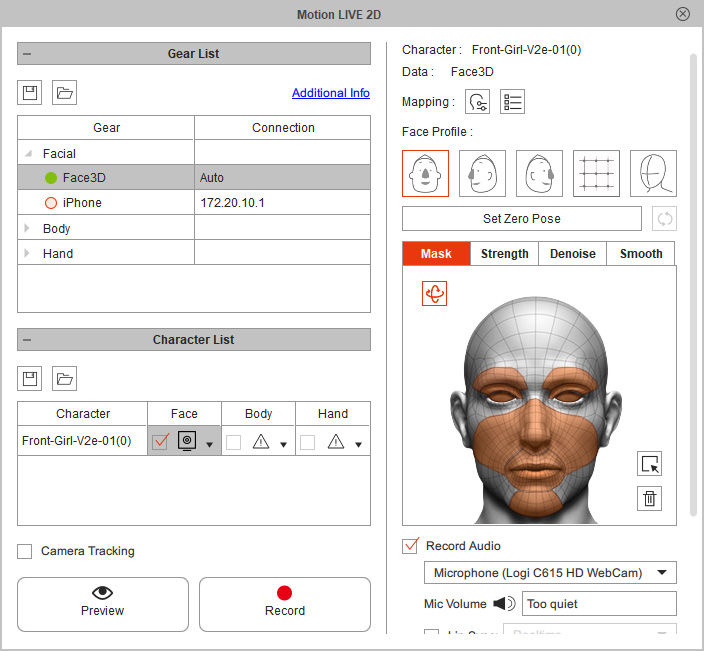
- Enter the Preview mode.
In this case, the eyeball jitters are quite noticeable.
- To remove the unwanted noise from certain facial parts, go to the Face setting page; switch to the Denoise tab.
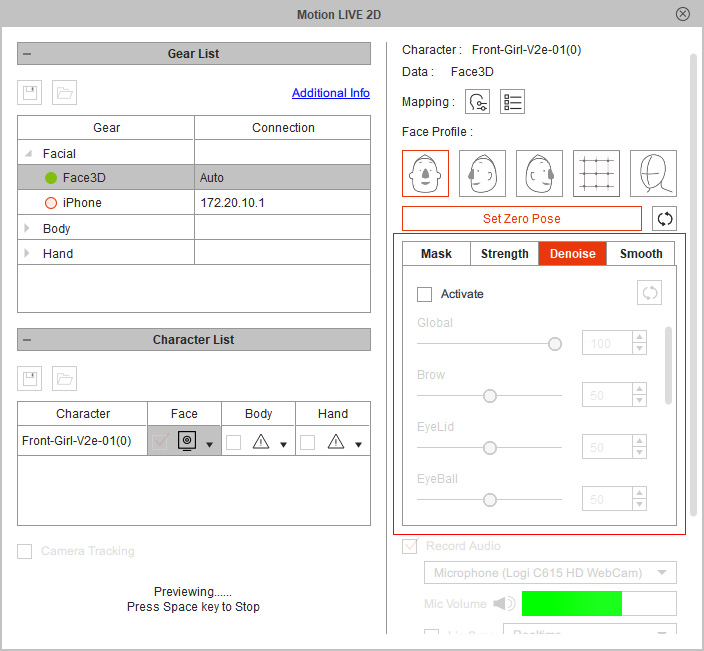
- Enable the Activate checkbox.
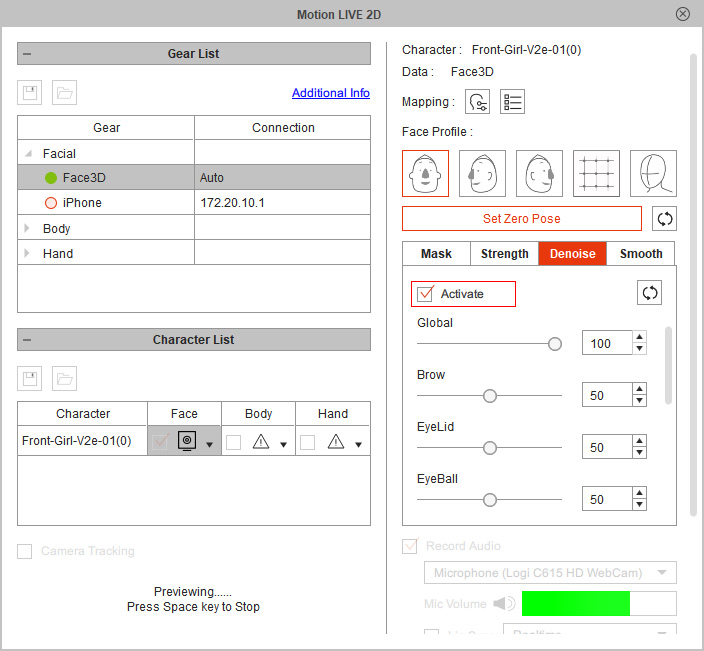
- Use the sliders to reduce jittering on parts where it is most severe.
- Compare the facial mocap results, before and after denoised.
