Keeping Absolute Relations between Hip and Hands
If the hand positions and orientations are already adjusted to your satisfaction and you want to prevent AI computations from altering them, you can activate the Hip Influences Upper Body feature. This ensures the absolute relationship between the hip and hands remains unchanged.
- Deploy a character.
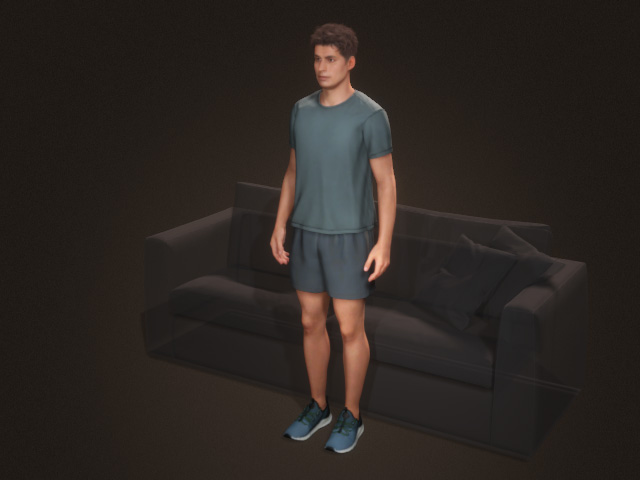
- Select the character and open the AccuPOSE panel.
- Apply a pose preset from the library or pose the character with
Control Panel.
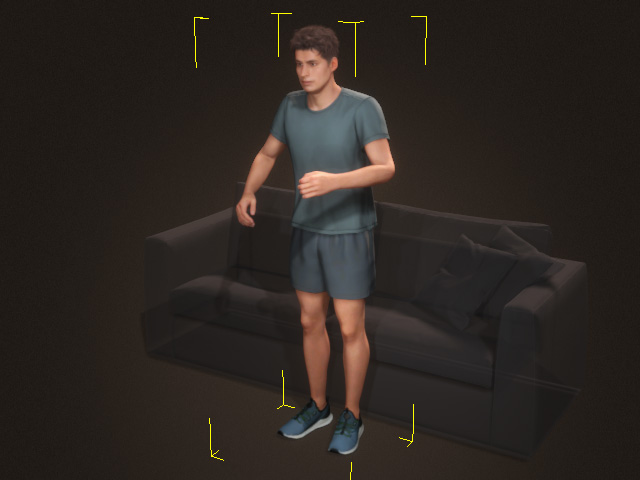
- Select the hip control point and translate or rotate it. The
hands poses will constantly change due to AI computations.
- If you activate the Translation and Rotation states of the hands, then the hands stays where they are while the hip moves or turns.
- Activate the Hip Influences Upper Body button.
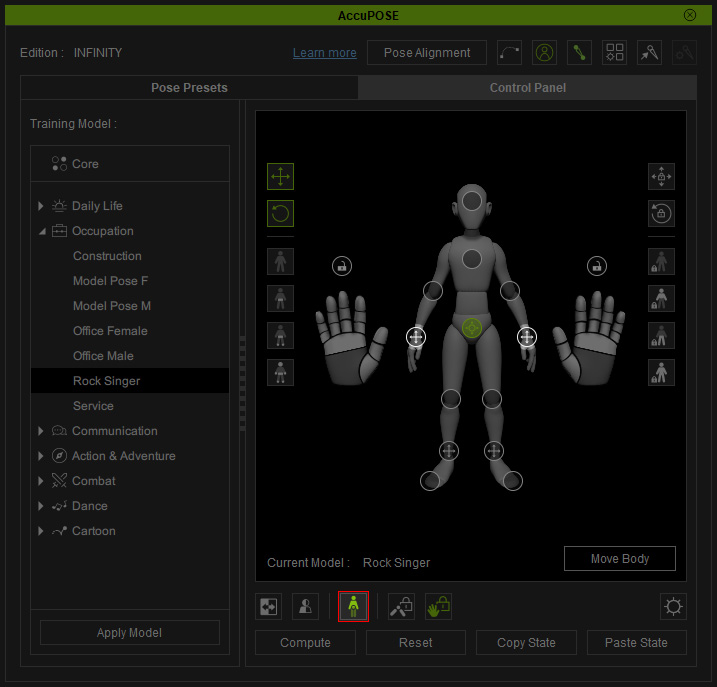
Notice that the hands' translation and rotation settings are automatically activated. - Adjust the hips translation or rotation settings. As you can see the poses of the hands remains while the hip is adjusted.
