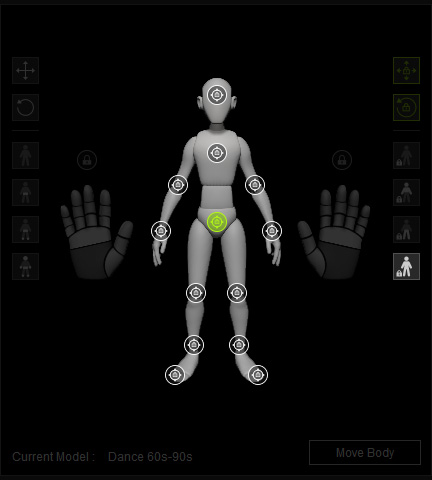
Locking Control Points
AccuPOSE lets you lock control point gizmos to keep specific body parts in place. These locks prevent AI adjustments to the control points when creating a new pose. Unlike manual translation and rotation modes, which may shift slightly with extreme poses, locked points maintain their position and rotation more firmly.
Control Point Locking States
There are three types of locking for control points that configure the possible combinations of translation and rotational constraints.
-
 Lock Translation: Lets the control point be locked to its initial position while the rotation can be manually adjusted or AccuPOSE-computed.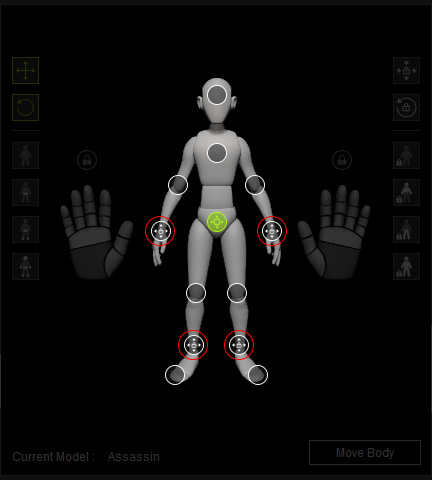
The translation of the hands and feet are locked.
Training Model, AssassinAdjust the hip control point. The translation of the hands and feet are locked.
-
 Lock Rotation: Lets he control point be locked to its initial orientation while the translation can be manually adjusted or AccuPOSE-comupted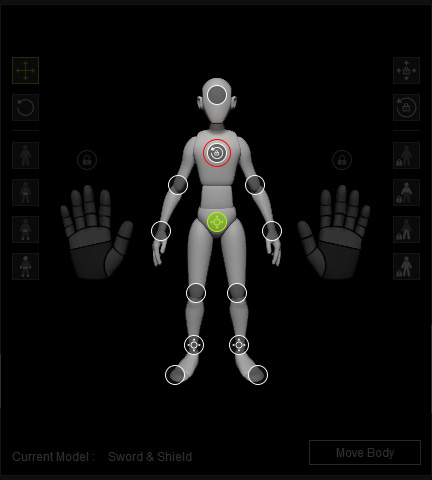
The rotation of the chest is locked.
Training Model: Sword & ShieldRotate the hip control point. The rotation of the chest is locked.
-
 Lock Translation, Rotation: Both the translation and rotation are locked.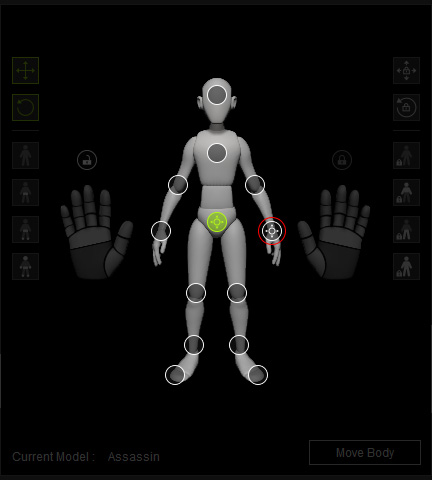
The translation and rotation of the left hand are locked.
Training Model: AssassinAdjust the hip control point. The translation and rotation of the left hand are locked.
Locking Control Point
To lock specific control points of all movement, follow the steps below:
- Select the desired control point on the control panel diagram, or directly pick from the viewport.
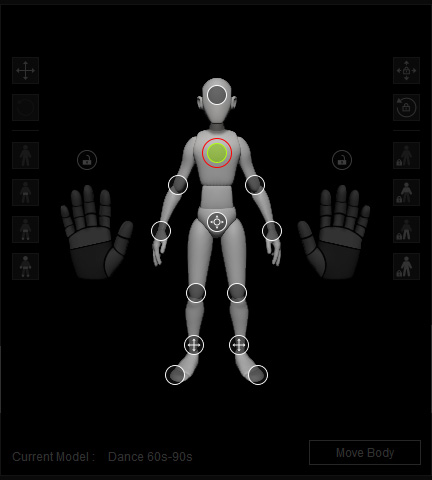
- Click the Translation or Rotation button on the right side of the pane to change the states of the control point.
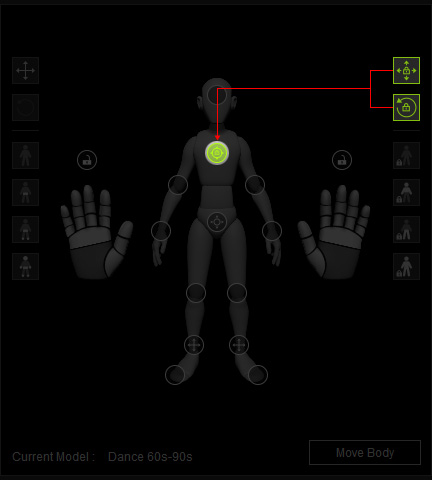
The control point gizmo on the viewport will change instantly.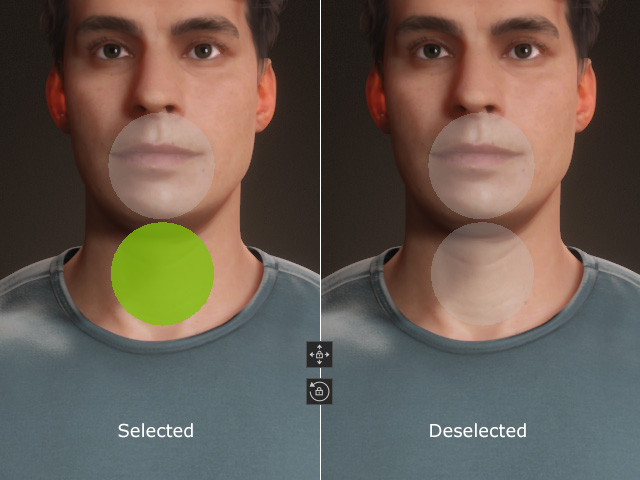
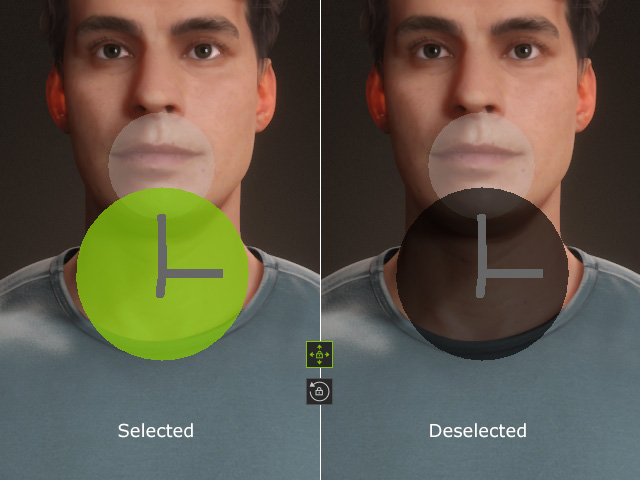
Translation: Unlocked
Rotation: UnlockedTranslation: Locked
Rotation: Unlocked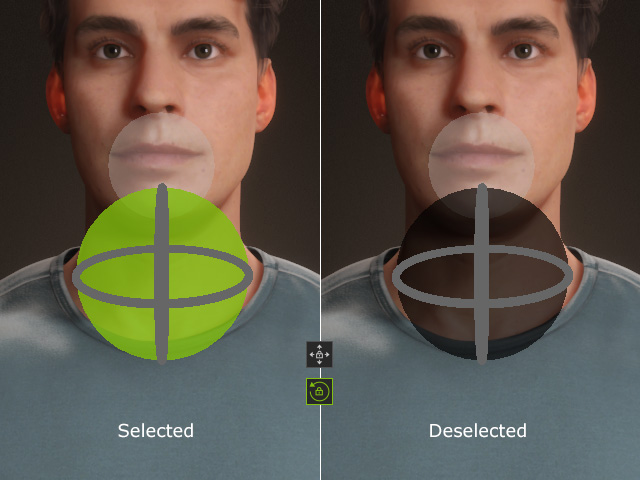
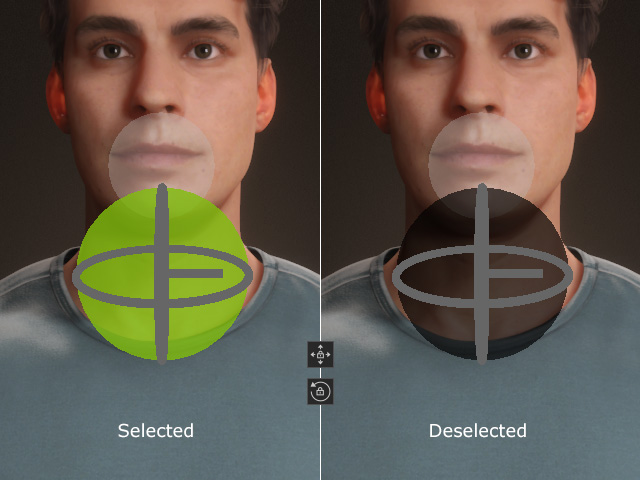
Translation: Unlocked
Rotation: LockedTranslation: Locked
Rotation: Locked - When you change the training model or manipulate any other control points, the locked control points stay in place.
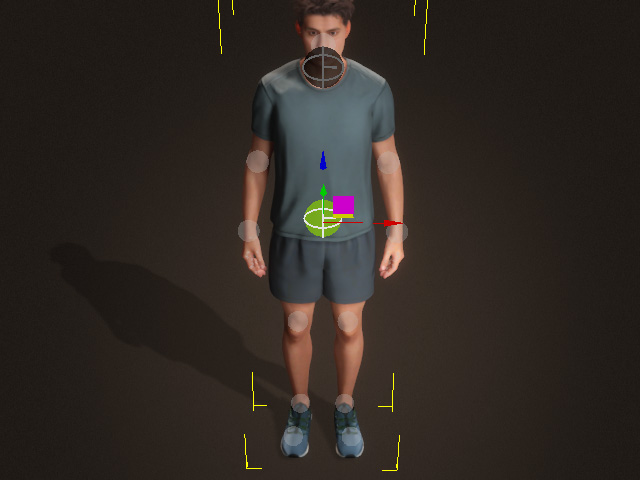
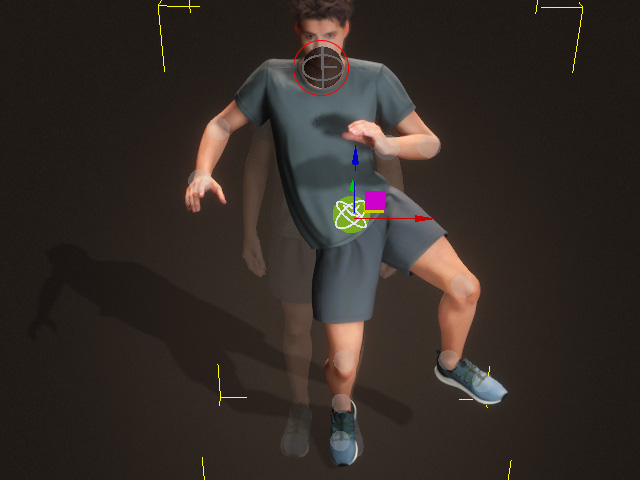
Before
After
Quick Locking for Control Points
There are four locking presets on the right side of the control panel.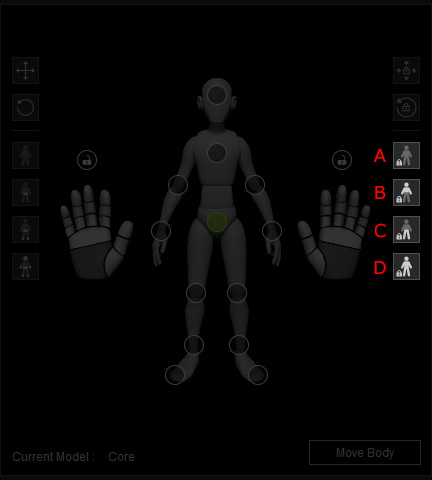
- Clear Lock: Unlocks all control points.
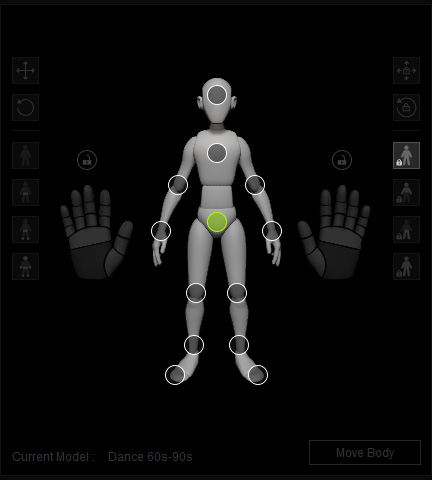
- Lock Upper: Locks the upper body's control points, including the head, spine, arms, hands and fingers.
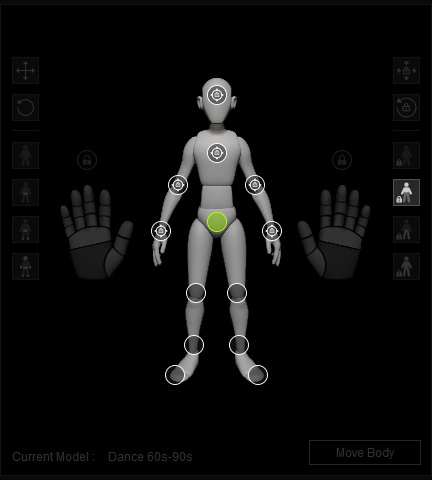
- Lock Lower: Locks the lower body's control points, including the hip, legs and toes.
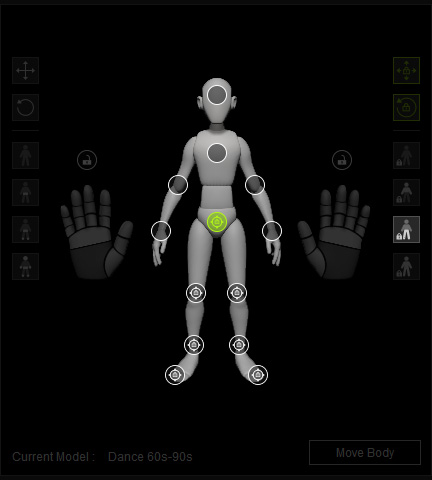
- Lock All: Locks all control points.