Ready-Made Motions for Actors
The actors you have uploaded from AccuRIG can utilize all the available motions in the ActorCore store. This makes it possible to use a variety of different motions to display the actors for other people to view or test the model’s integrity with rigging and skin-weights applied.
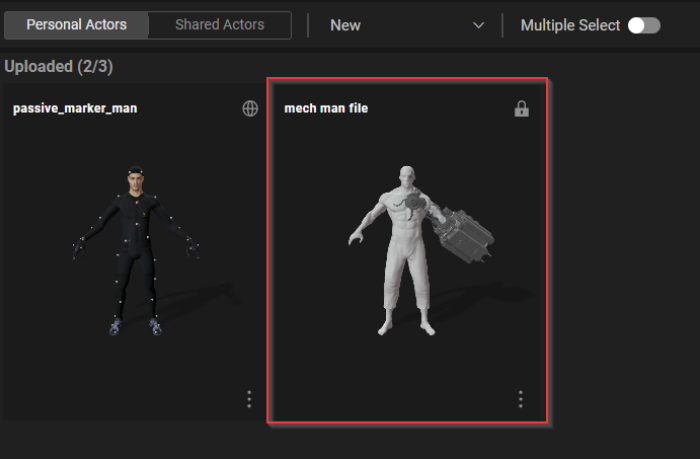
- On the Uploaded Actors > Personal Actors page, click on the actor you want to apply motion to.
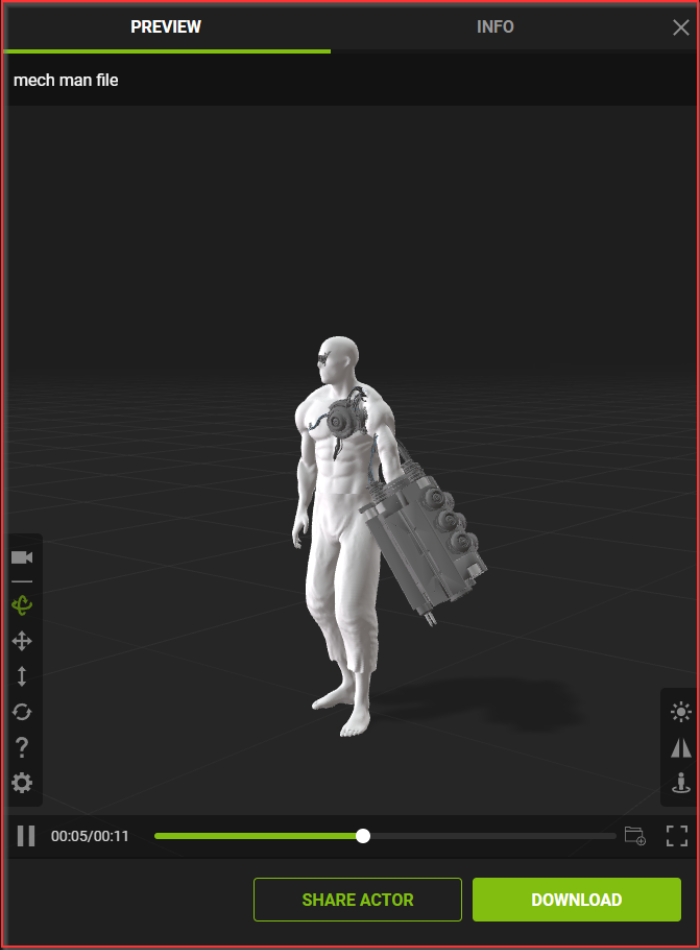
- Once selected, a viewport will appear on the right side of the page.
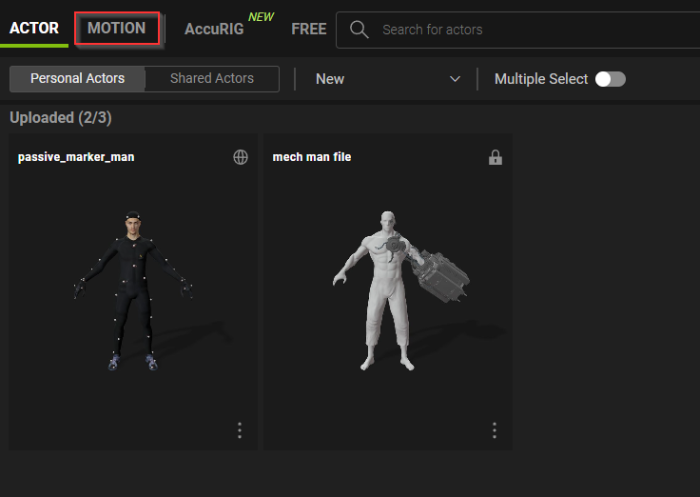
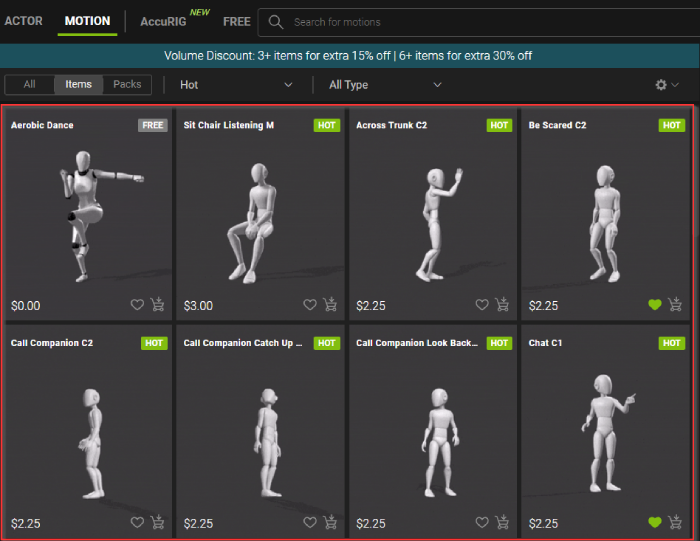
- Select MOTION from the top menu bar to view the available motions in the AccRIG store.
-
The available motions will be available under the pack section. Use the scroll-wheel to browse the catalog and click on the thumbnail for the motion you would like to apply.
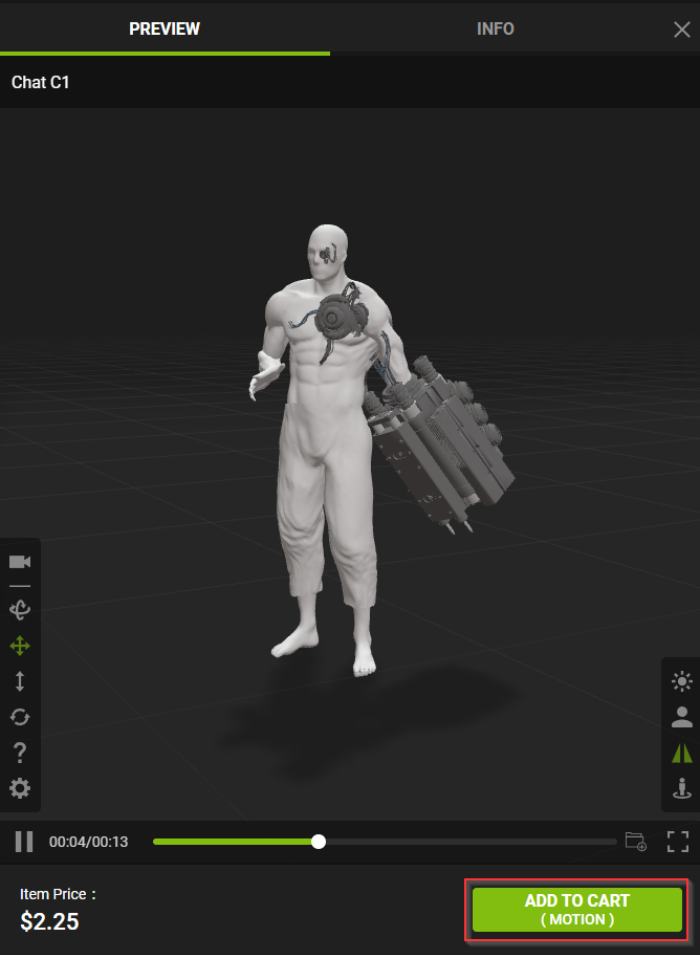
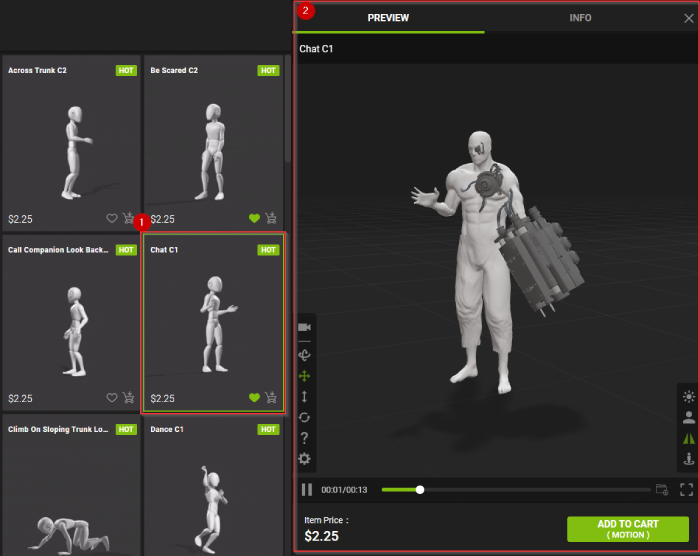
- The selected motion will automatically apply to the actor.
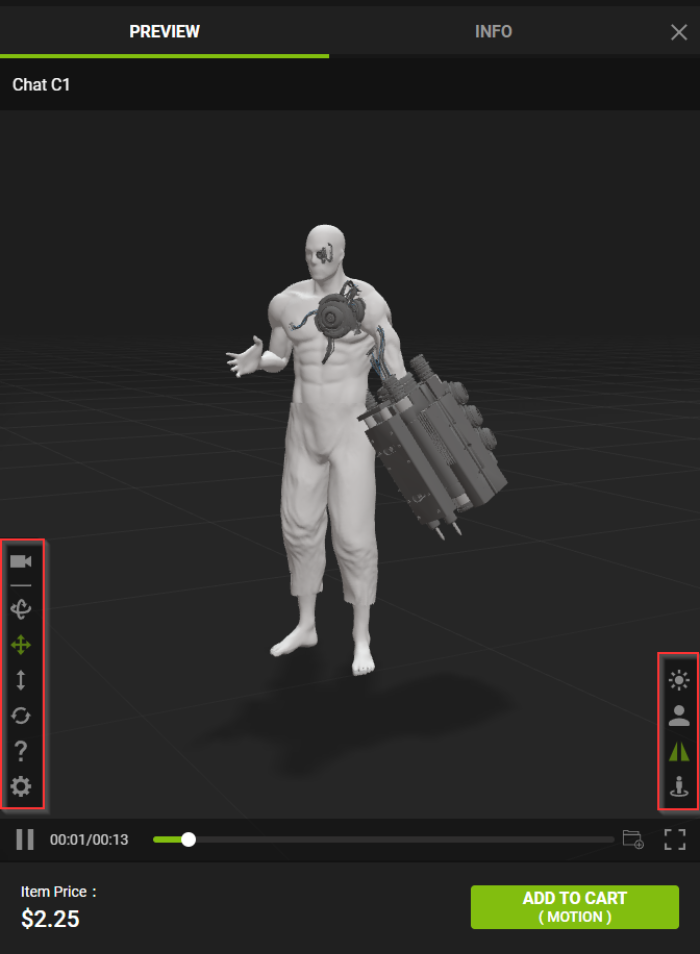
- Use the viewport tools to inspect the model for compatibility issues with the current motion, such as faulty skin-weights.
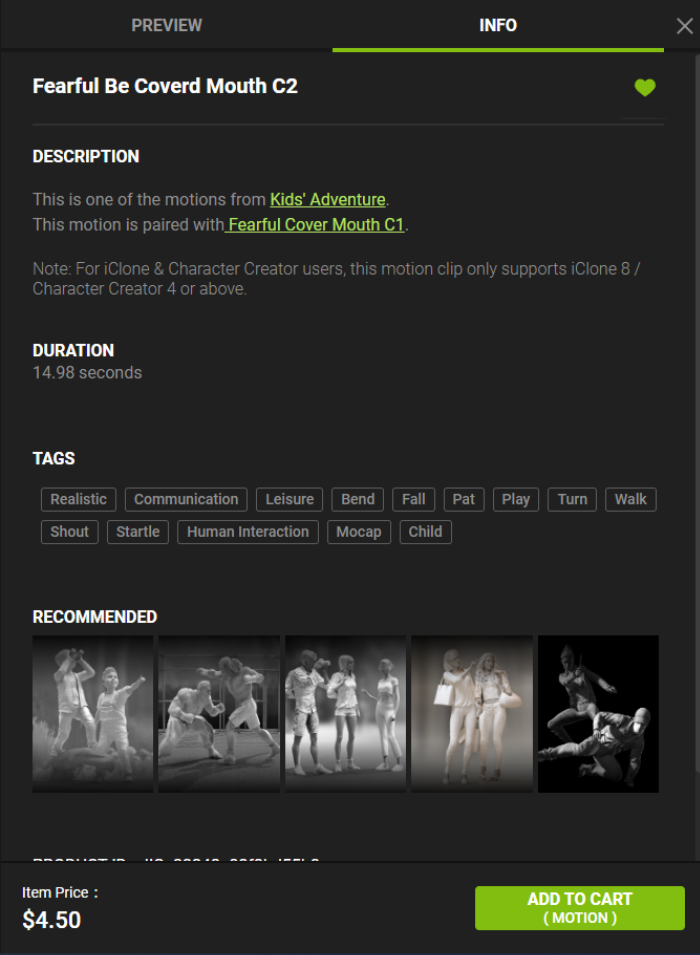
- Select the INFO tab to view the motion’s metadata.
 Note:
Note:The INFO section contains all the relevant information for the current motion.
- Heart icons: Marks this motion as your favorite.

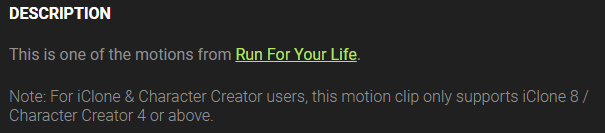
- DESCRIPTION: Contains information about this motion and the pack that it originated from, including the type of actor it is suitable for.
- DURATION: The total length of time for this motion to play from start to finish.

- TAGS: Contains all the keywords that are related to this motion.

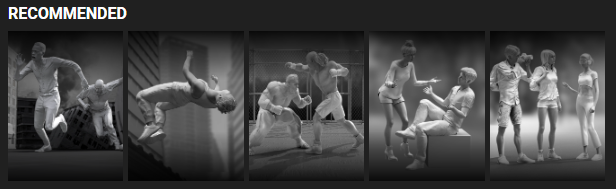
- RECOMMENDED: Shows other motions that are related or compatible with the current motion.
- PRODUCT ID: The serial number of this motion. This ID lets you identify the motions you have purchased and help you quickly resolve any potential issues with the motions.

- Item Price: The purchase price for this motion.

- Heart icons: Marks this motion as your favorite.
- If you would like to purchase the motion, click on the ADD TO CART button on the bottom-right corner of the viewport.