Transforming Overall Character Shapes
Use ActorMIXER Pro to convert your characters into MIXER Presets and blend their overall shapes into a new character.
This example uses purchased characters.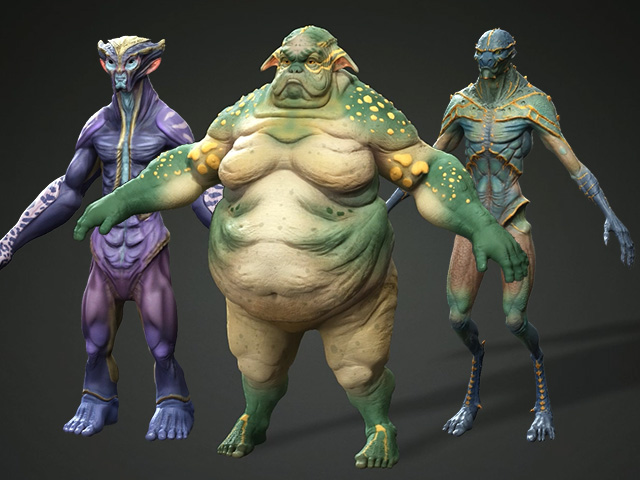
Preparing the Characters
- Convert these characters to Mixer Presets with Create Mixer Assets panel.
- Select the Character tab in the ActorMIXER panel and customize the wheel using the generated presets.
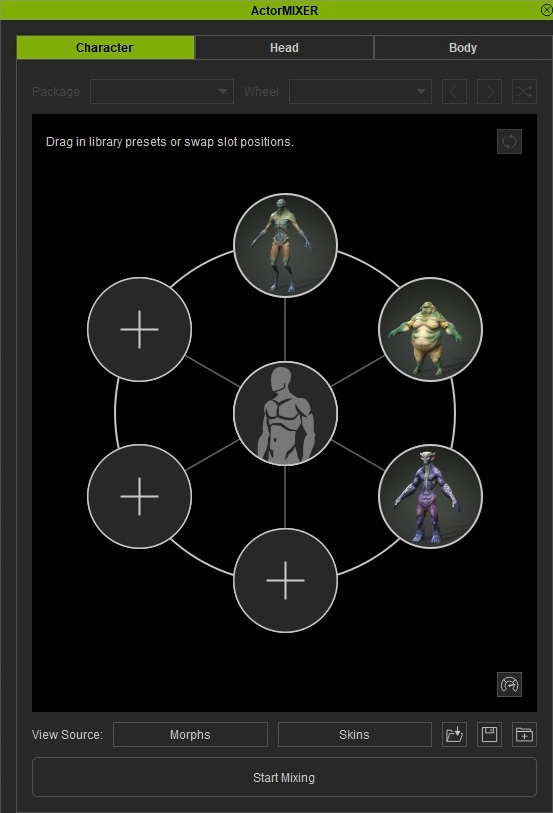
- Apply one of the characters as the base character.
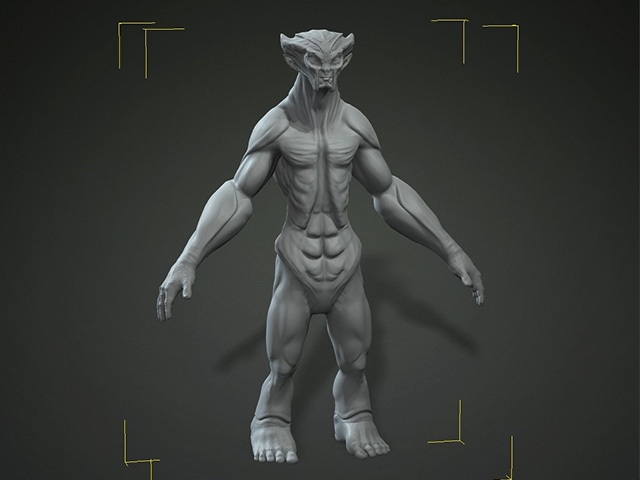
- Lower the character’s subdivision level and remove its skin to make the shape easier to inspect.
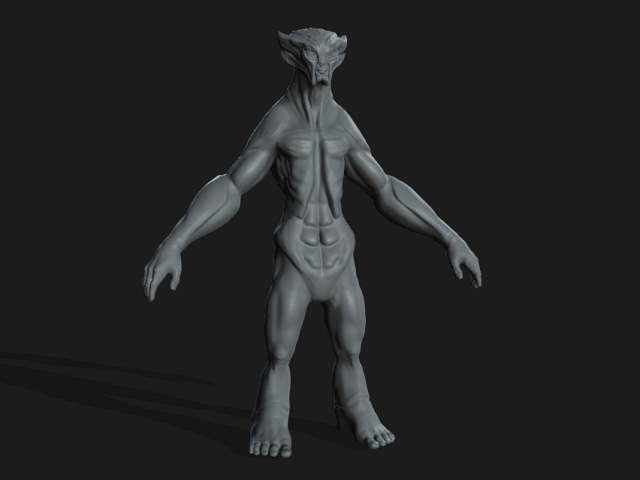
Mixing the Character Shape
- Start mixing and adjust the blend points on the part wheels to reshape the character.
- Stop mixing when you are satisfied with the character’s shape.
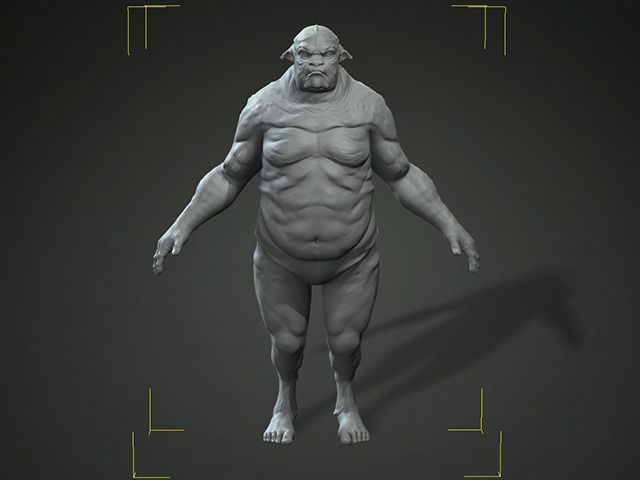
- Apply skin to the character.
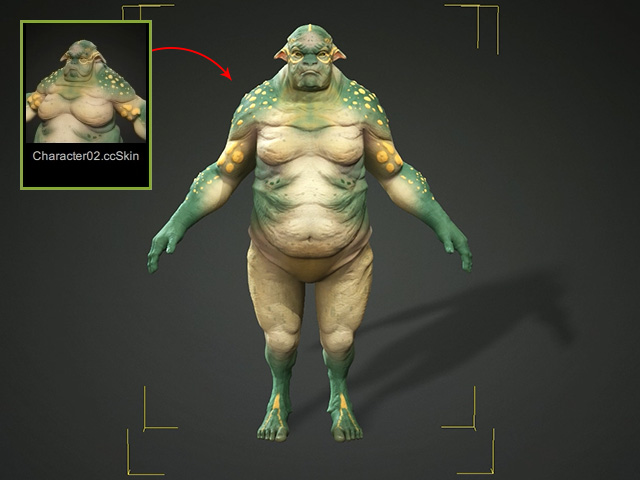
For an example of adjusting body shapes and body ratio using another character from the same character pack, see Transforming Body Shapes and Ratio.
