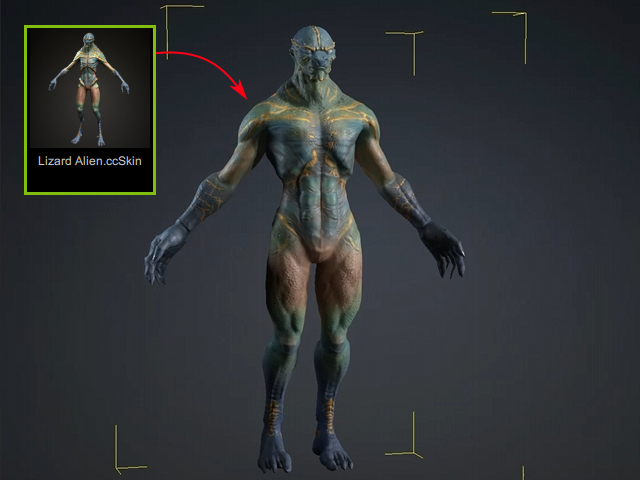
Transforming Body Shape and Ratio
This example uses another character from the same character pack introduced in Transforming Overall Character Shapes. Use Body Shapes and Body Ratio in ActorMIXER Pro to adjust the character’s body.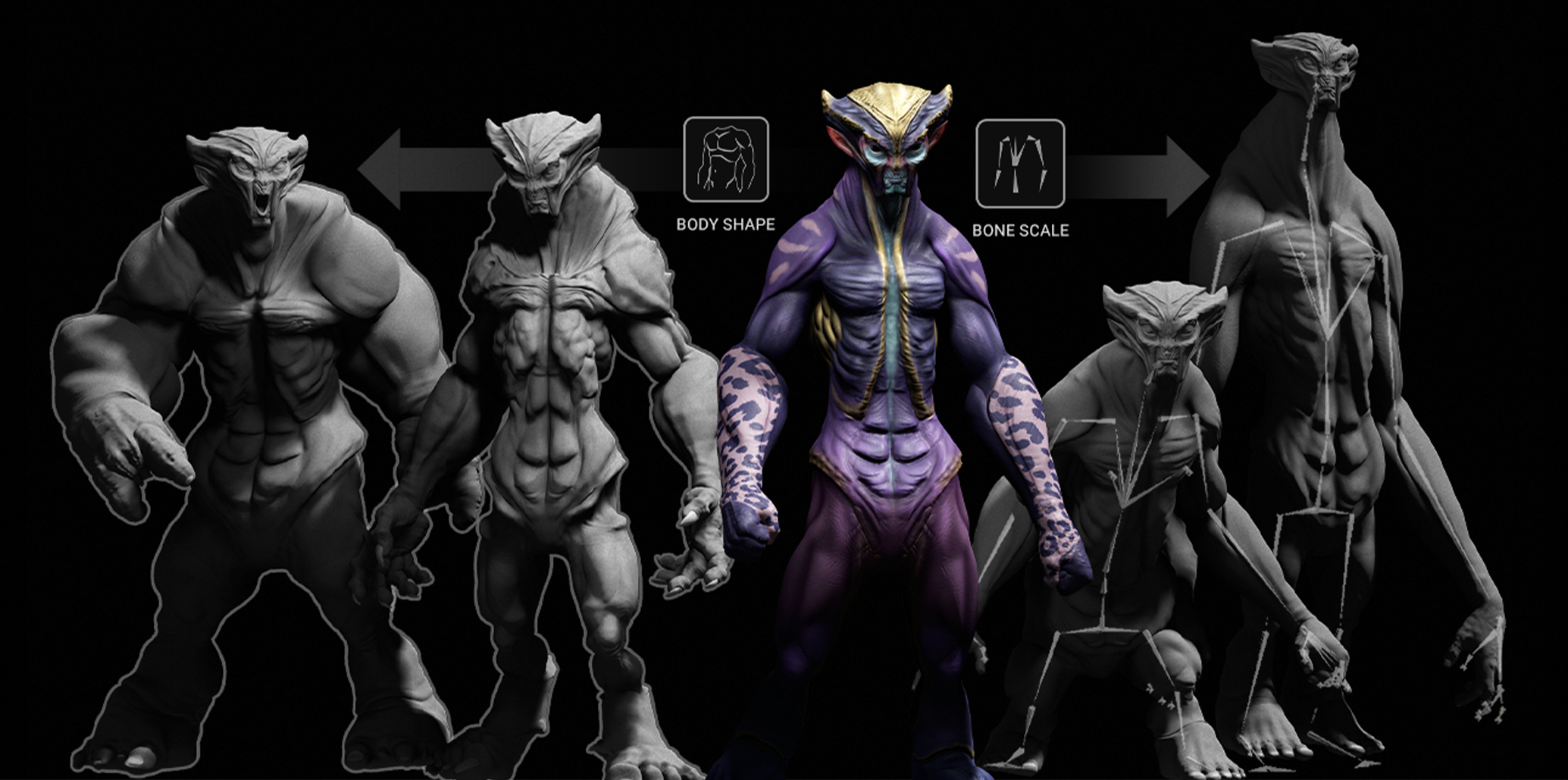
Preparing the Characters
- If the purchased package does not include MIXER Presets, create them using the Create Mixer Assets panel.
- Customize the body-part wheels in the ActorMIXER panel using the presets.
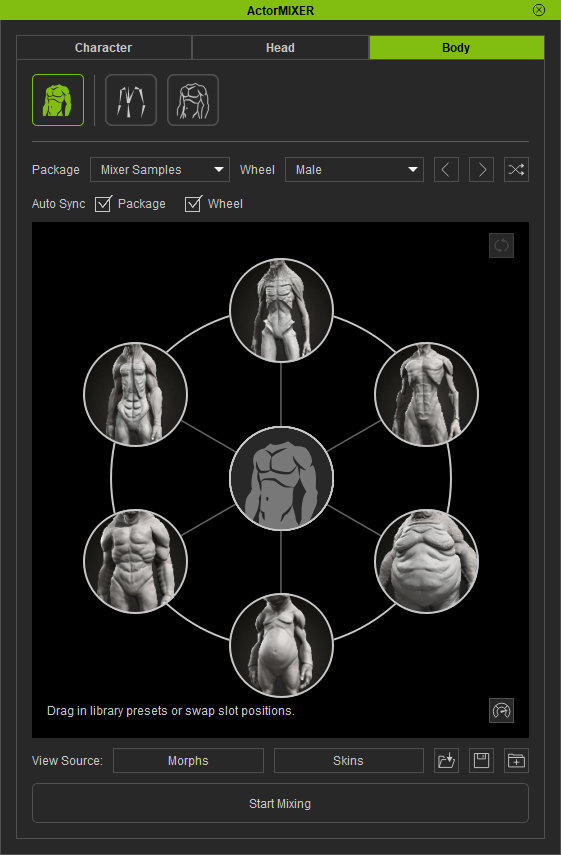
- Apply one of the characters as the base character.
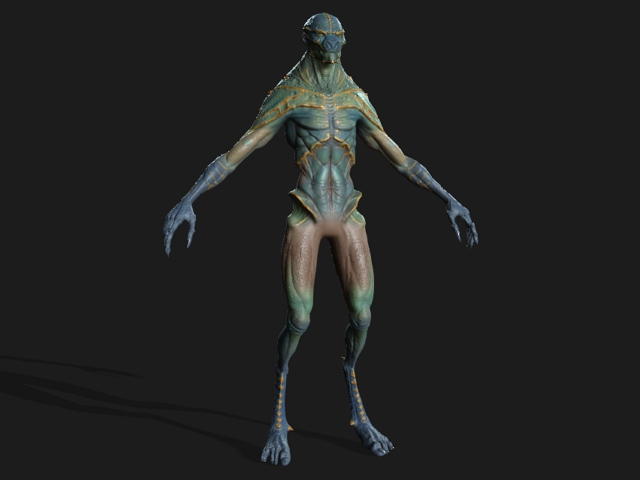
- Lower its subdivision level and remove its skin to make the shape easier to inspect.
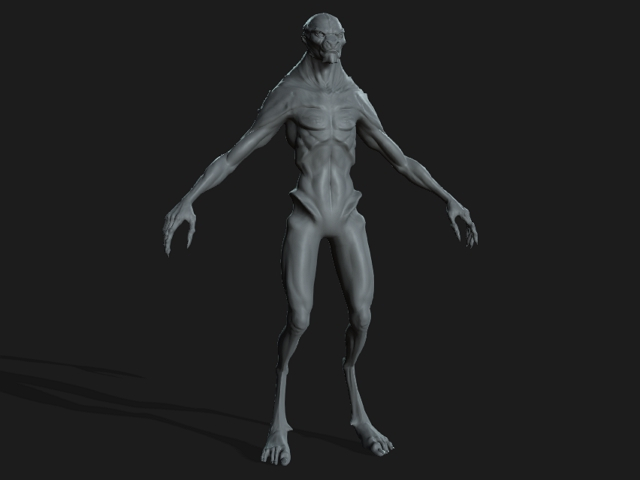
Mixing Body Shapes and Body Ratio
- Click Start Mixing. Select Body Shapes or Body Ratio and drag the blend point within the corresponding wheel to adjust the character’s body.
- Stop mixing when you are satisfied with the body.
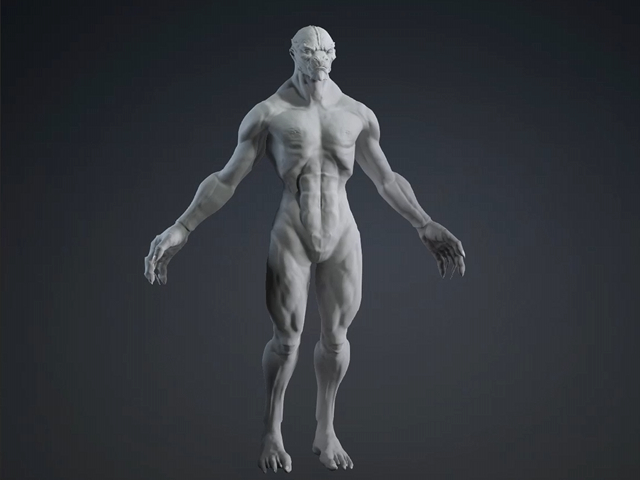
- Apply skin to the character.