Fully Transforming Head Shapes
ActorMIXER lets you blend the facial details to craft unique characters of your own design. Not only to the entire head but also the individual facial parts, however, they all apply with the same transformation method.
Preparation
Before start mixing, you need to commence some steps to prepare the character.
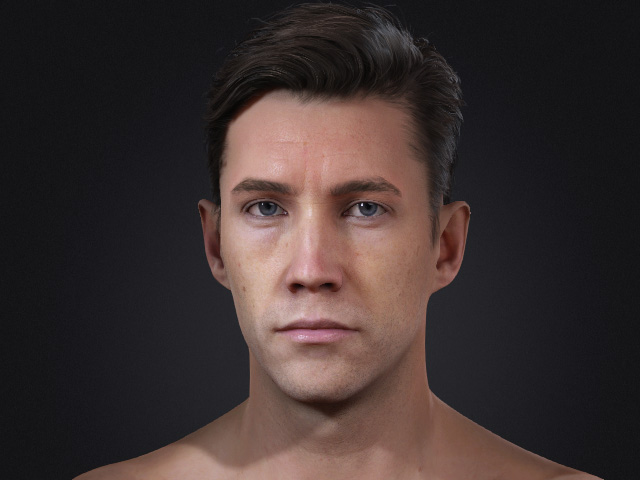
- Create a character with any types of morph sliders (General, HD, Mixer).
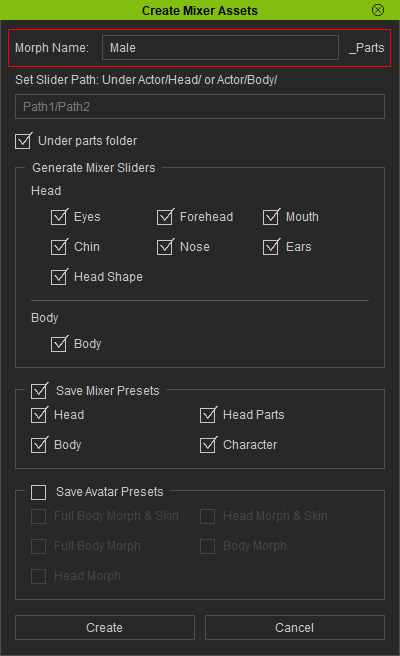
- Open the Create Mixer Assets panel.
- In the Create Mixer Assets panel, type in the name. Click the Create button with default settings.
- The character's current shape will be converted to Mixer Sliders (you can choose the Currently Used item from the left side to find out all of them).
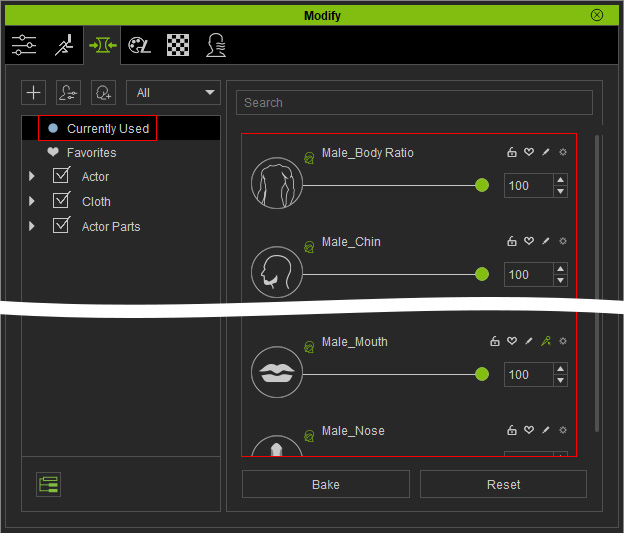
** Note that these Mixer Sliders values will be affected to increase or decrease during the Mixing procedure.
Using ActorMIXER to Fully Reshape the Character's Head
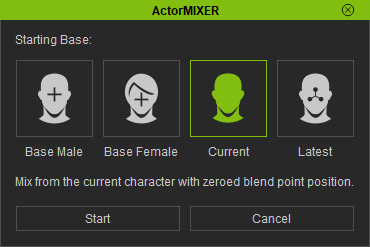
- Launch ActorMIXER panel. Make sure you choose the Current mode and click the Start button.
- Switch to the Head > Head wheel page. Click the Start Mixing button at the bottom of the panel.
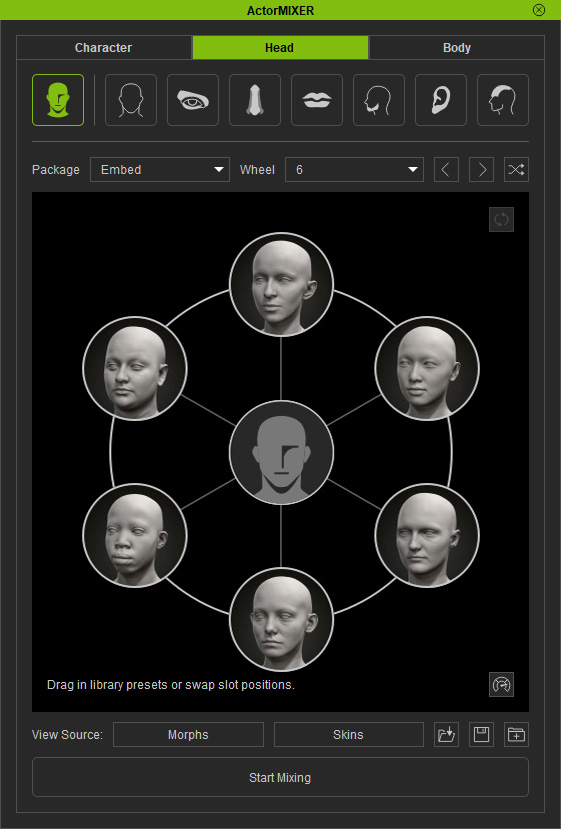
- Drag the green blend point around in the wheel, not only to the head but also the facial parts (eyes, nose...).
