Packing Wheels
If you have already saved Mixer Wheels (*.ccMixerLayout), you can bundle them into a Package. This allows you not only to reuse them locally, but also to share the package along with the Mixer Sliders to other computers, restoring the ActorMIXER mixing environment and saving the time of rebuilding it from scratch.
- Make sure you have saved mixer wheels (can be one wheel or multiple wheels) to Mixer Layout files (*.ccMixerLayout) in one directory.
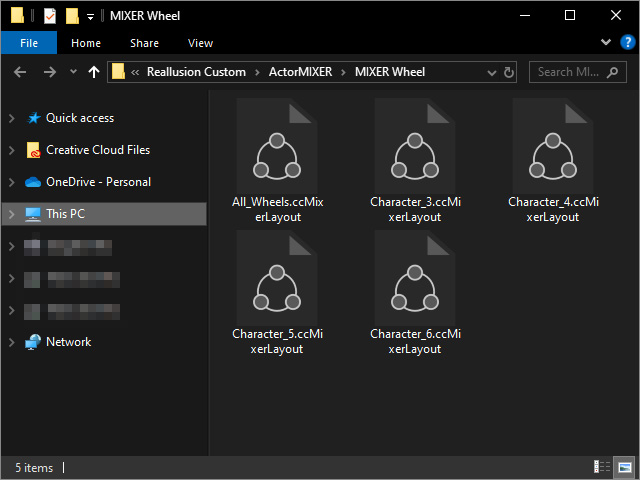
In this case:- All_Wheels: Custom name, in which all wheels of character's parts are saved.
- Character_3 ~ 6: Custom name, in which only the character's Character Wheels with 3, 4, 5, 6 targets are save.
- Open the ActorMIXER panel and click the Save Package button.
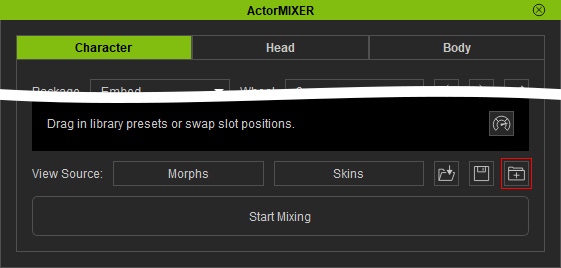
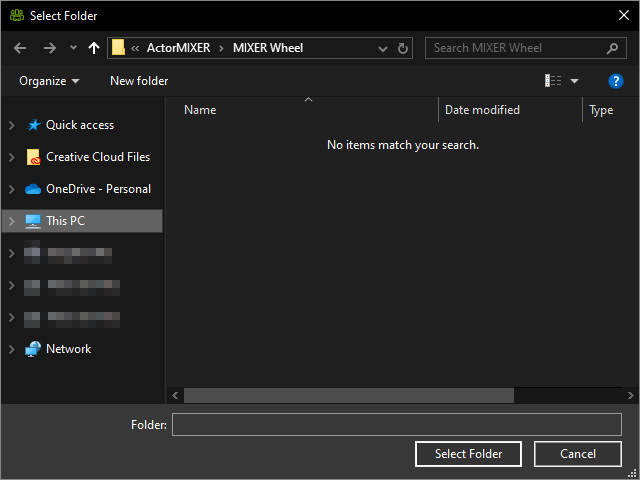
- Select the folder where the layout files sit (C:\Users\Public\Documents\Reallusion\Reallusion Custom\ActorMIXER\MIXER Wheel, by default). Click the Select Folder button.
- Activate / deactivate the checkboxes to specify the wheels that you want to save into the package.
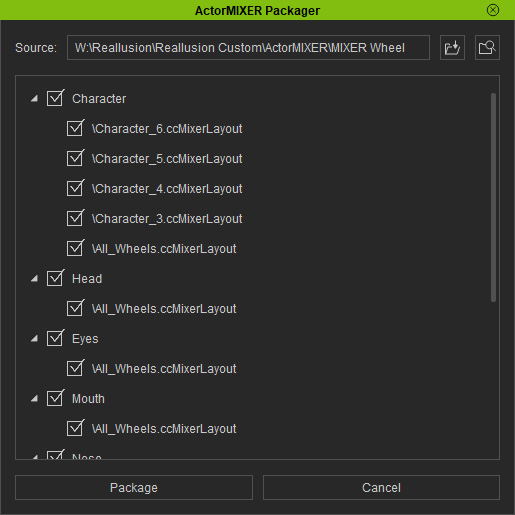
- The first level nodes are the categories in the ActorMIXER
- The sub items are the wheels belonging to their corresponding categories.
- Click the Package button to pack the wheels.
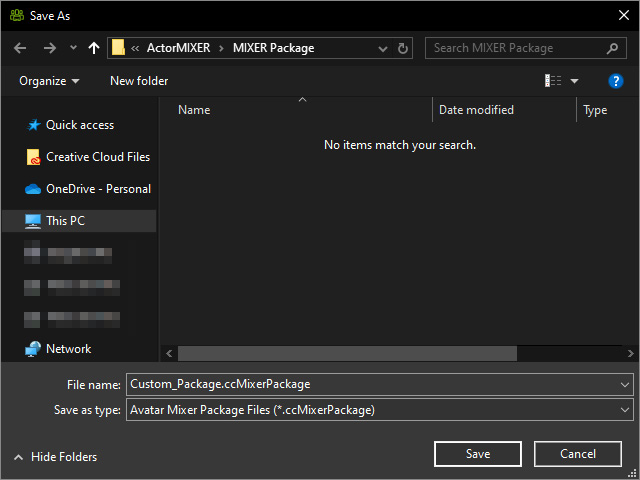
- Select a folder to save the package (C:\Users\Public\Documents\Reallusion\Reallusion Custom\ActorMIXER\MIXER Package, by default). Name the package and click the Save button to save the package (*.ccMixerPackage).
- You will find the package in the Content Manager.
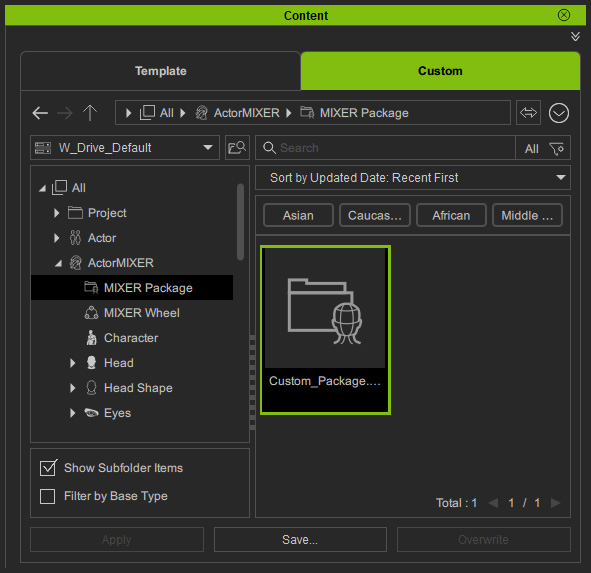
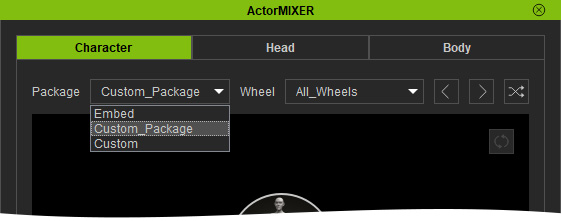
If you save the package elsewhere instead rather than the default path, make sure you copy and paste it into the MIXER Package custom folder. - In the ActorMIXER panel, you will see the newly saved Package appear in the Package drop-down menu.
And in the Wheel drop-down menu, you will see all previously saved wheels.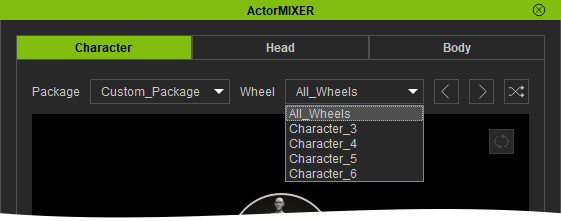
Choose either of the items on the list to rebuild the wheel.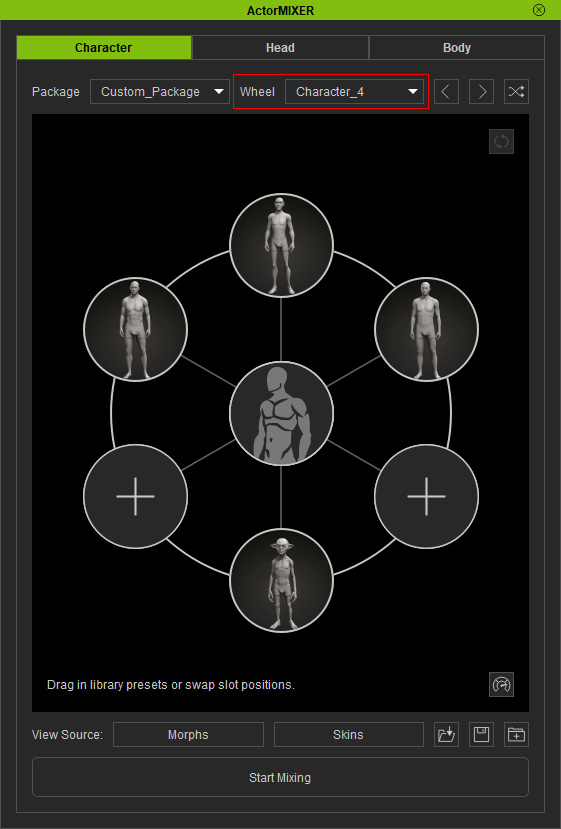
Note for Sharing Packages:
If you want to share the newly saved Package to another computer to rebuild the Wheels, make sure to also include all the Mixer Sliders it uses. Otherwise, when selecting a Wheel, a warning message will appear indicating that some Mixer Sliders are missing, and any targets that rely on those sliders will be cleared.
