Installing Character Creator & iClone Auto-setup All-in-One for Unreal
The Character Creator & iClone Auto Setup All-in-One can be manually installed into Unreal Plugins folder in order to be applicable in Unreal. ( Watch Video )
Installing Character and iClone Auto-setup All-in-One for Unreal 5.6 - 5.8
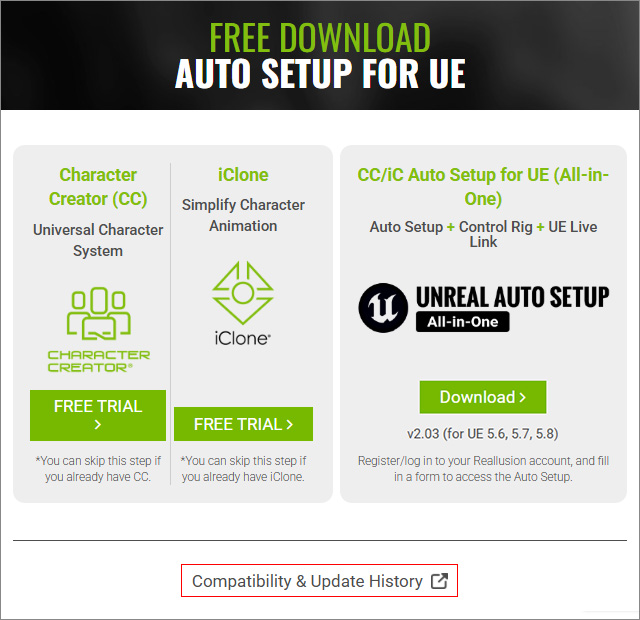
- Go to the Character Creator & iClone Auto Setup (All-in-One) official download site.
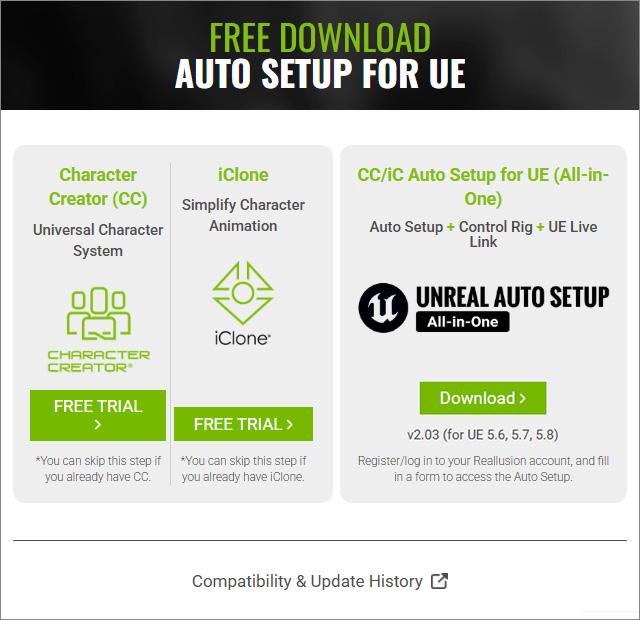
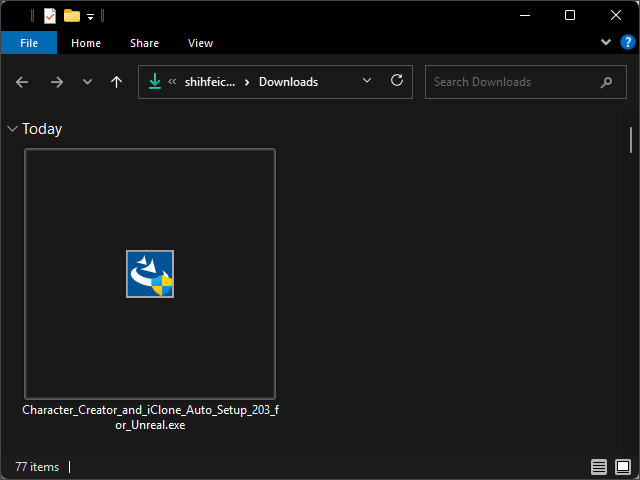
- Click the Download button to acquire the installation executable Character_Creator_and_iClone_Auto_Setup_203_for_Unreal.exe.
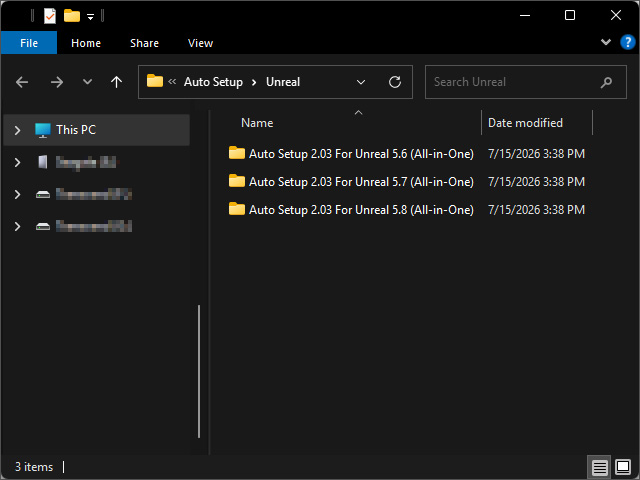
- After installation, an "Auto Setup" folder for Unreal 5.6, 5.7 and 5.8 will appear under C:\Program Files\Reallusion\Shared Plugins\Auto Setup\Unreal, by default.
 For Prior Versions:
For Unreal prior to version 5.5, click the Compatibility & Update History button.
The suitable Auto Setup installation file can be found in the subsequent list.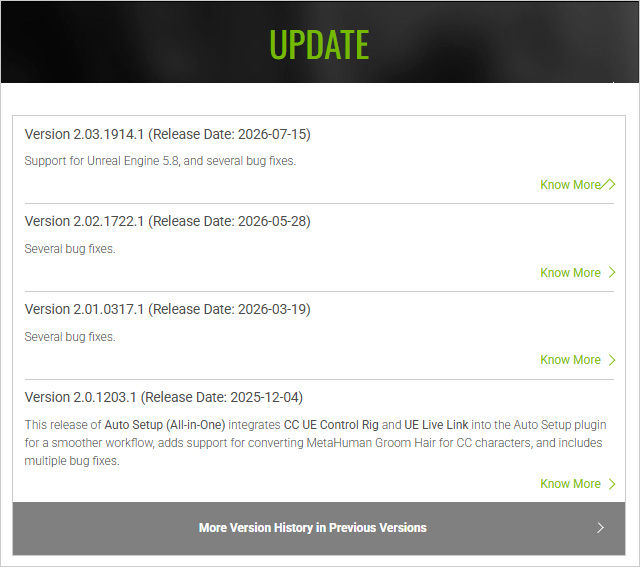
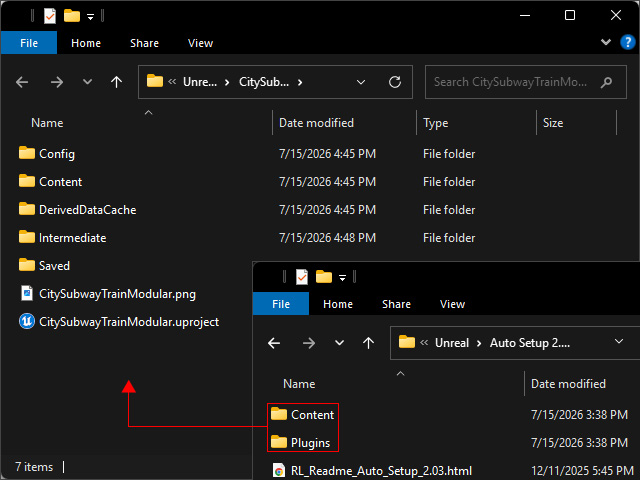
- Open the folder for your version of Unreal. Inside will have two sub-folders: Content and Plugins; and also a text file verifying their existence.
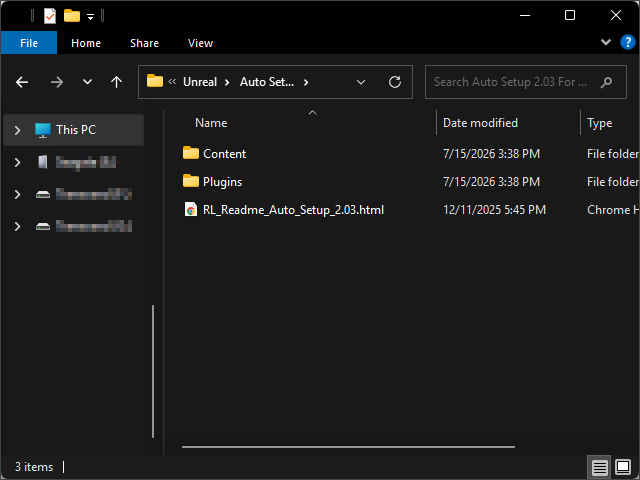
Optionally go to C:\Program Files\Reallusion\Shared Plugins\Auto Setup\Unreal\Auto Setup 2.03 For Unreal 5.8 (All-in-One)\Plugins\RLPlugin\Source, you will find the CC_ControlRig and RLLiveLink plugins.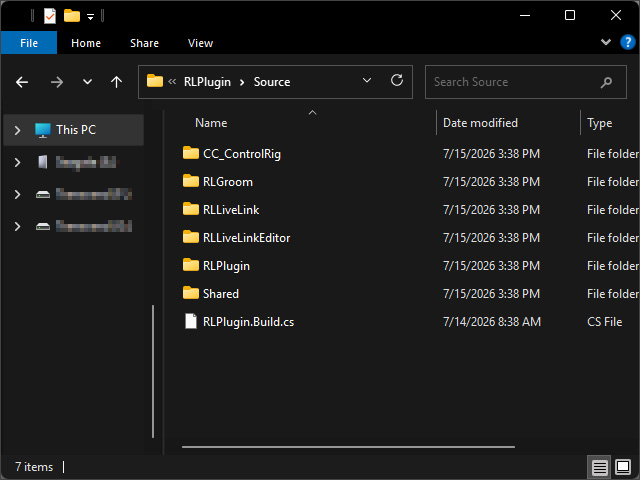
- Find out the version of your Unreal project that you want to use the Character Creator & iClone Auto Setup plugin.
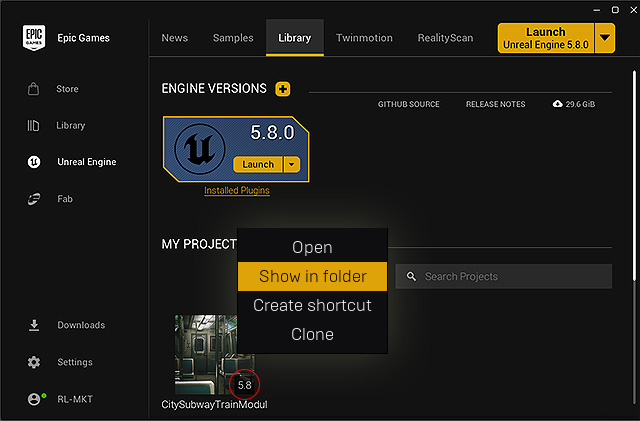
- Manually remove the previous version of Auto Setup plugin and associated shaders of previous version.
- Copy and paste the Content and Plugins folders (step 4) into the Unreal project folder.
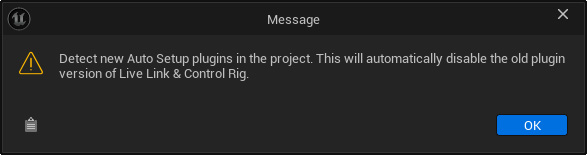
- Launch Unreal and open your project. If your project previously had Live Link and Control Rig installed, you’ll be notified that they will be disabled and replaced with new versions. Click the OK button.
- The Unreal Auto Setup (All-in-One) button will be available in the toolbar.

Press the button, you will see the Auto Setup associated features are on the menu list.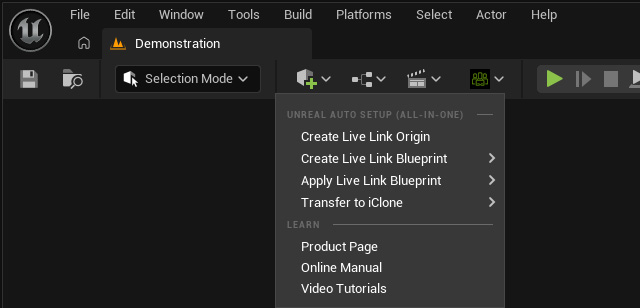
And if you the CC Control Rig and Live Link plugins of previous version are not removed, they will be automatically disabled by the All-in-One plugin.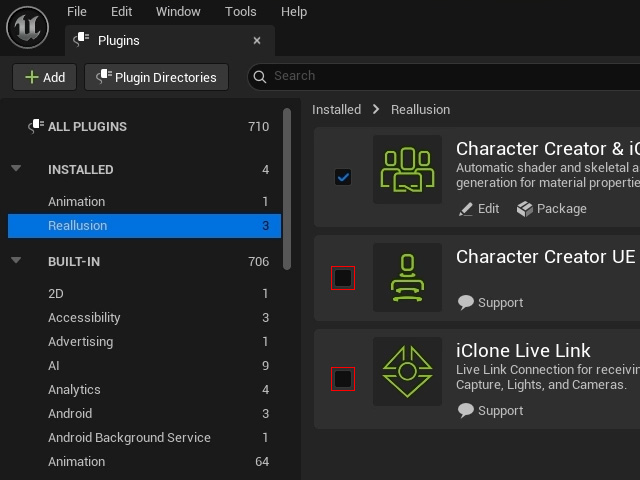
You can manually remove them from the Plugins folder aforementioned in the previous step.Missing
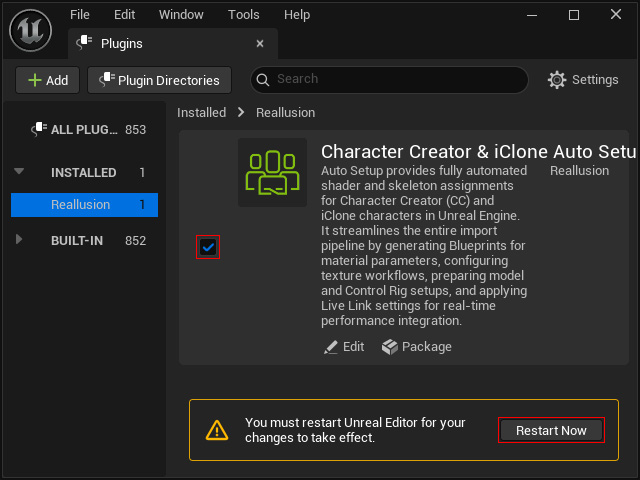
Button:If you can not find the button, then open the Plugins panel, activate the Enable checkbox for Character Creator & iClone Auto Setup under the Reallusion category and then click the Restart Now button.
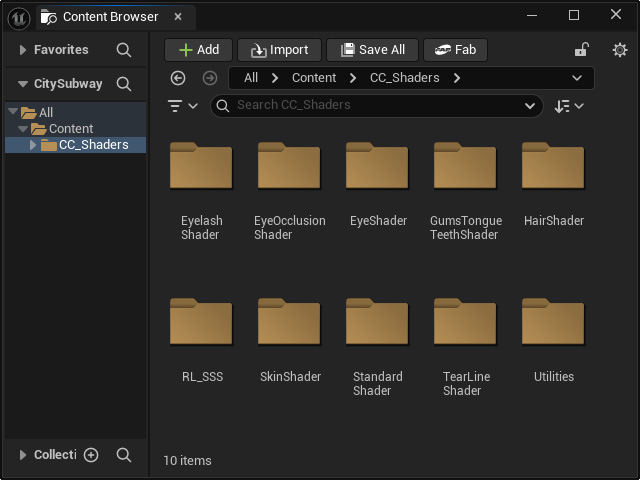
- In the Content Browser, you’ll find a new CC Shader folder that contains the files used for the Auto Setup process.