The basic workflow for using the Application Templates is shown below:
To create Unity compatible assets (character and motions) from CrazyTalk, you may need to follow the steps below:
- Make sure your CrazyTalk 7 has been updated to 7.31 or above version, and that the CrazyTalk Interactive Plug-in has been installed as well.
-
Create a project with characters, voices and motions.
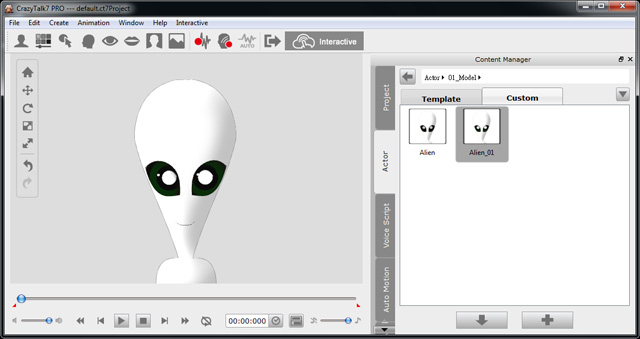
Note: Please refer to the CrazyTalk Online Help for more information about the details of creating a performing character.
-
Export the assets in accordance to your needs:
Method 1: Exporting Interactive Assets from Menu and Panels
If you wish to export the current project only, then you may follow the steps below; otherwise, you can do the batch export with the Content Manager as described in the Method 2:
-
Click the Interactive button on the tool bar to
open the panel.

-
Alternatively, you may access the panel
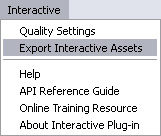
by the menu, Interactive >> Export Interactive Assets.
-
Adjust the settings in the Exporting Interactive
Assets
panel before exporting the assets mentioned in the
previous section.
Note: Please refer to the Exporting Interactive Assets Panel Introduction section for more information about the settings in the panel.
-
Click the Export
 button to export assets.
Note: -
In accordance with the settings
in the panel, the asset files you can get
are:
- Project (*.uctproject)
- Actor (*.uctmodel)
- Idle Motion (*.uctidle)
- Script (*.uctscript)
- Motion Clip (*.uctmotion)
- The prefix "u" in the extension names means the assets are CrazyTalk formats dedicated for Unity Player.
-
In accordance with the settings
in the panel, the asset files you can get
are:
Method 2: Batch Exporting from the Content Manager
CrazyTalk Interactive Plug-in also provides a batch exporting method for you to quickly export multiple assets at once via the Content Manager. It is fast in terms of exporting large amounts of content, however you can not adjust any export settings for the assets as you do in the Method 1 section:
-
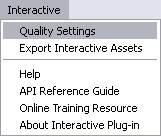
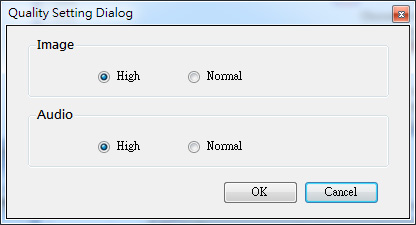
Execute Interactive >> Quality Settings.
-
Choose the radio buttons to determine the quality for the
files to be batch exported.
-
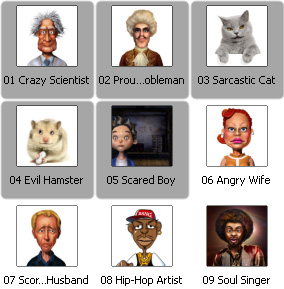
Switch to one of the content libraries
listed below in the Content Manager
(in this case, the Project template library).
Note: The libraries with the content that can be batch exported are:
- Project (template or custom libraries)
- Actor >> 01_Model (template or custom libraries)
- Auto Motion >> 03_Idle (template or custom libraries)
- Voice Script >> Script >> Sample (template library)
- Voice Script >> Script (custom library)
- Motion Clip (template or custom libraries)
-
Select one or more template files.
-
Right-click on either of the selected files to show
the right-click menu.
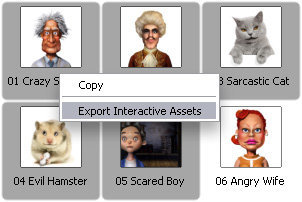
- Choose the command, Export Interactive Assets, in the menu.
- Browse the exported assets with the system browser.
-
Click the Interactive button on the tool bar to
open the panel.
-
Put the exported assets into the Data folder of the
desired CrazyTalk Application Template.
Note: Please refer to the Application Templates Folder Structure section for more information.
In this step, you are about to introduce the prepared assets into the web player by modifying the parameter settings in the UserSetting.js file. In this step, the actor is taken as an example to show you how to replace the actor with the prepared one.
-
Open the HTML file in the desired Application Template.
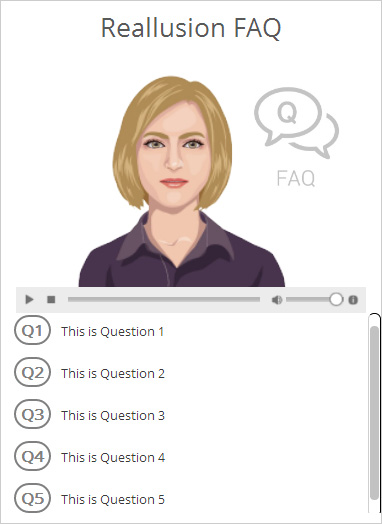
- Open the UserSetting.js file in the same folder with text editor.
-
Modify the value for each parameter and save the file (in this case,
only the value for the parameter, Actor, is changed).
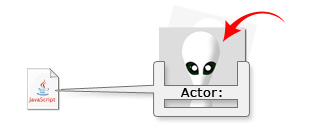
Note: Please refer to the Using Templates section for more information about the modifications to the file.
-
Refresh the HTML file to see the
result.
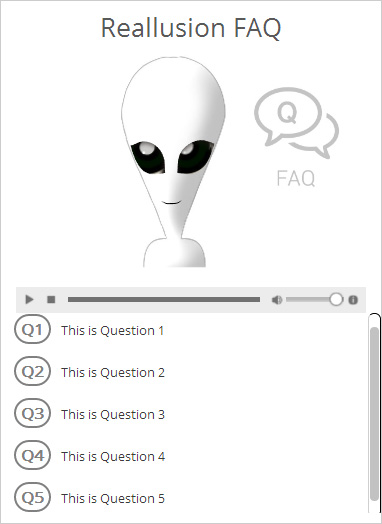
- Repeat step 3 to 4 until needed.
-
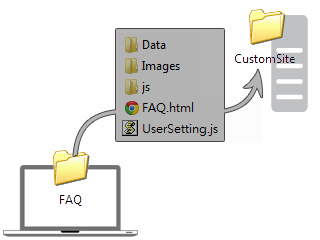
Copy the folders and files in the desired and modified Application Template
working folder,
to your target folder where your custom web pages are.
-
Open with any text editor the duplicated template HTML file (in the custom
site folder)
and your target web pages that will be used to include the
Application Template contents to view its source
code.
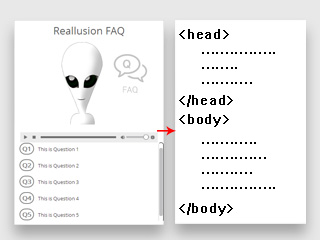
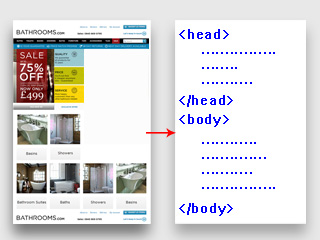
Open the Application Templates in any text editor.
Open the custom web page in any text editor.
-
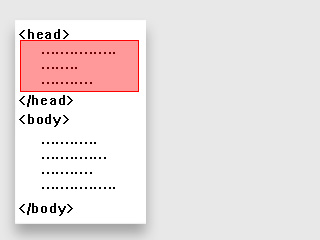
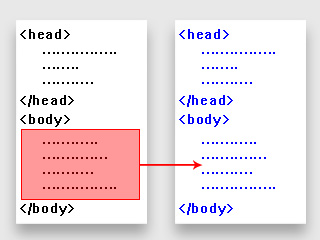
Select and copy the entire code within the <head> </head>
section.
-
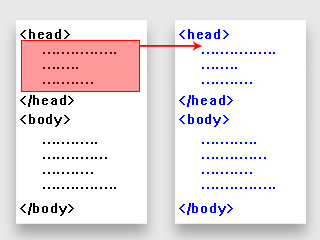
Paste the code into its
<head> </head> section.
-
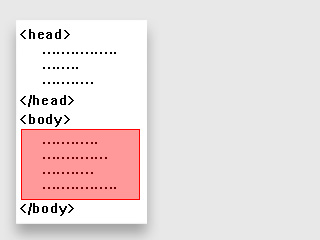
Switch back to the BOT template source code, select and copy the entire code within the <body> </body>
section.
-
Switch to the source code of the custom web page and paste the code into
the position where you want to embed the interactive contents.
-
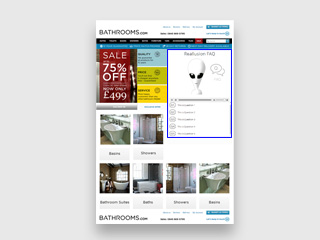
Save the source code of the custom web page and open it in
the browser. You will find that the custom interactive
assets are embedded into the custom web page.
If you do not want to use the copy-and-paste code method to embed the Application Templates into your web pages, or if you need to embed multiple Application Templates at the same time, then you may need to follow the steps below:
- Modify the desired template BOT (please refer to the Using Templates section for more information).
-
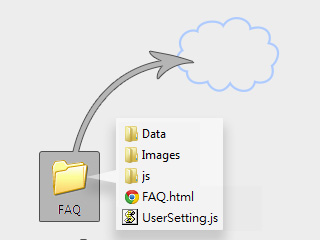
Upload every folder and file onto a cloud server for
reference (in this case, the Dropbox).
-
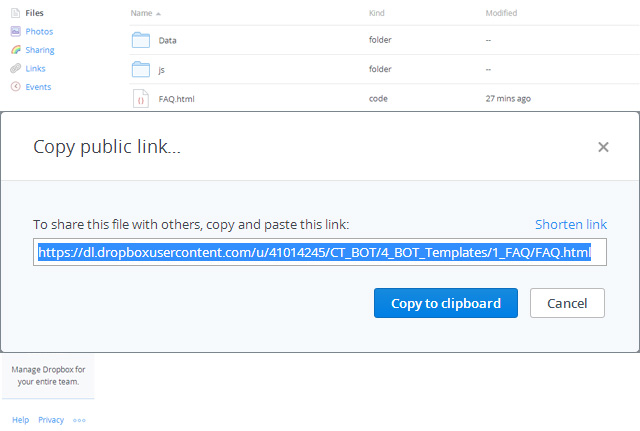
Copy the link of the template's main page to the clipboard.
-
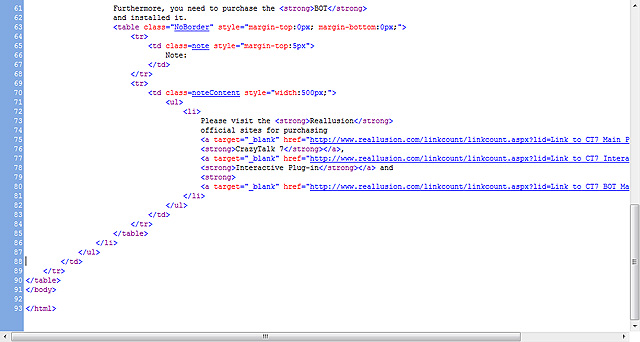
Open your custom web page with your favorite text editor.
-
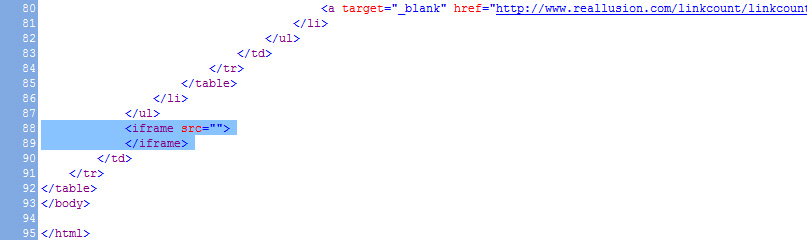
Go to the line where you want to embed the template BOT and
insert the markup language <iframe> </iframe> as shown below:
-
Paste the link in the clipboard into the SRC
parameter's value.

-
Open your custom web page and you will see the templates
embedded into it.