RGBA Area Mask Texture
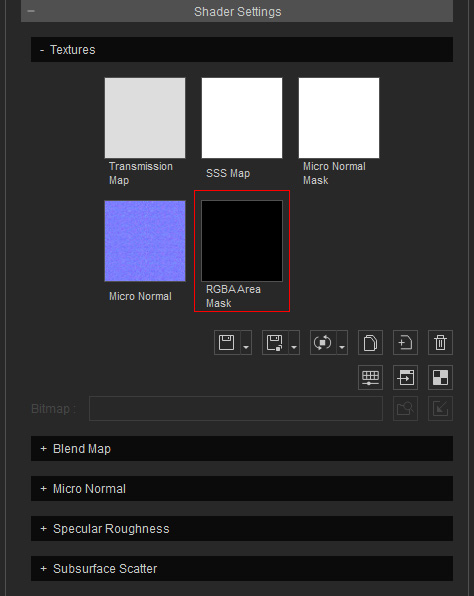
- This texture is used to define specific area on the surface of the object for different degrees of roughness.
- You can add the data in Red, Green, Blue and Alpha channels and adjust them separately in the Roughness sub-section.
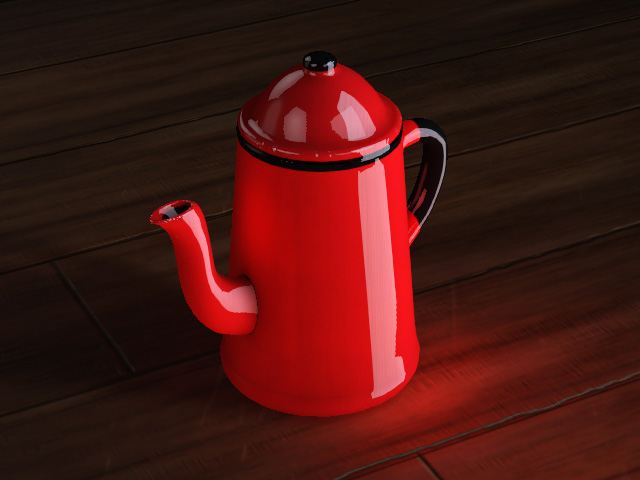
Object with default RGBA Area Mask (Black)
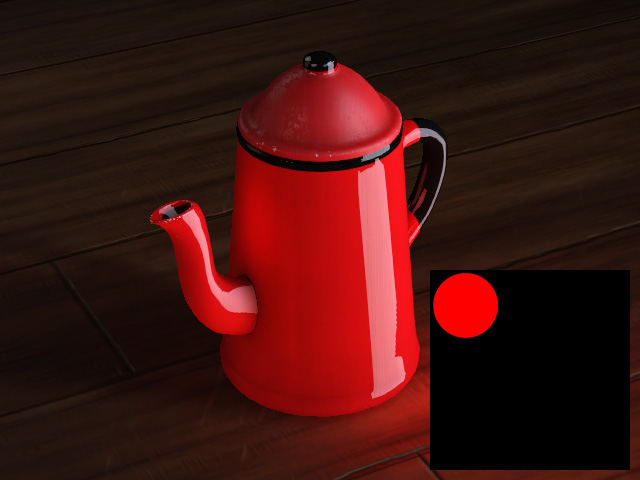
The Red channel of the RGBA Area Mask texture is modified.
The pattern on the object can be assigned with individual Roughness levels.
