Displacement Map for HD Characters
There are two types of maps used to add surface detail to a character: Normal and Displacement. Normal maps create the illusion of bumps through lighting effects, while Displacement maps actually modify the surface to create real height variation. When used together, they can greatly enhance surface detail.
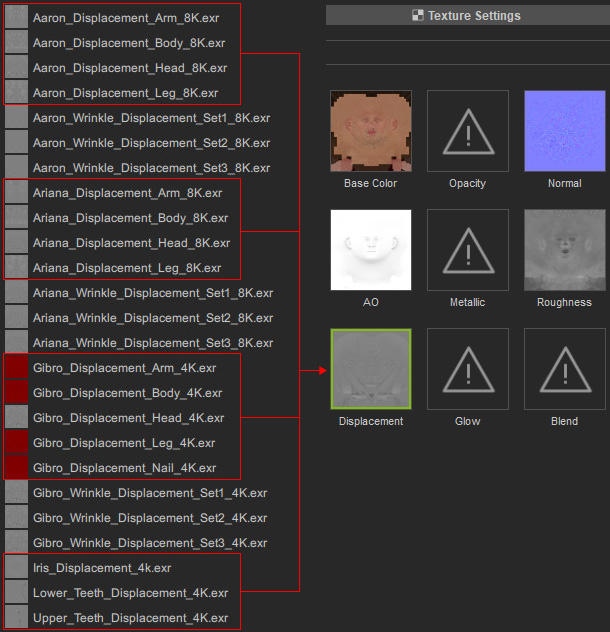
- You can find embedded displacement textures in the Content Manager.
- Displacement maps can only be applied manually due to its large file size.
- One type of the displacement textures (*.exr) can be applied to the texture channels of head, body, arm and leg materials for exporting and rendering in external 3D software.
When using this type of texture, it is strongly recommended to deactivate the Realtime Displacement option to avoid any unexpected surface swelling issues on the model.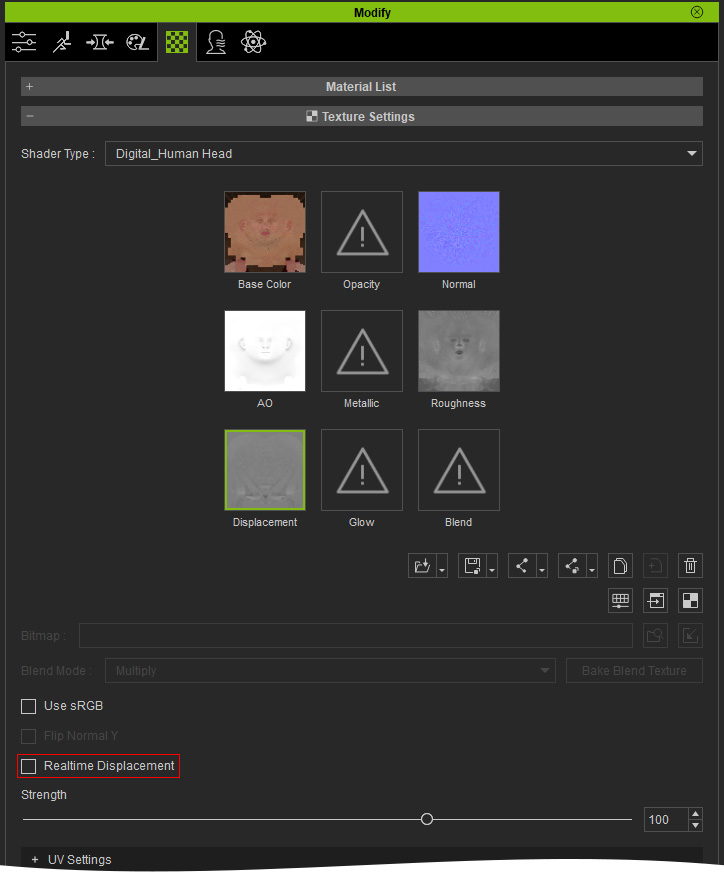
- However, if you activate the Realtime Displacement checkbox, then set the Displacement Strength to 100, and in the Tessellation section, set the Multiply to 1.0 and the Gray-scale Base Value to 50.
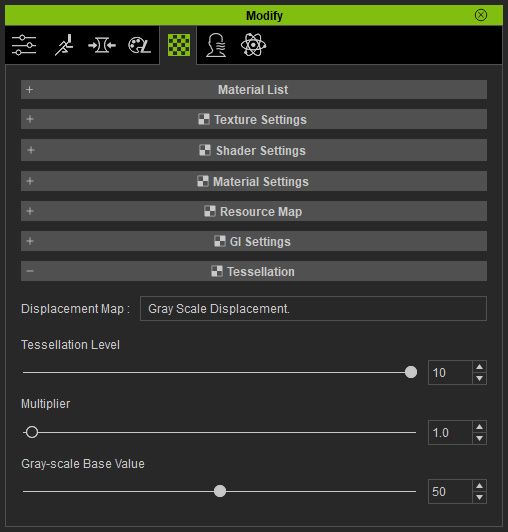
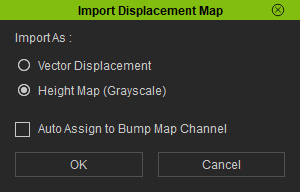
- When you apply it to the character, choose Height Map (Grayscale) radio button.
- Since Displacement requires actual changes in geometry, its effectiveness depends on the mesh density. To clearly see its effect, it's best to increase the subdivision level to 2.
- Apply the displacement map to the character in the Texture Settings > Displacement channel.
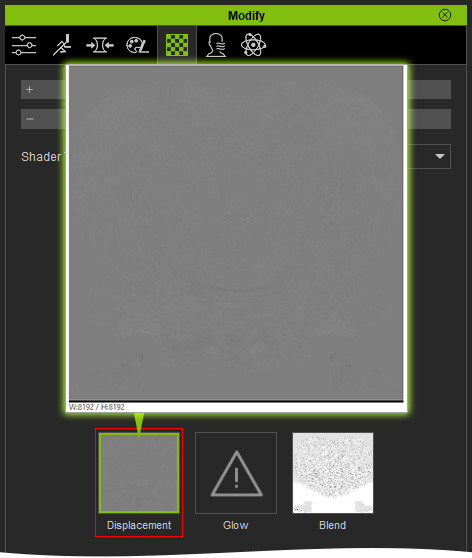
You can then adjust the displacement strength with the Texture Settings > Strength slider.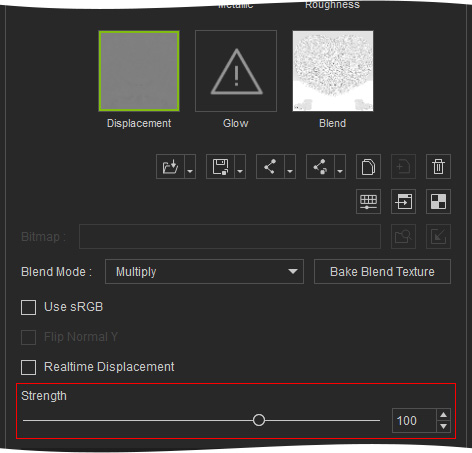
- The Displacement map is also designed for offline render workflow in Maya, Blender.
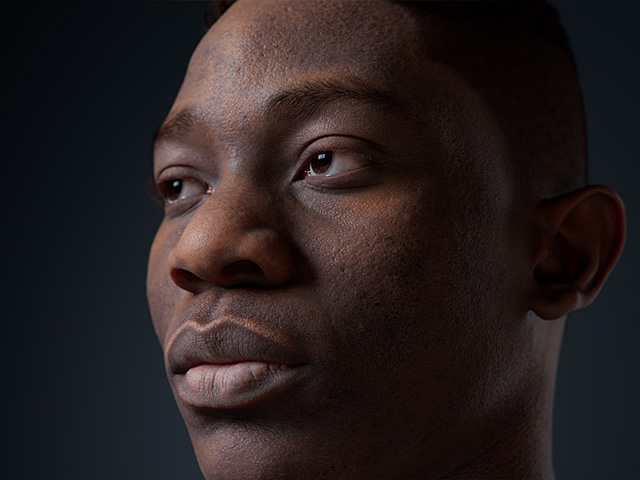
Compare the skin details with and without the Displacement map rendered in Maya.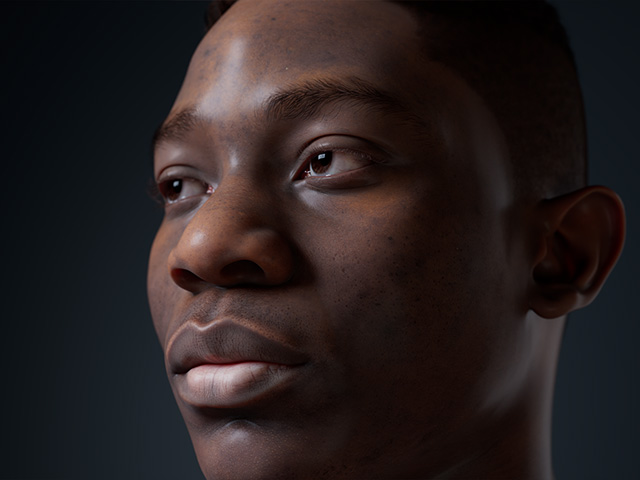
Without displacement map
With displacement map in high subdivision level
(achieves better representation of surface bumps and dents)
