


Creating Expressions for Non Standard Characters
The Facial Profile Editor allows for adding facial expression data to a Humanoid
character. You can use either the mesh-modifying features in Character Creator or
an external 3D tool to create blend-shapes for generating expression sliders.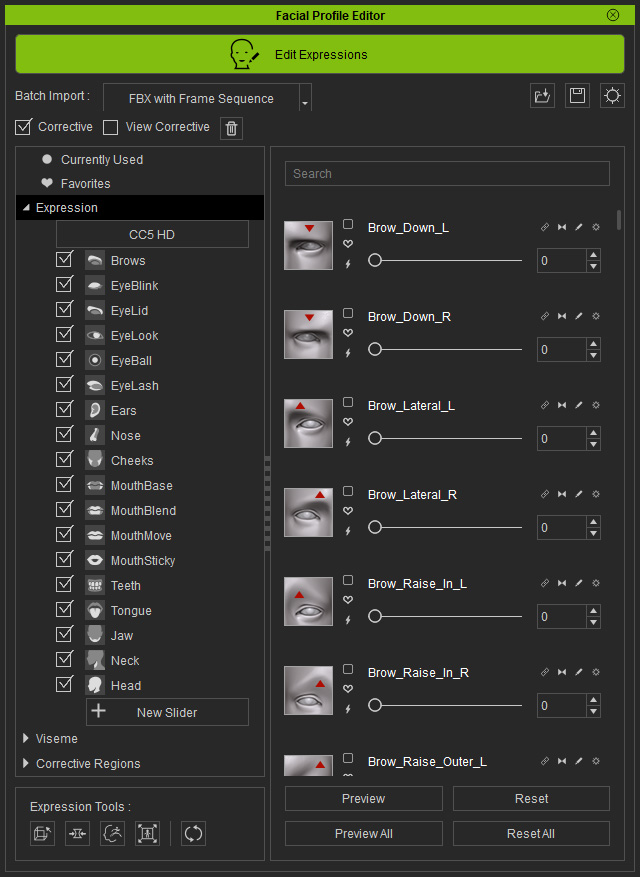
Basic Workflow
- Create a Humanoid character.
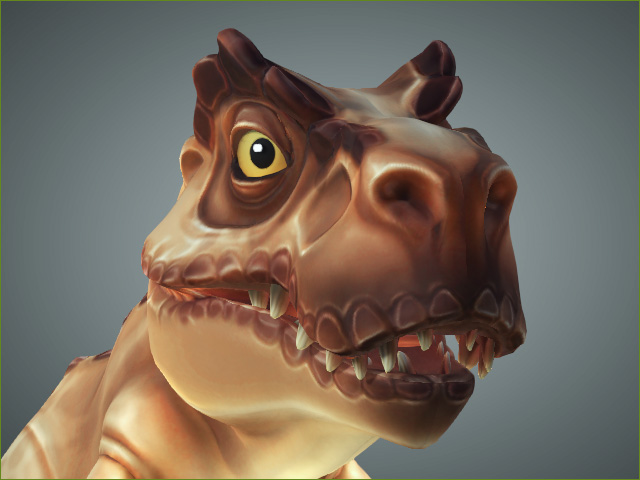
- Use the tools at the top of the panel to modify the face shape of the character.
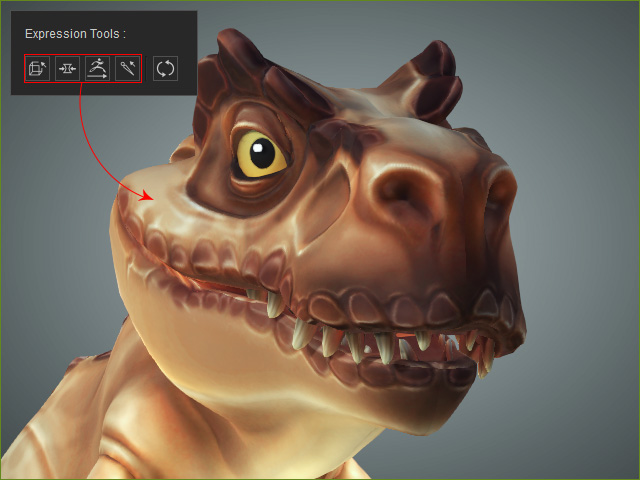
- Utilizing the Edit Mesh tools
- Utilizing the Morphing Sliders to set facial expressions
- Utilizing ZBrush to create morphing sources
- Utilizing the Proportion feature
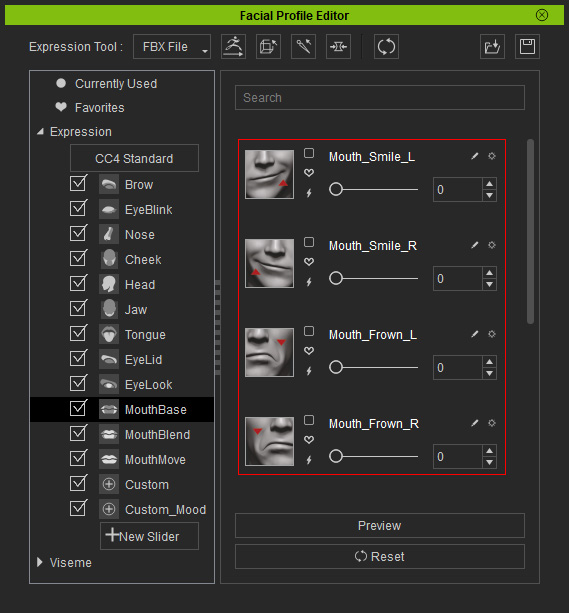
- Pick the appropriate item category under Expression or Viseme nodes from the tree-view.
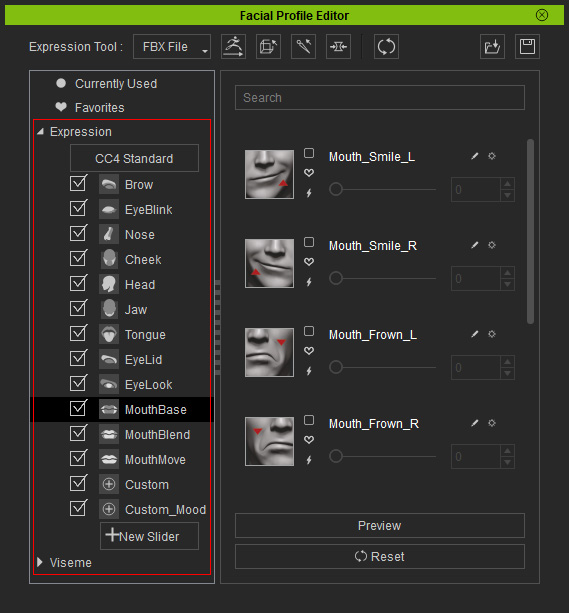
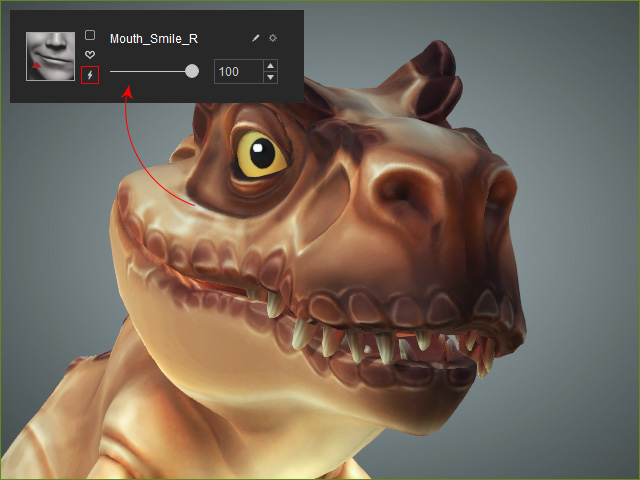
- Update and save the face shape into a slider at the right pane.
- Repeat the same steps to complete the expression and lipsync modification.
- However, if you want to make the shape into a custom slider, then refer to the following section for more information:
