Creating Custom Default Pose
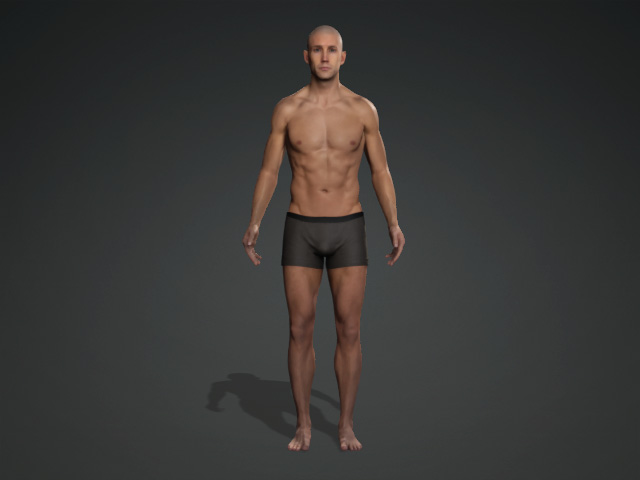
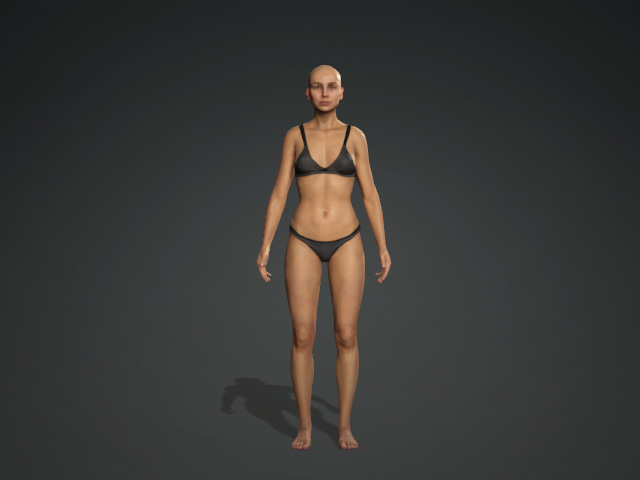
The Default pose for the CC character is a relaxed standing pose. However, if you want their default pose to be different, then you can designate a custom default pose to CC characters and iClone avatars.
|
|
|
The default pose of the embedded CC characters. |
|
Creating Custom Default Pose
-
Create a new character.
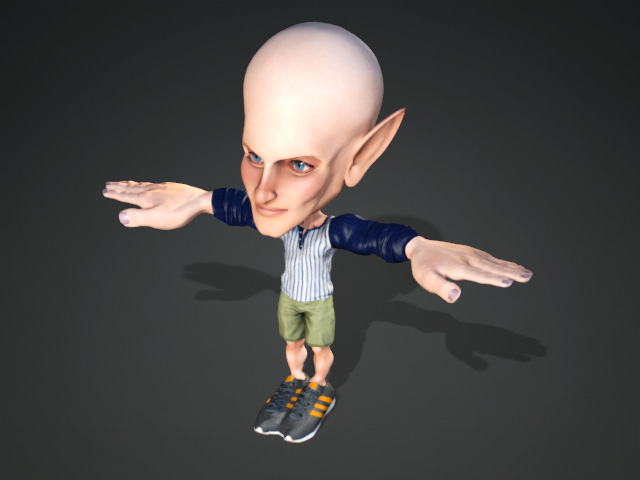
** Note that to set a T-Pose refer to the Setting T-Pose section. -
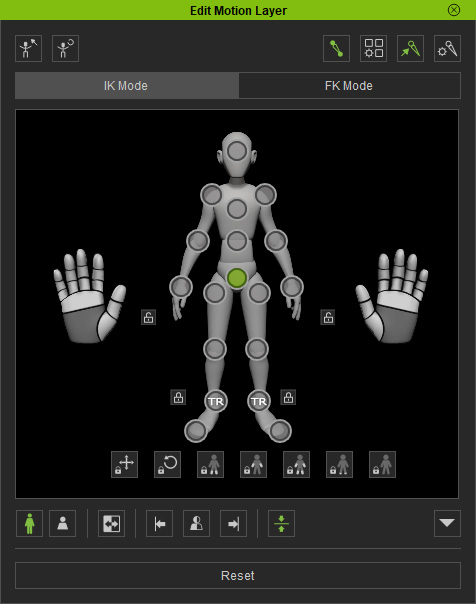
Execute the Modify >> Edit Pose command to open the Edit Pose panel (shortcut key: N).
-
Adjust the pose of the character with the controls in the panel.
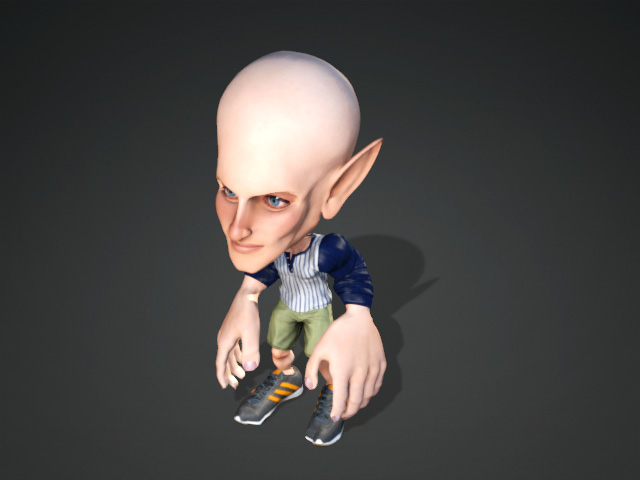
-
Click the Set Current Pose as Default button in the panel and exit the panel.
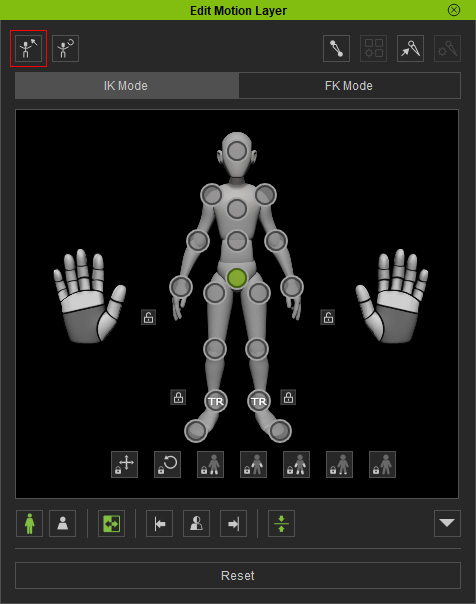
- Export this character as an iAvatar.
- Each time you apply this new character, the default pose is the one set in the previous steps.
- You can save your custom pose to the content manager for later use. For further information, please refer to the page Saving Custom Poses.
 Note:
Note:You can also apply the pose from the Motion Library and then press the Set As Default button in the Edit Pose panel to set one of the template as default pose.
