Loading Character Pose
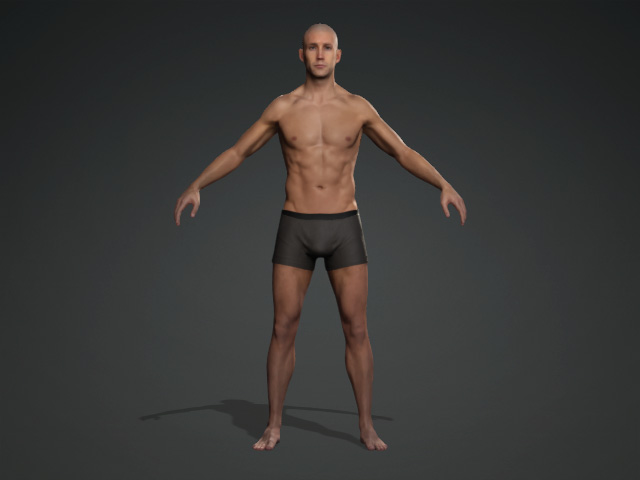
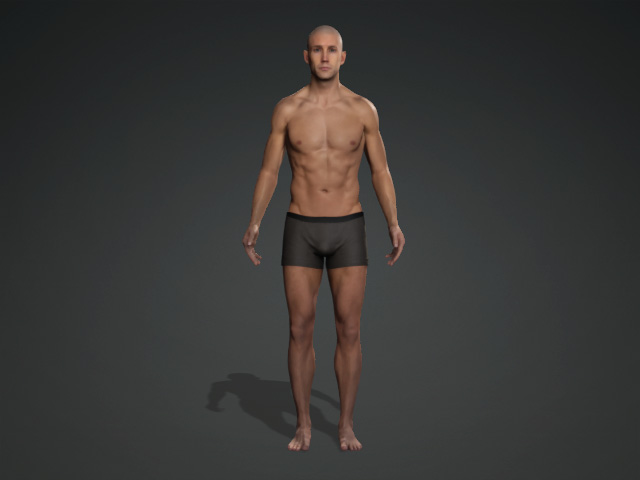
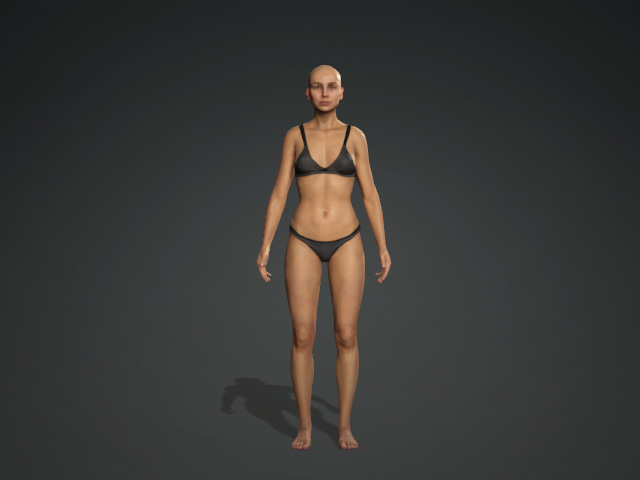
The Default Pose for the CC Characters is a relaxed standing pose. However, by applying *.rlpose templates, one can adjust it to any pose.
 Note:
Note:
The Default pose can be customized with the Edit Pose Panel, for further information please refer to Creating Custom Default Pose.
|
|
|
The Default Pose of the embedded CC characters. |
|
Loading Character Pose Templates
-
Create a new project with a character (Standard or Humanoid).
-
There are two ways to apply pose templates:
-
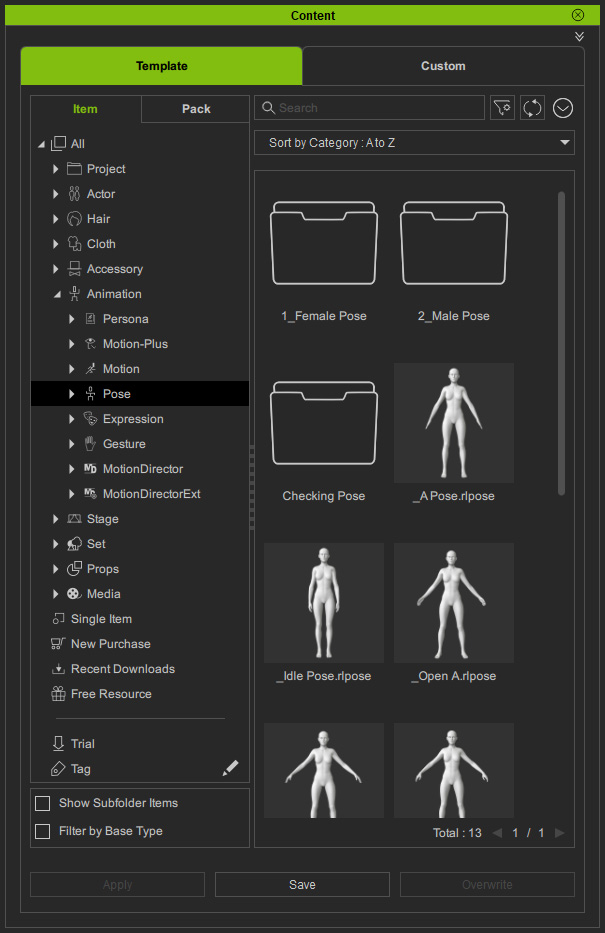
Drag and drop *.rlpose templates directly from Character Creator Smart Content Manager >> Animation >> Pose library.

-
Drag and drop *.rlpose templates directly from the iClone Content Manager.
-
Drag and drop *.rlpose templates directly from Character Creator Smart Content Manager >> Animation >> Pose library.
-
Drag and drop the pose template onto the character in Character Creator.
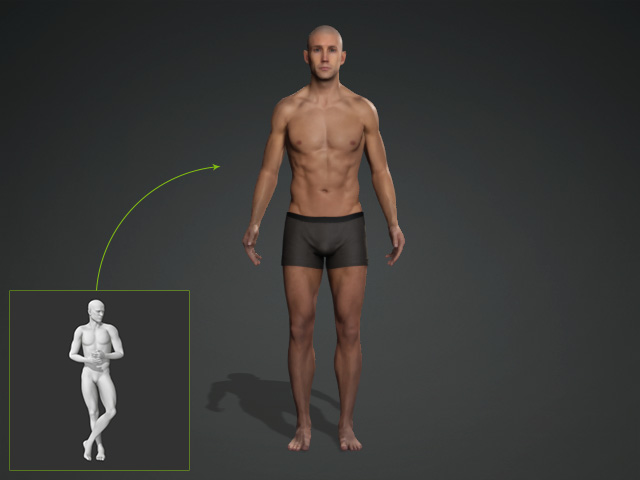
The character then strike the desired pose.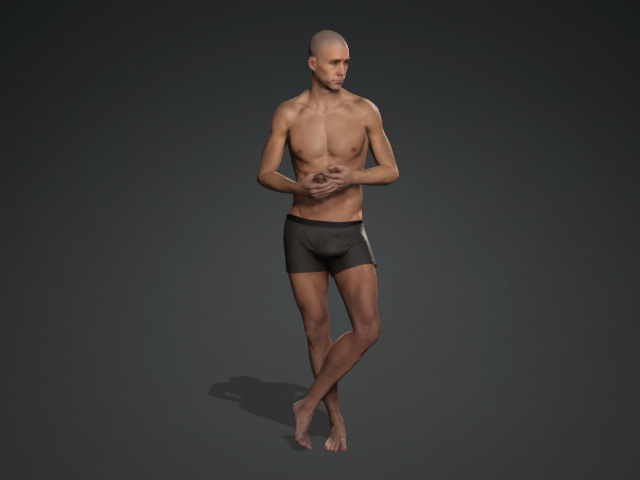 Note:
Note:After applying a pose, you can further refine it using the Edit Pose panel. For more information, refer to the Edit Pose Panel. Once the pose has been adjusted, it can be saved as a Custom Pose.
Applying Poses Embedded in Animation Player
-
Create a new character or use a default character.
-
Open the Animation Player (Shortcut: F9).

- Press the Motion drop-down list.
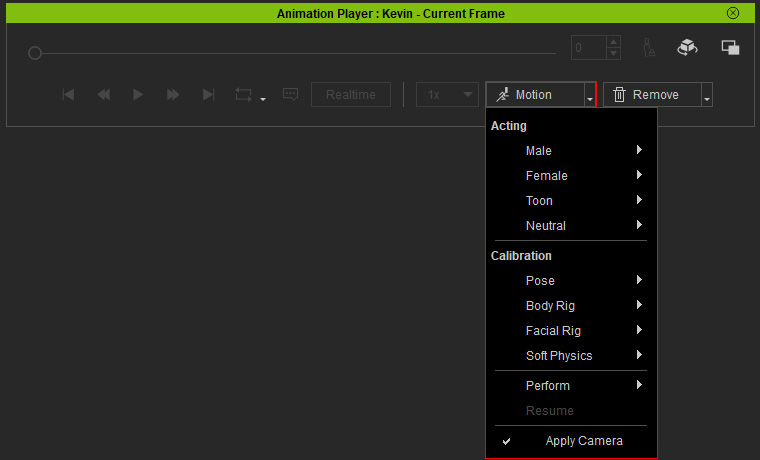
- Apply one of the pose in the Calibration > Pose sub-menu.
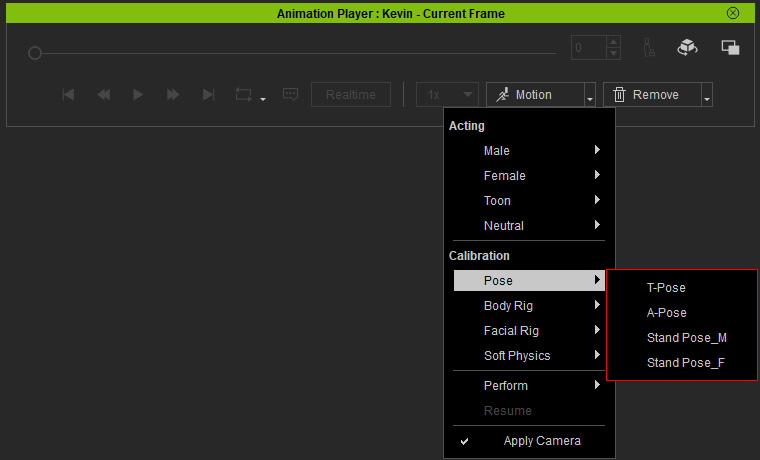
The character then strike the desired pose (in this case, A-Pose).