


Layering Clothing
In Character Creator, the clothing follows the regular order for wearing daily clothes. And they are
grouped into several different layers: Underwear, Pants or Skirt,
One-piece, Shirts and Coats.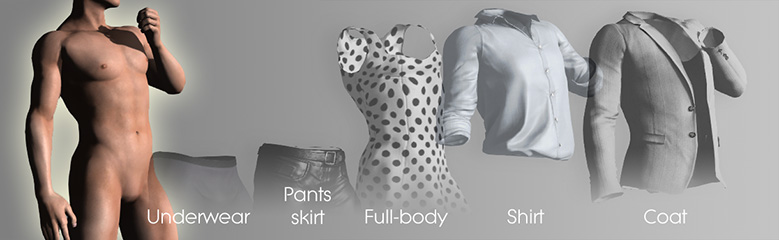
The items of these layers can be seen in the Modify panel >> Morphs or Appearance tabs >>
Cloth.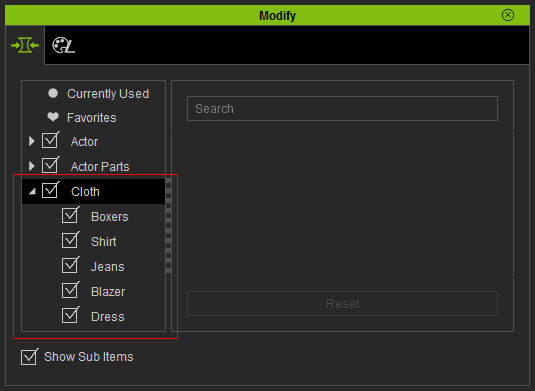
If equipping a new clothing item causes an existing item (such as pants or shirts) to be removed, it is usually because both items are assigned to the same clothing layer or one of them is set as a Full-Body outfit.
 Note:
Note:
- For more detailed concepts of Clothing layers like Layer ID, Cloth Type etc., please refer to the page Assigning Layer for Outfit Compatibility.
- If the clothes appear to be overlapping or in the wrong order, you can manually adjust their layer order. Refer to the page Customizing Clothing Layers for more information.
