Motion Pose Tab (New for v3)
The Motion Pose Tab contains a section with options for switching the current work mode. Thise modes contain options for adjusting character's body pose, facial expressions or adjusting the T pose.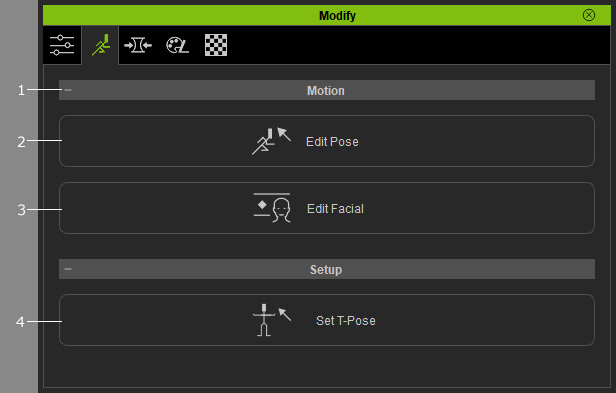
|
1 |
Click this button to expand or collapse this section. |
|
2 |
Edit Pose: Click this button to show the Pose Editing panel for adjusting the pose of the character. You can use this feature to check for mesh penetration between the skin and the clothes. |
|
3 |
Edit Facial: Click this button to show the Face Key panel for adjusting the
character's facial expressions. You can use this feature to
search for mesh penetration with the hair, face, teeth, and
eyeballs. |
|
4 |
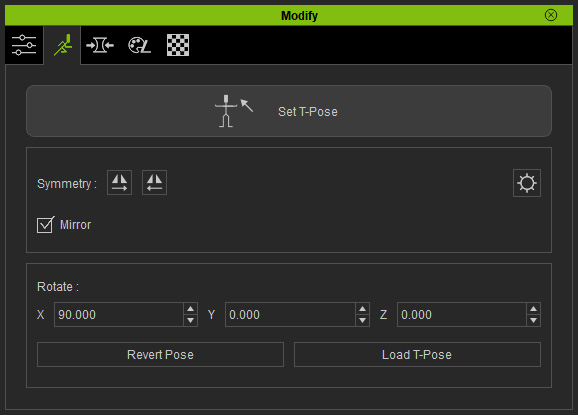
Set T-Pose: When you use GoZ, Import FBX for modifying character's shape, the standard T-pose can sometimes be offset due to miscalculations. One can use this feature to rectify the adverse result. |