Fitting Head Contour (New for Version 8)
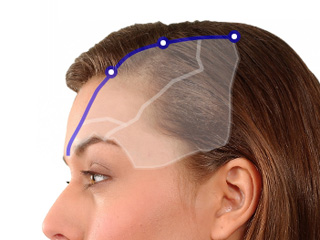
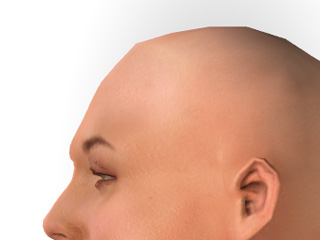
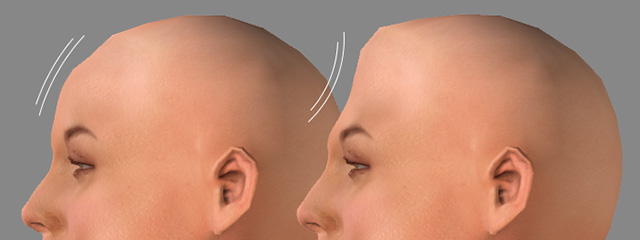
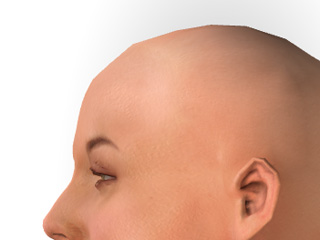
The profile curve of the head is important for putting hair onto a 3D actor. Even without hair, the shape of a bald head should be as similar as the one in the photo in order to create a realistic 3D actor from photo.
Once you enter this sub-step, you may see the profile of the head is automatically generated with somewhat unsatisfying appearance.
|
|
| The auto-generated profile curves | Inadequate side head appearance |
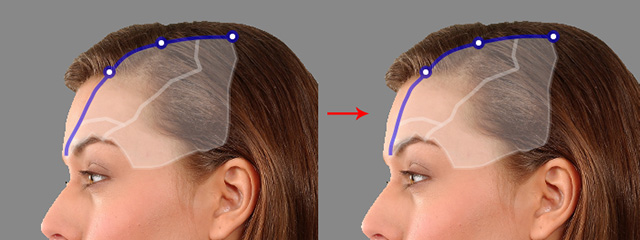
Unlike the fitting methods you do in the front Fitting Head page, it is highly suggest set the curve first with the morphing areas before fitting the feature points.
|
|
Morphing Head
Using the morphing areas to obtain a curve line that look similar to the profile of the side face in the photo.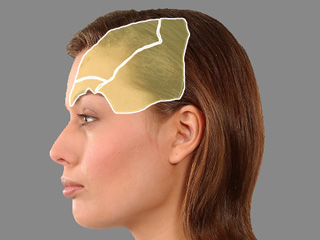
- The skull angle area - Dragging within this area horizontally to set the entire angle of the skull, forehead and eyebrow bone.
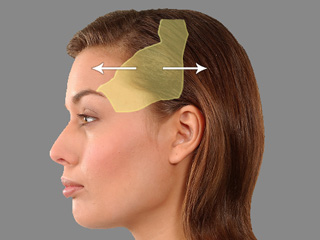
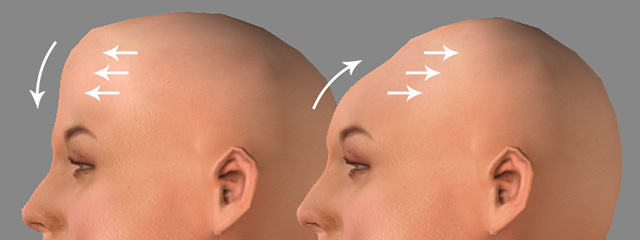
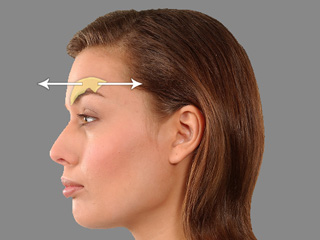
- The forehead area - Dragging within this area horizontally to set the angle of the forehead.
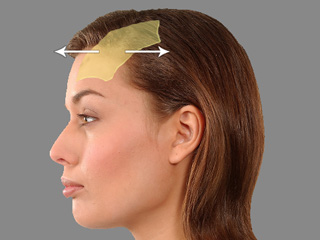
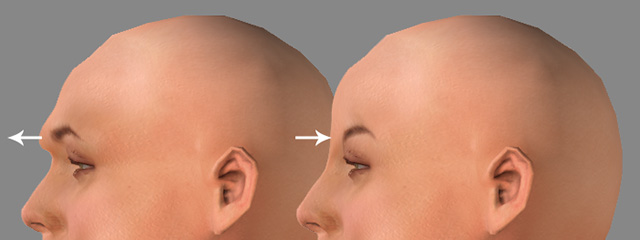
- The eyebrow bone area - Drag this area horizontally to adjust the smoothness of the eyebrow bone curve.
 Note
Note
The dragging in the morph areas maps to the facial feature sliders in the Detail Morph step. Please refer to the Detail Morph step. Please refer to the Fine-tuning with Detail Morph section for more information.
Fine-tuning Head Curve Position
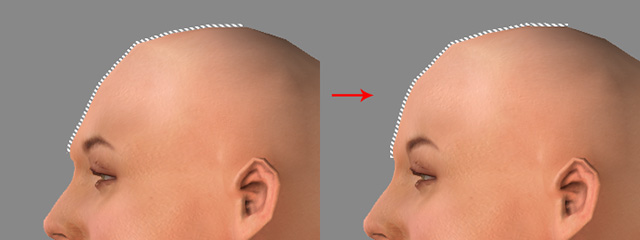
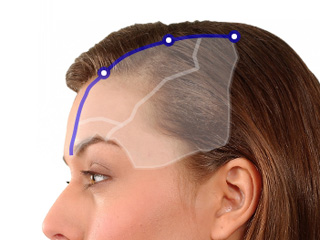
After the basic curve line is approximately determined, you may then use the deform feature points to fine-tune the shape of the head.
|
|
|
| The initial position detected by CrazyTalk. | Move the set of wirframe lines to fit the photo as much as possible. |
|
|
|
| The initial shape of the head. | The head shape is adjusted to make it look more similar to the photo. |