Using Go To Nodes
The Go To node is used to assign a character to move to a specific waypoint (move only, no actions performed).
Supported MD Props:
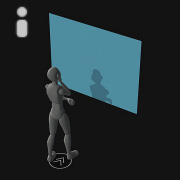 | 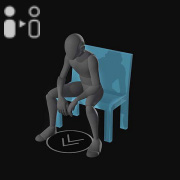 | 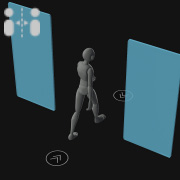 | 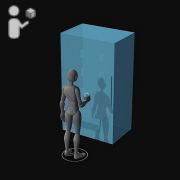 | 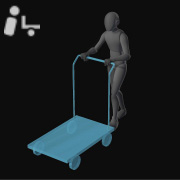 |
T1 - Actionable | T2 - State Switch | T3 - Bi-Directional | T4 - Portable | T5 - Dolly |
- Create a project with a character and MD props (T1 to T5).
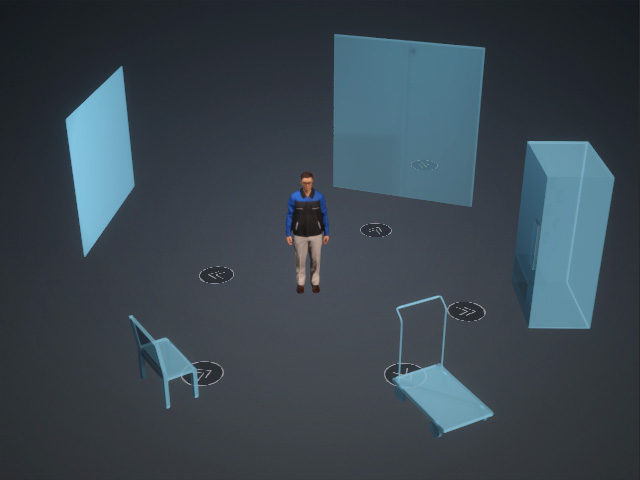
- Open the MP Node Graph panel. Right-click on the viewport space and choose Motion Node > Prop.
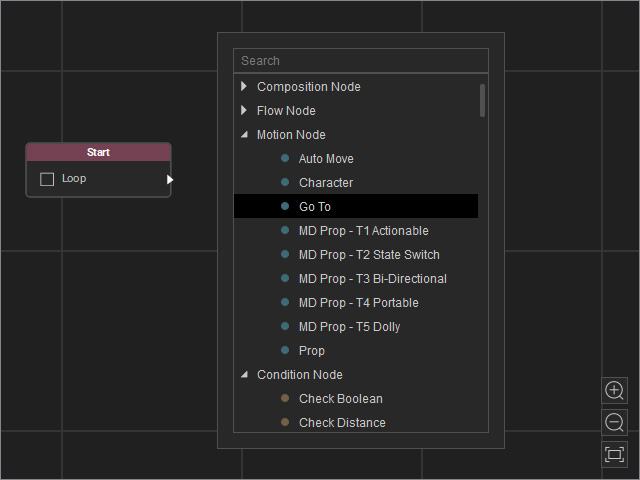
A new Go To node will be inserted on view.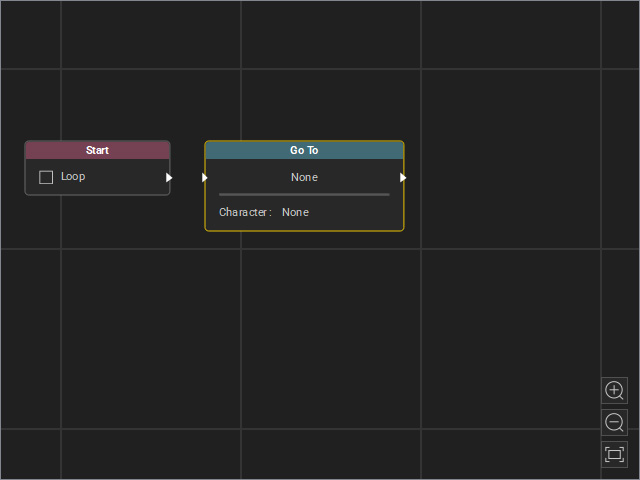
- Drag a flow line from the Start node’s output and connect it to the Go To node’s input.
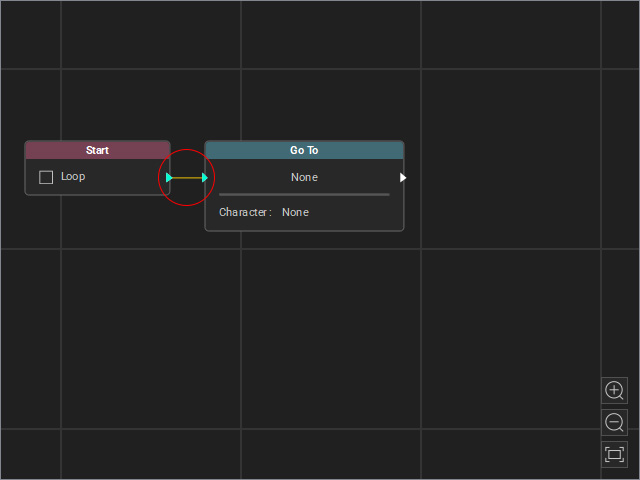
- Select the node and adjust the settings in the Attributes page.
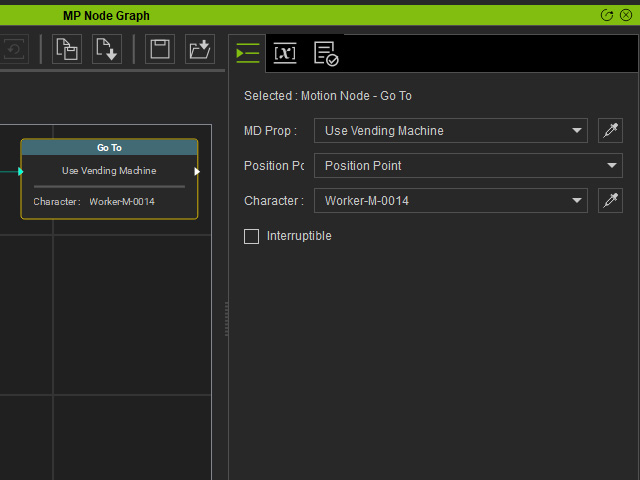
- MD Prop: Set the field to associate the node with the target MD prop.
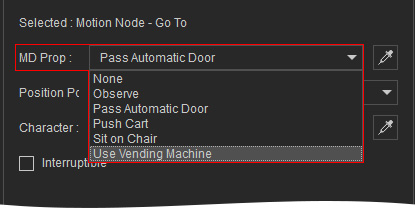
If you use the dropper tool, click the waypoint marker (the flat disk with double arrows) instead of the model’s mesh.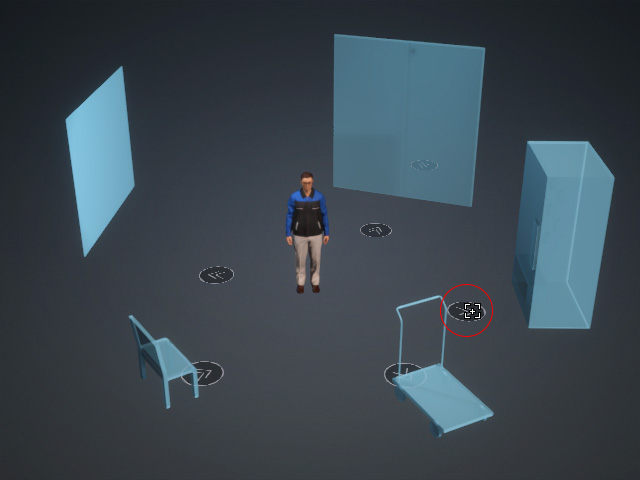
- Position Point: If there are more than one waypoint (T3 - Bi-Directional), then pick the desired one from the drop-down list.
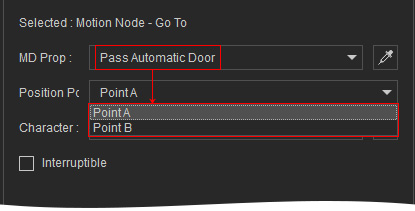
- Character: Set the field to specify the character to move to the waypoint.
- Interruptible: When used together with a node from the Condition Node category, the motion driven by this node can be forcibly interrupted.
- MD Prop: Set the field to associate the node with the target MD prop.
- Start MD Mode to view the animation result.
