Using Set Boolean Nodes
The Set Boolean Node itself does not perform any actions on scene objects (characters, props, or MD Props). Instead, it sets the value of a specified Boolean parameter on the Variables page (True or False only). When used together with the Check Boolean Nodes, different events can be executed based on the Boolean value.
- Open the MP Node Graph panel and switch to the Variables tab page.
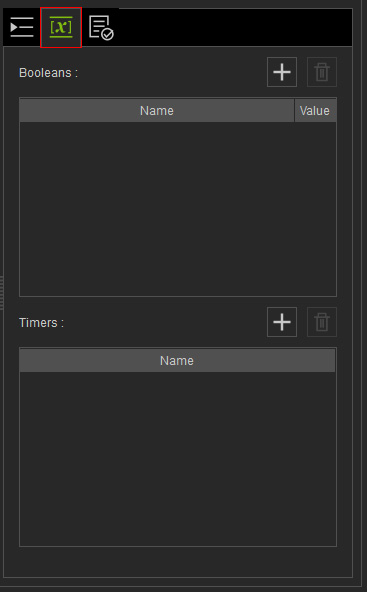
- Click the + button of the Boolean list to add a new boolean variable.

- Name: Double-click to rename the variable.
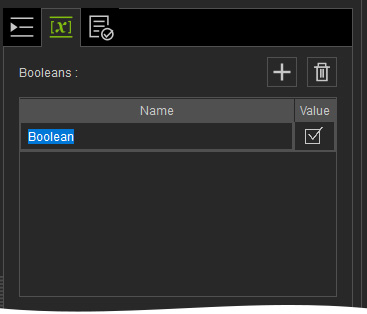
- Value: Determines the initial value when Go MD mode starts. You can use the Set Boolean node to define its value (Activated = True; Deactivated = False).
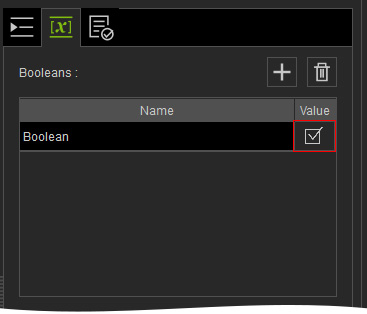
- Name: Double-click to rename the variable.
- Open the MP Node Graph panel. Right-click on the viewport space and choose Condition Node > Set Boolean.
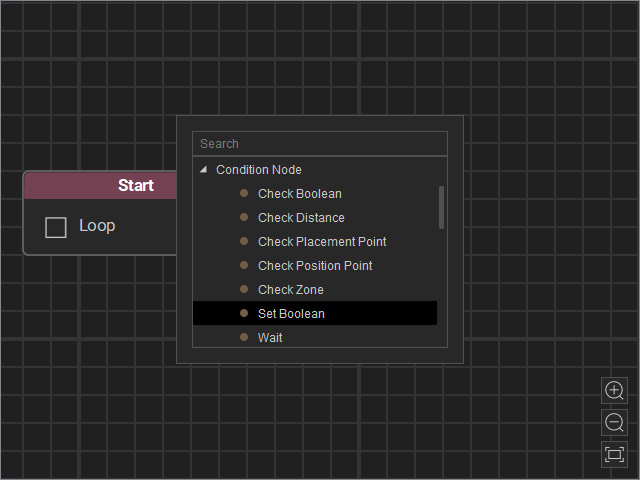
A new Set Boolean node will be inserted on view.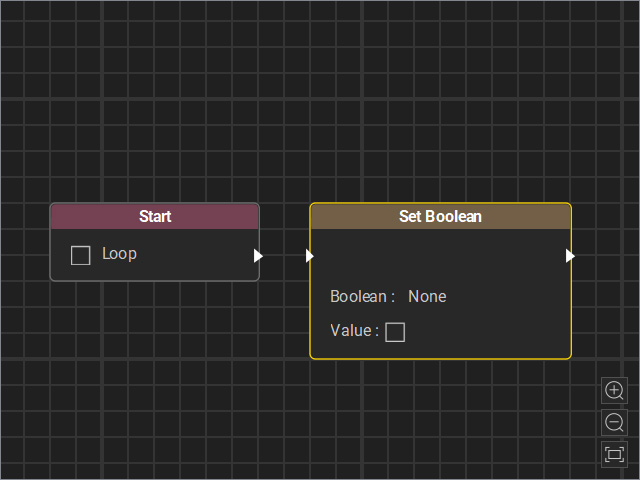
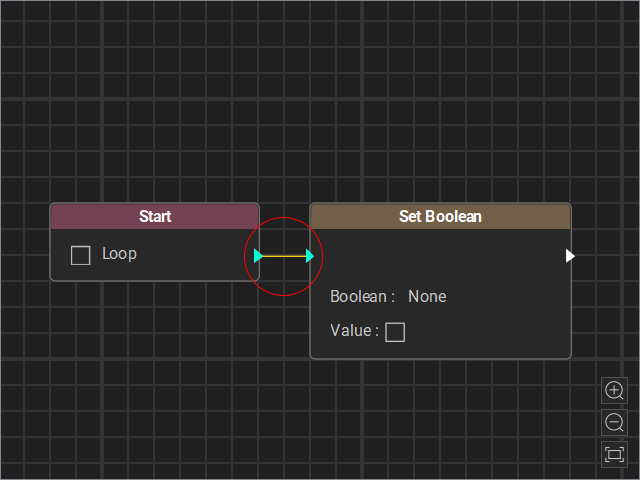
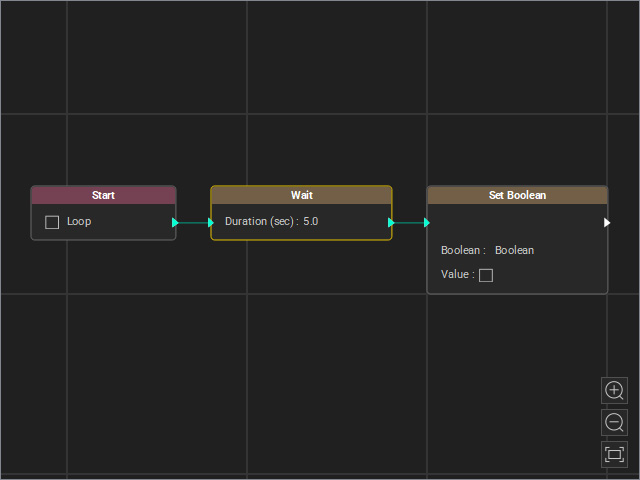
- Drag a flow line from the Start node’s output and connect it to the Set Boolean node’s input.
- Select the node and adjust the settings in the Attributes page.
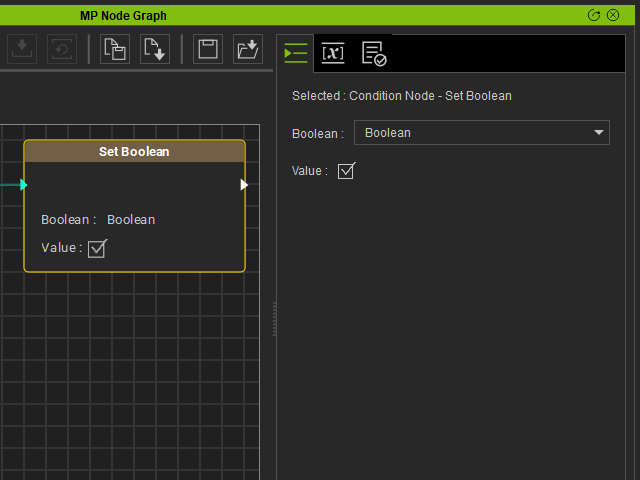
- Boolean: Choose the boolean variable created in step 3.
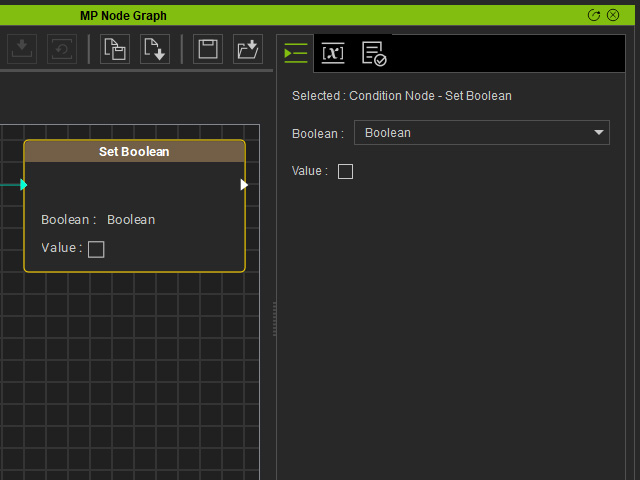
- Value: Activate the checkbox to set the variable’s value to True; when deactivated, it is set to False (in this case, deactivated).
- In order to view the effect of the Set Boolean node, insert a Wait node in between to wait for 5 seconds before the boolean variable is changed.
- Start the Go MD Mode to view the animation results.
