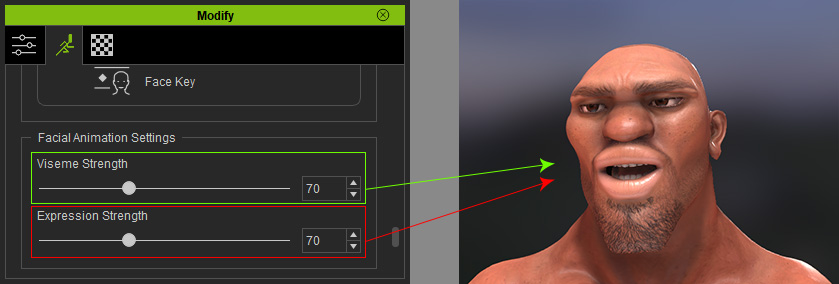
Balancing Viseme and Expression Strength
The facial expressions data, including the synchronously recorded audio,
captured by any facial mocap plug-in is received by Motion LIVE plugin. When the captured data (in clip form and lipsync keys) is applied to the character, it distributes data to corresponding tracks with certain
animation strengths as shown below: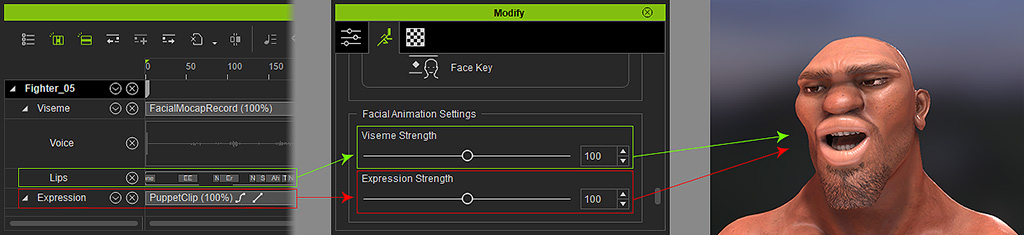
The relationships between the motion data and the animation strengths are: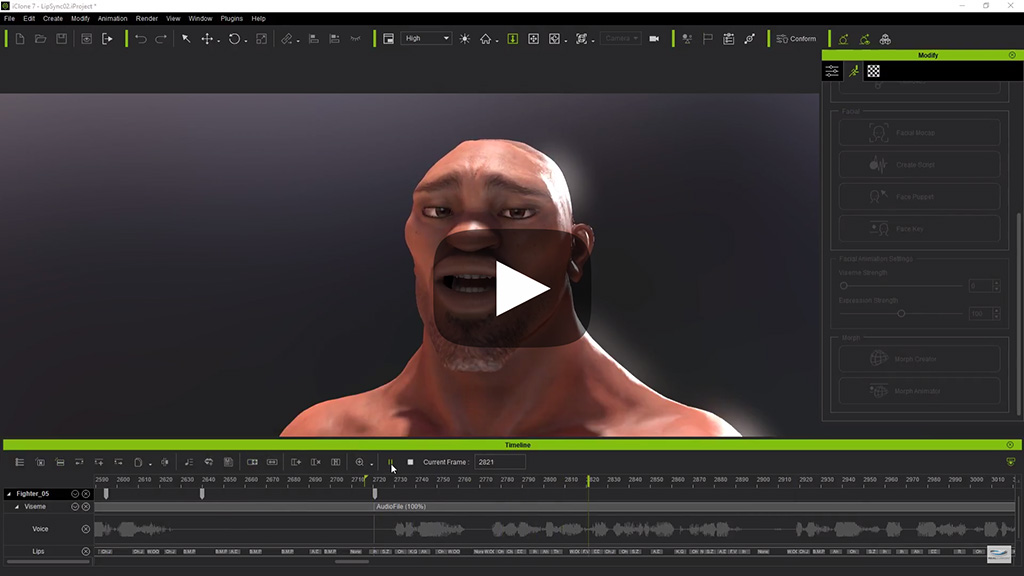
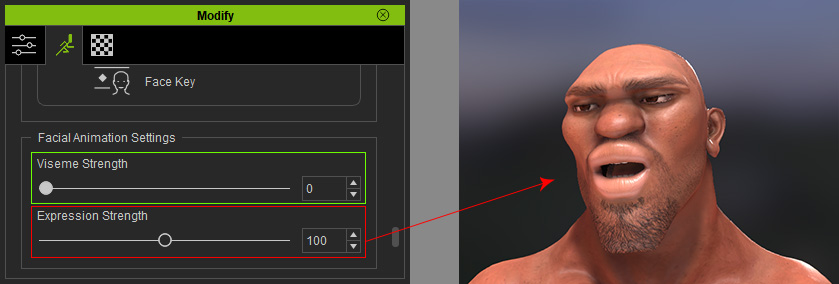
- When you set the Viseme Strength to 0 (%) and the Expression Strength to 100 (%), the mouth shapes are all
formed from the facial expression clip.
- When you set the Viseme Strength to 100 (%) and the Expression Strength to 0 (%), the mouth shapes are completely
formed from the lipsync keys on the Viseme track. Since the keys are auto-generated, they
are not always precise. You maybe need to adjust the keys manually.
On the other hand, since the Expression Strength is set to 0 (%), the expressions
and head rotations will be eliminated, which can stiffen the entire
performance.
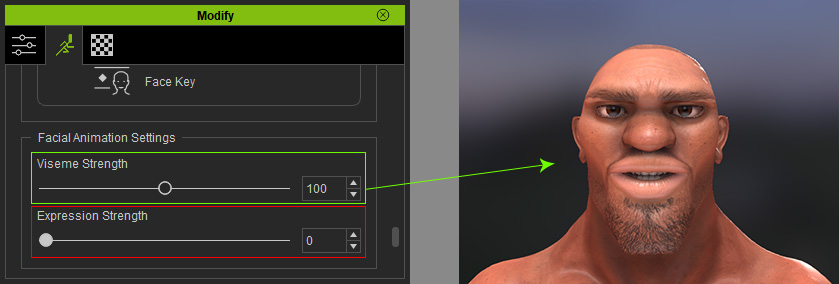
- When you set the Viseme Strength to 70 (%) and the Expression Strength
to 70 (%), the mouth shapes are made by blending the facial expression clip
and lipsync keys. However, manually adjusting the keys to match the recorded voice must be done,
due to the same reasons mentioned above.