Loading Matching Script File Workflow
In the VIDEO mode workflow, with AccuLips selected in the Motion LIVE panel, enabling the Load Matching Script File option allows Motion LIVE to automatically load the corresponding text file (.txt) from the same folder as the video imported into AccuFACE 2. This improves the accuracy of your character's lip-sync during speech.
-
Before importing the video into AccuFACE, make sure you have the corresponding text file with the same name as the video and placed within the same location.
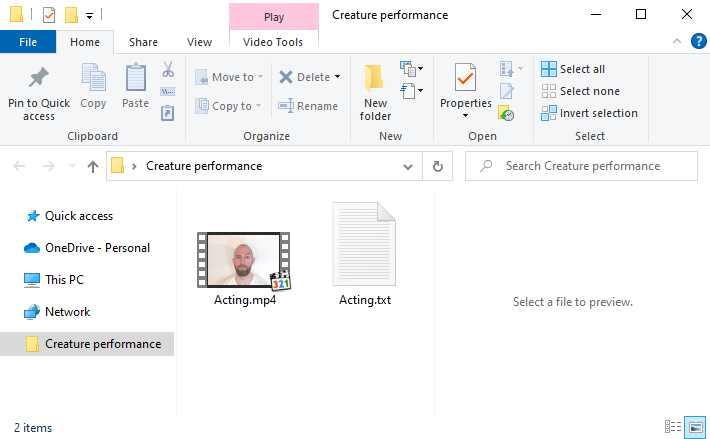
- Import the Video into AccuFACE.
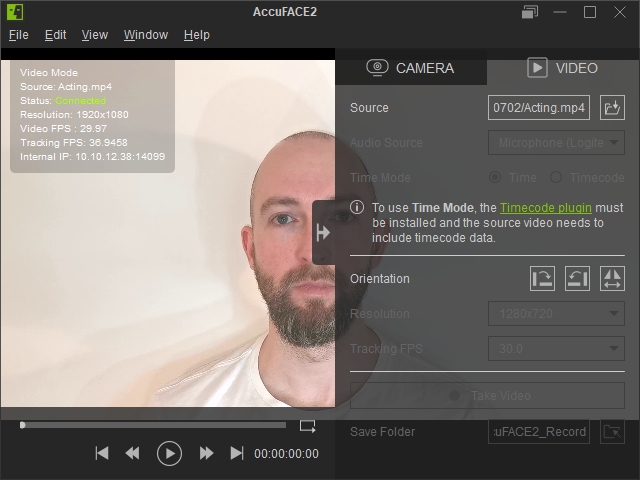
- After you’ve linked AccuFACE 2 with Motion LIVE, navigate to Motion LIVE in iClone.
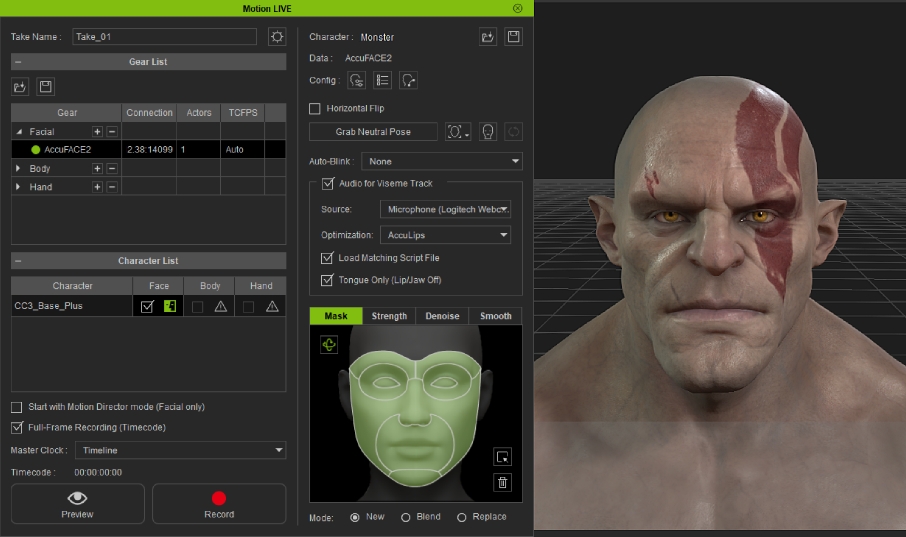
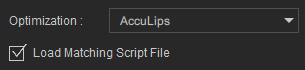
- In Optimization select AccuLips and activate the Load Matching Script File.
- Click the Record button and press the SpaceBar to start recording.

 Note:
Note:After activating Load Matching Script File, ensure that the video plays continuously from start to finish during recording. Pausing the video mid-recording will cancel the use of the text file for the entire video.
