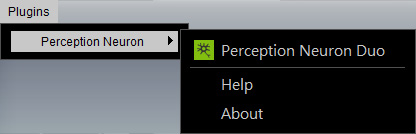
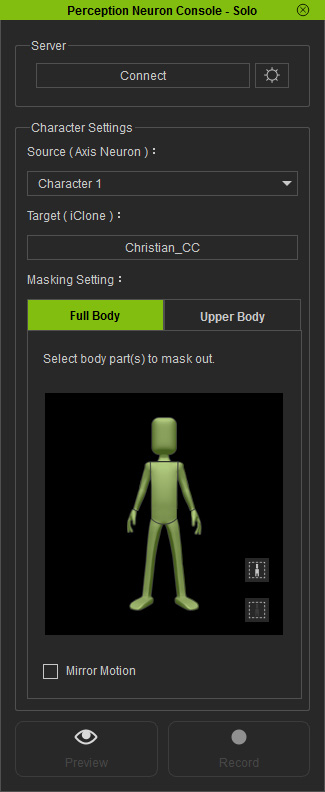
The Perception Neuron Console panel will display.
|
Note: |
|
Please refer to the Capturing Motions for Single Character or Capturing Motions for Dual Characters sections for more information about connecting the person(s) in the real world to the virtual character(s) in iClone. |
 button to deselect all body parts.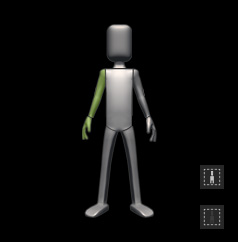
For more information about the Full Body and Upper Body modes, please refer to The Best Mode for Capturing Upper Body Motions section.
 button and press the Space bar to preview the motion pattern (Shortcut: Space bar).
 button and press the
Space Bar to start recording.
button and press the
Space Bar to start recording.
|
|
|
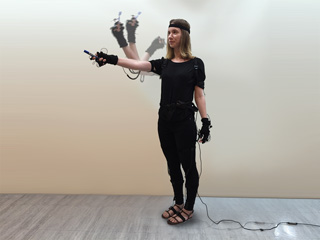
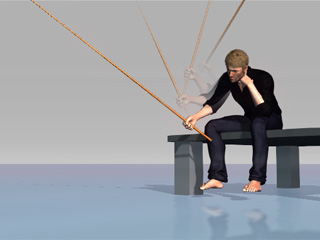
Real human motion. |
Only the right hand receives the motion data. |
|
|
|
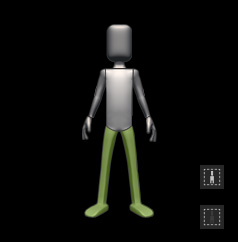
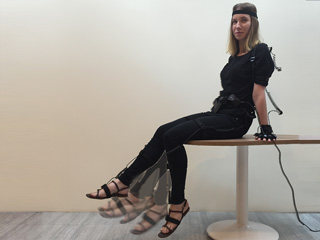
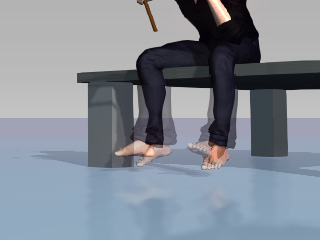
Real human motion. |
The feet receive the motion data. |