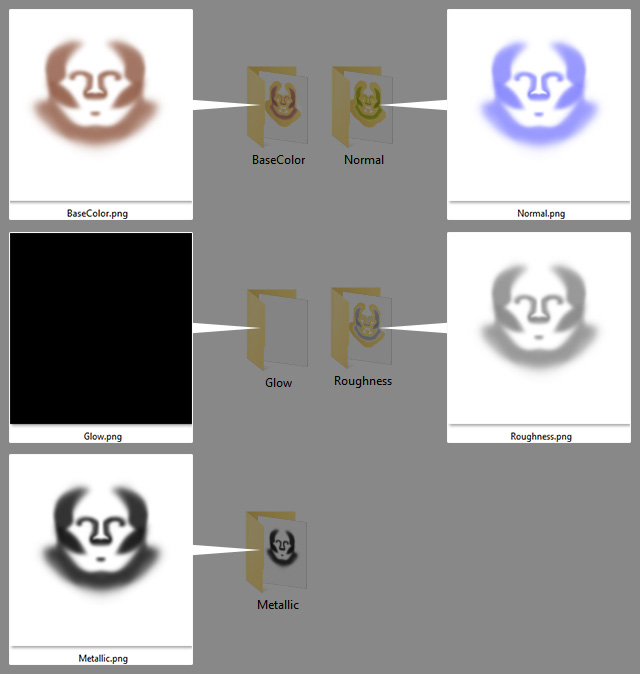
Exporting Flattened Material Images
- Create a new project.
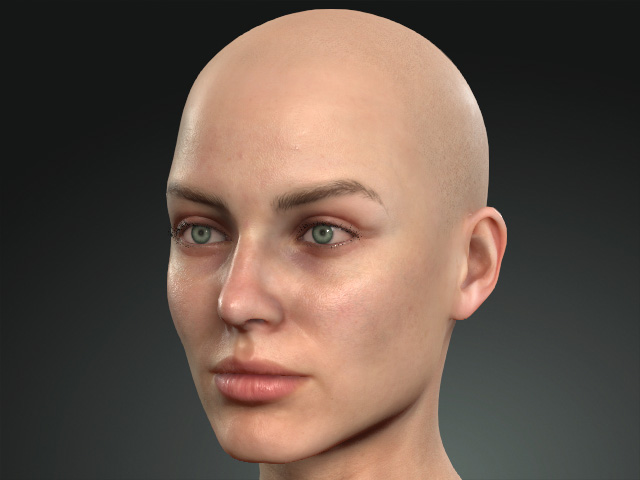
- Apply one of the templates from the Skin or Makeup libraries (in this case, Makeup).
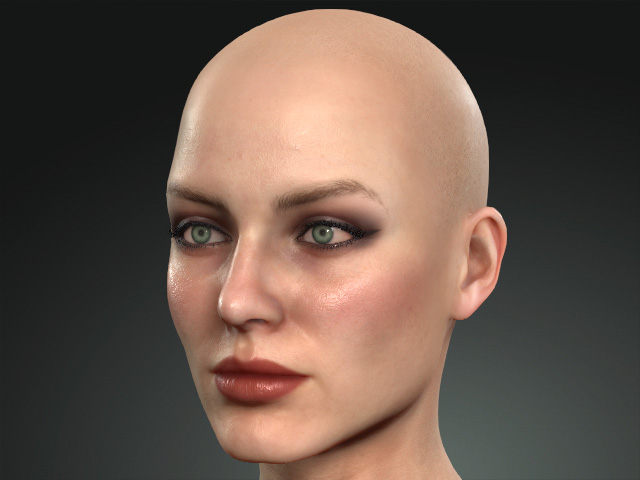
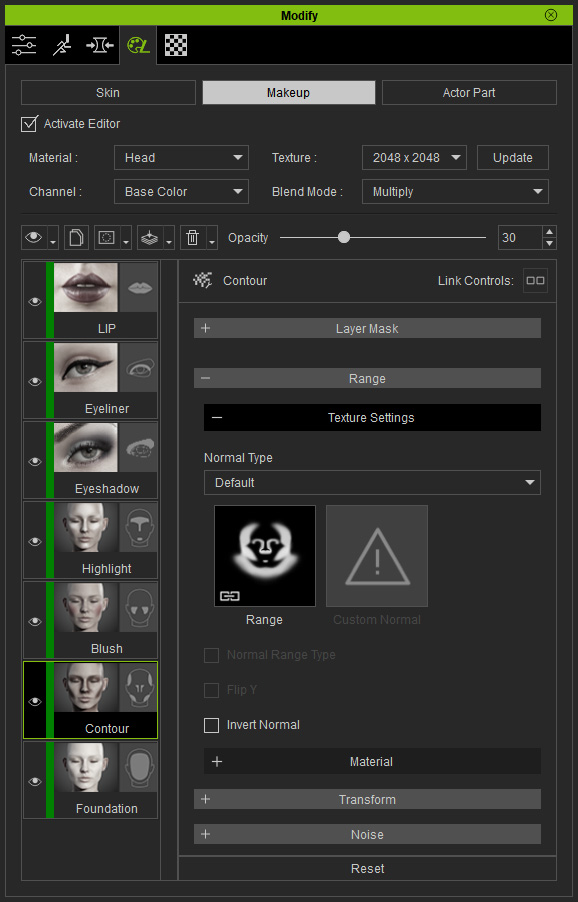
- Go to the Skin or Makeup page under the Appearance tab in the Modify panel corresponding to the template.
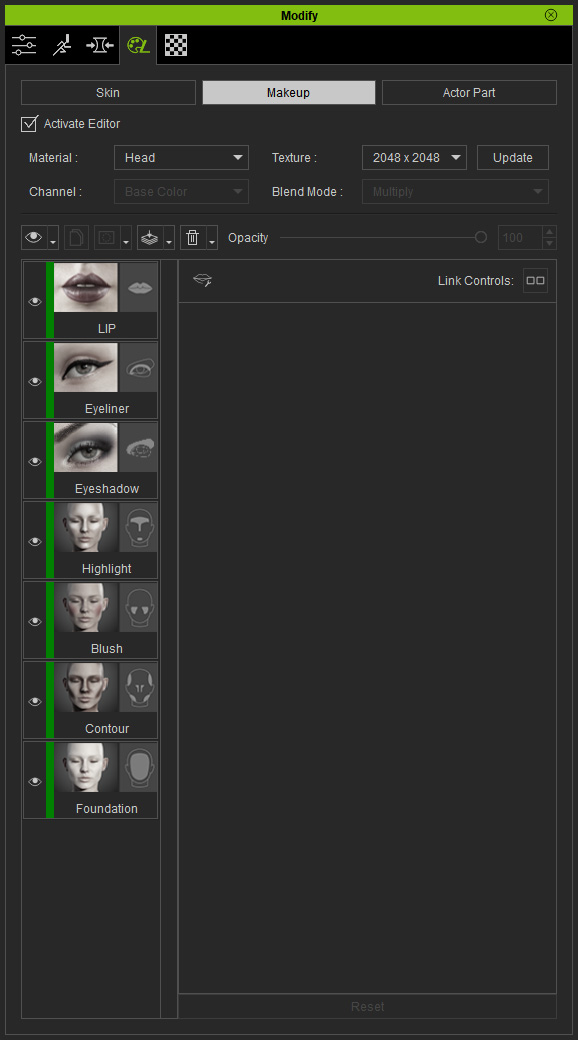
- Select one of the layer.
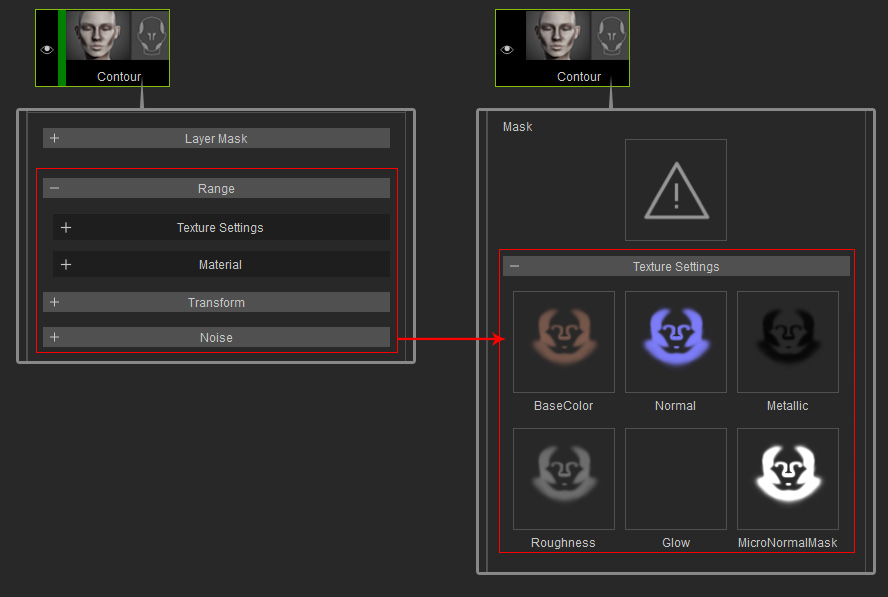
- Freeze or flatten the layers of a material.
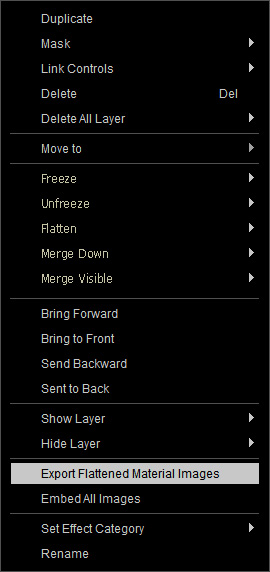
- Right-click on the layer to show the Context Menu. Choose the Exporting Flattened Material Images command.
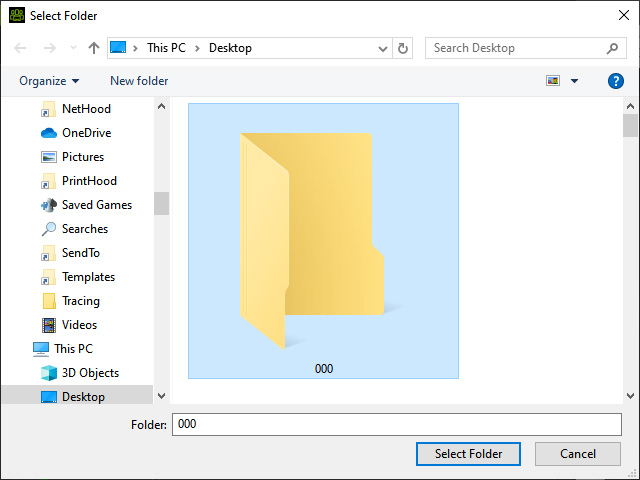
- Pick a folder and click the Select Folder button.
- Open the folder. You will see a folder with a same name as the layer's name.
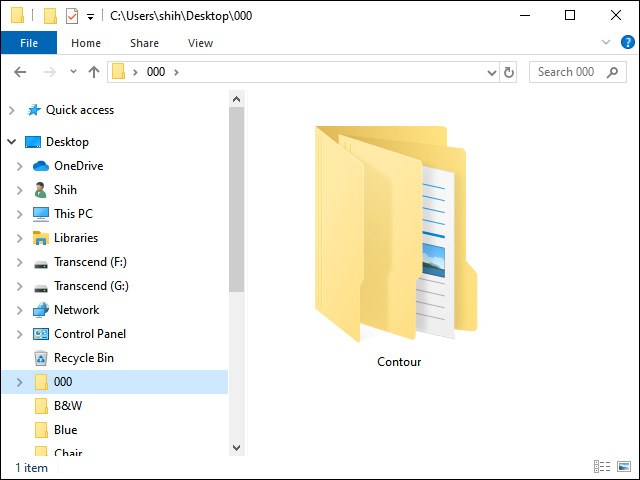
- Open this folder, you will see folders of the channels' name.
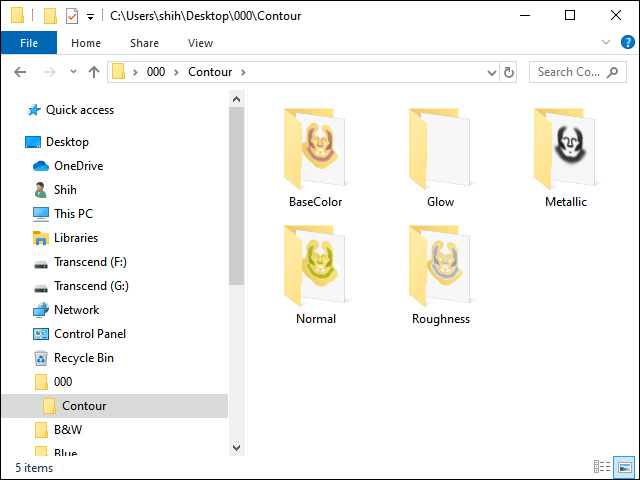
The textures will be stored in these folders.