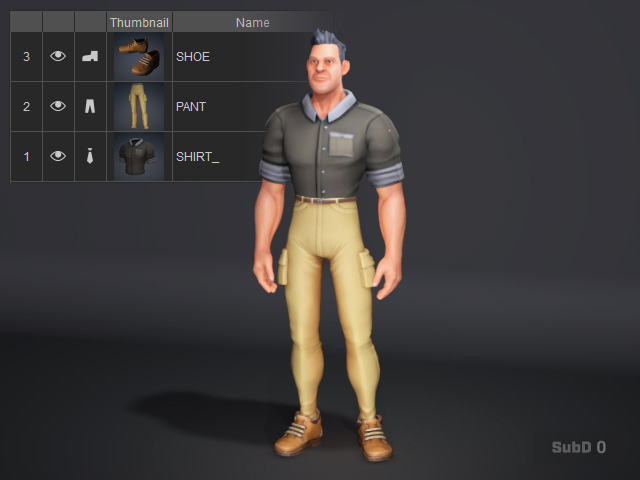
Customizing Clothing Layers
In Character Creator, you can set the collision layer for clothing, including gloves and shoes, whether the clothing comes from the built-in content or is created in your favorite 3D tools. You can choose to tuck shirts into pants or let them hang over the pants.
These layer settings are saved in the project. If you do not plan to share the clothing with other characters, you can adjust the layer settings freely until you achieve the desired result.
-
Create a new project and create a character with clothes.
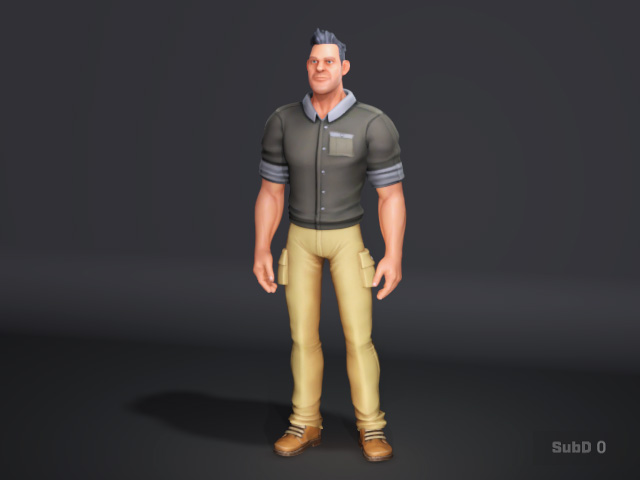
-
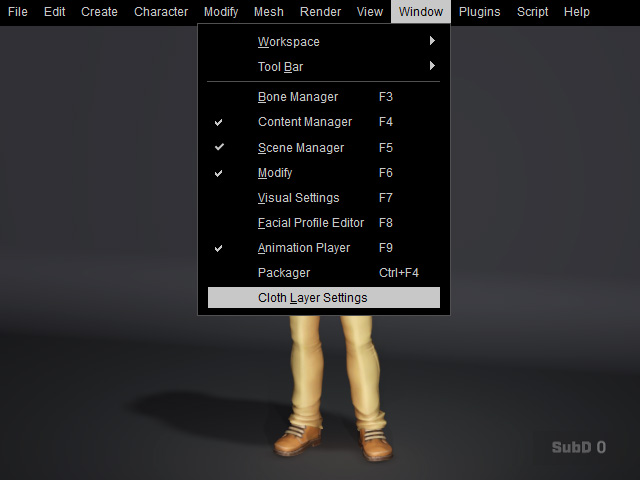
Execute Windows >> Cloth Layer Settings command to
launch the panel.
Cloth Layer Settings panel will appear: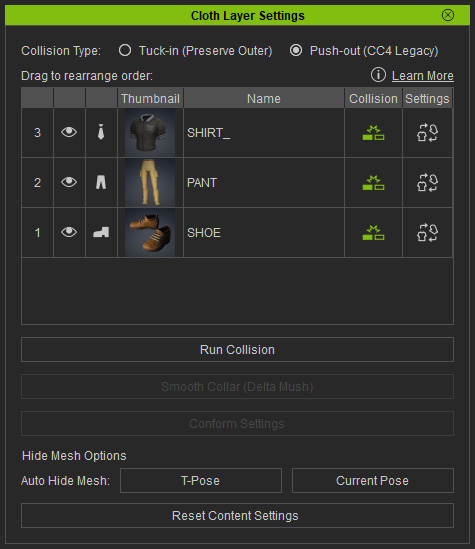
-
Rearrange the layer order number of the item by dragging and dropping.
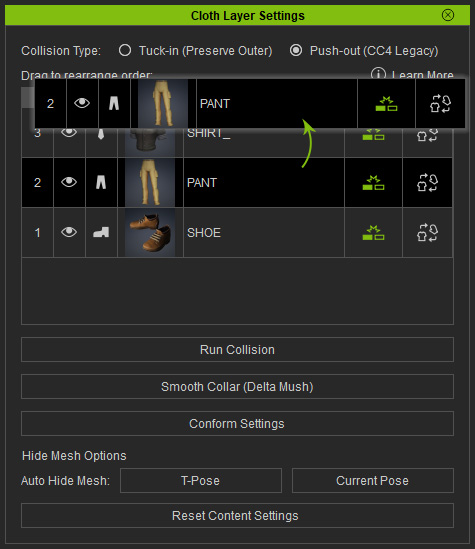
The layer will be re-ordered.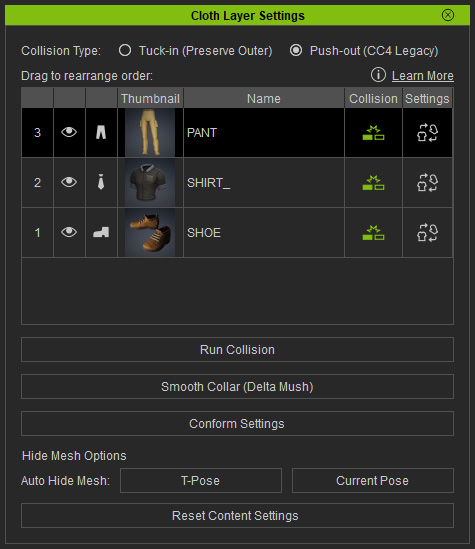
The penetration issue appears.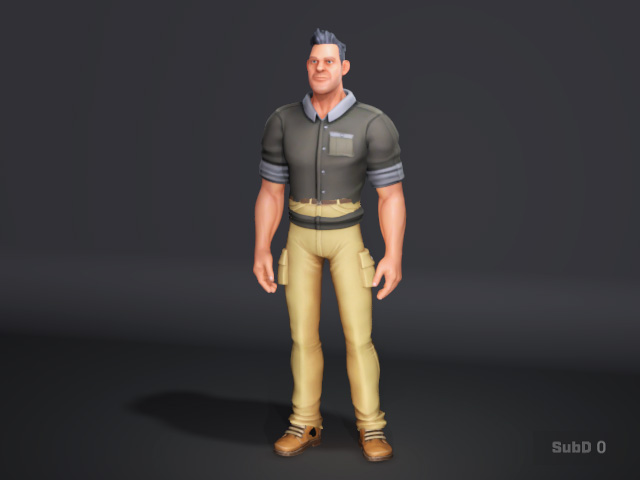
-
Click the Run Collision button to see the collision result.
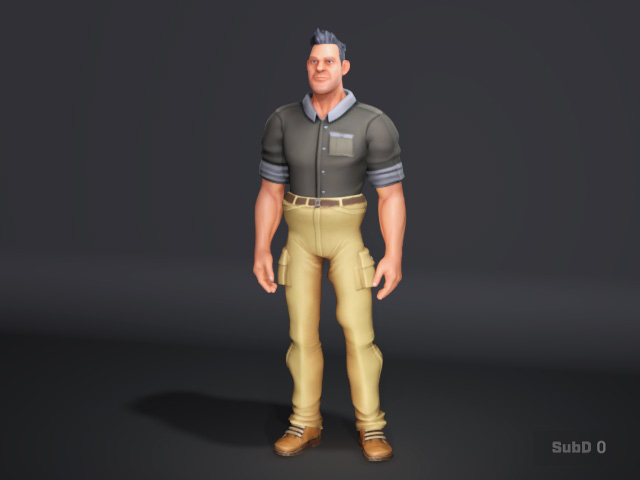
- Switching the collision types to Tuck In to prevent from the distortion.
- You can freely re-order the clothing layers with the same method.