Synchronizing Animations with Timecode in Unreal
The Unreal Engine provides the ability to synchronize timecoded data imported from iClone (FBX format).
- In Unreal Engine, create a sequencer and make sure the timecode related settings have been configured.
- Drag and drop a character imported previously into the Content Browser (see FBX file with motions of timecode exported from iClone or Character Creator).
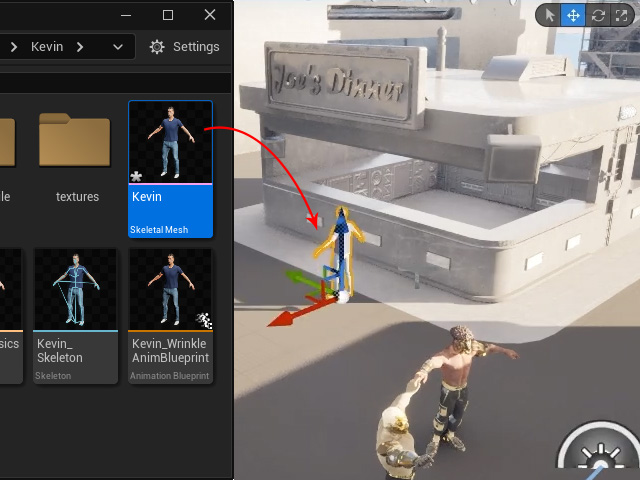
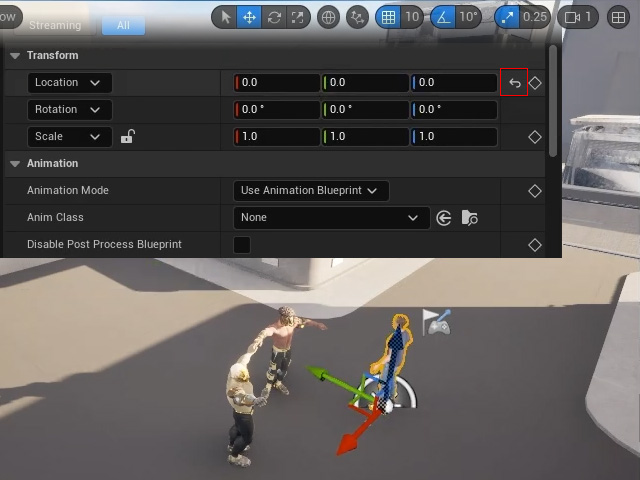
Make sure to follow the steps mentioned in importing FBX to import the timecoded file. - Click the Reset button for the world center coordinates.
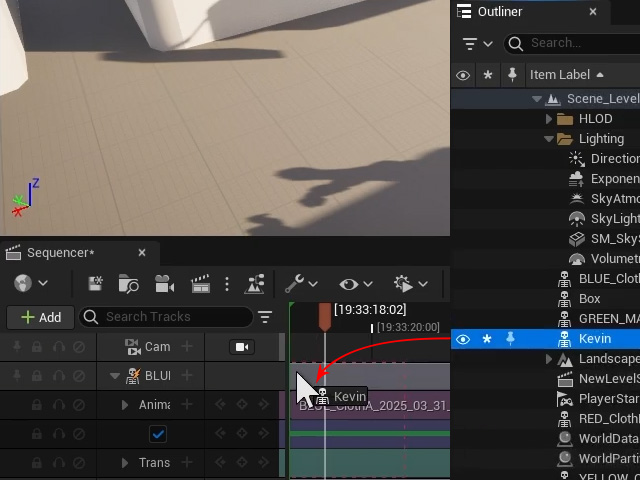
- Drag and drop the character from the Outliner panel into the Sequencer.
- Apply a timecoded motion to the animation track of the character by click the + button.
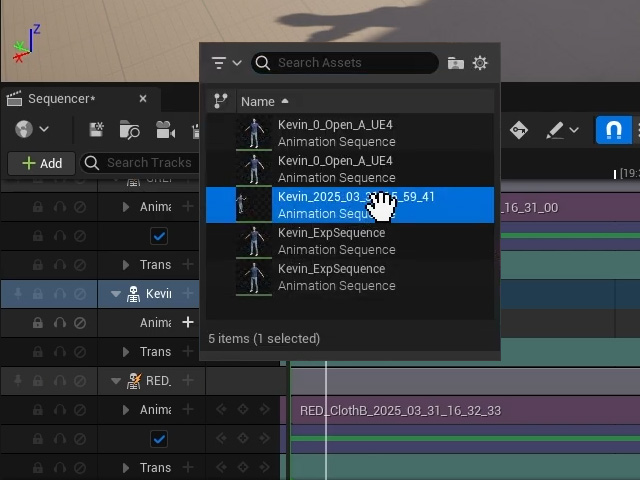
The animation will be place on the track starting from the current time indicator.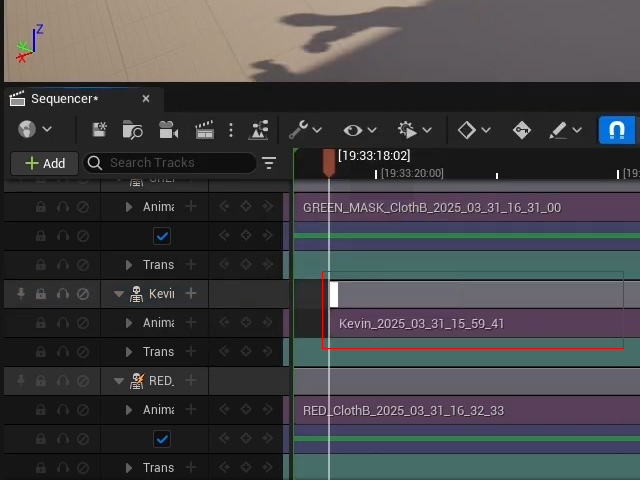
- Select the animation, click the Actions button and choose Snap Sections to Timeline using Source Timecode.
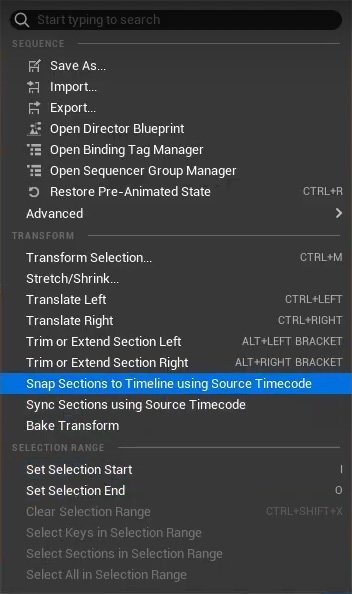
The clip will be synchronized according to its timecode data.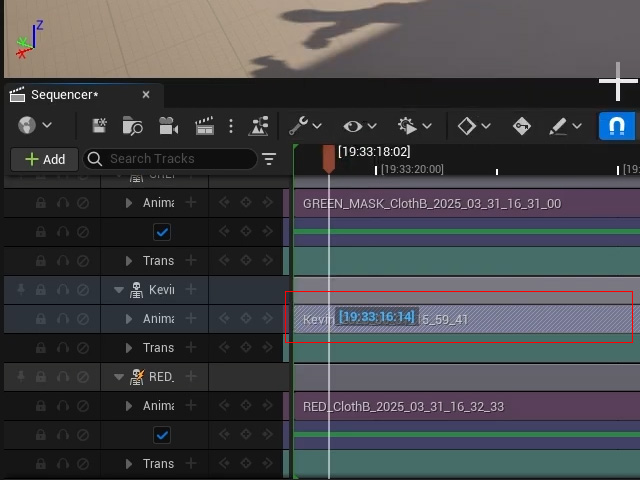
- Playback to view the animations for the entire scene.
