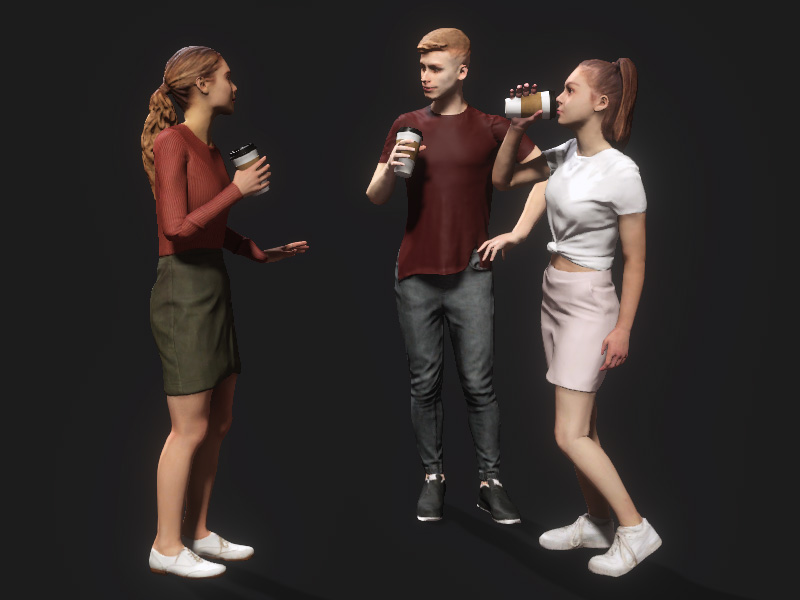
Viewing Related Content 
Smart Search allows you to find related content under the Item View. These relevant smart accessories, props or paired motions help you to quickly visualize the animation framework and start the storytelling.
- Start your search by typing in a phrase or keyword or uploading an image in the Smart Search panel.
For example, we can search for "a standing woman chatting and grabbing something to drink".
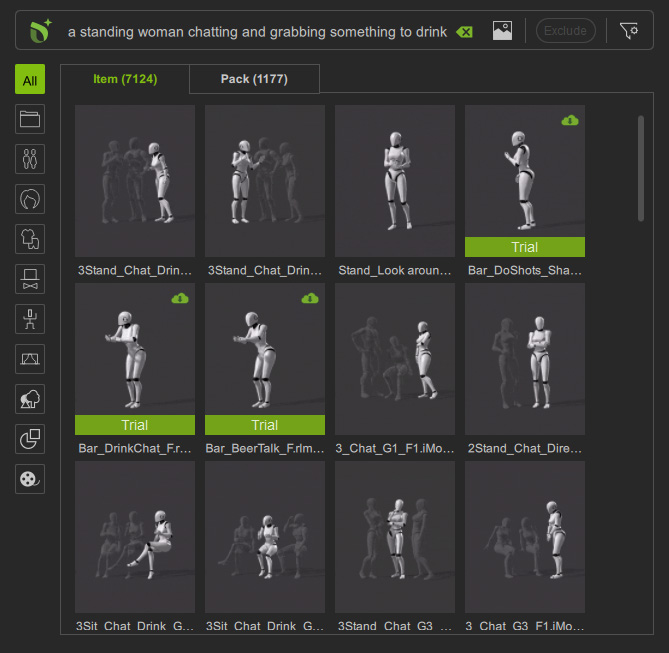
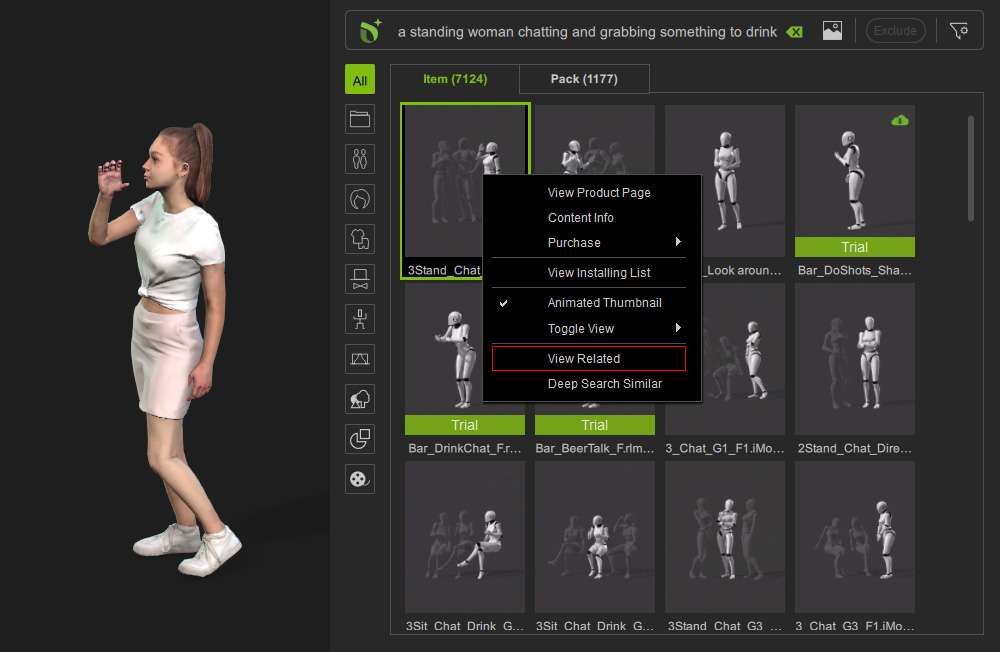
- After applying a motion from the search results, we can right click on its thumbnail and choose View Related from the context menu.
- Related content, like the cups and crowd animations in this case, will then be displayed.
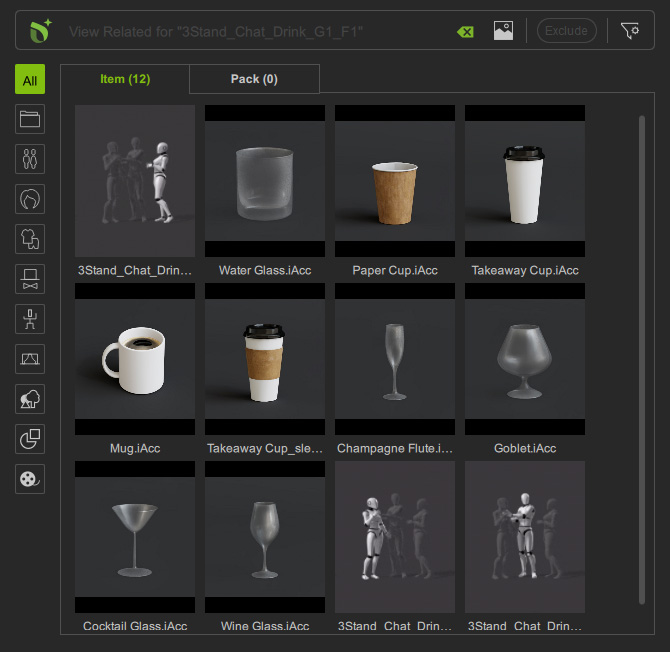
- You can choose to directly apply some content or perform View Related to drill down even more.
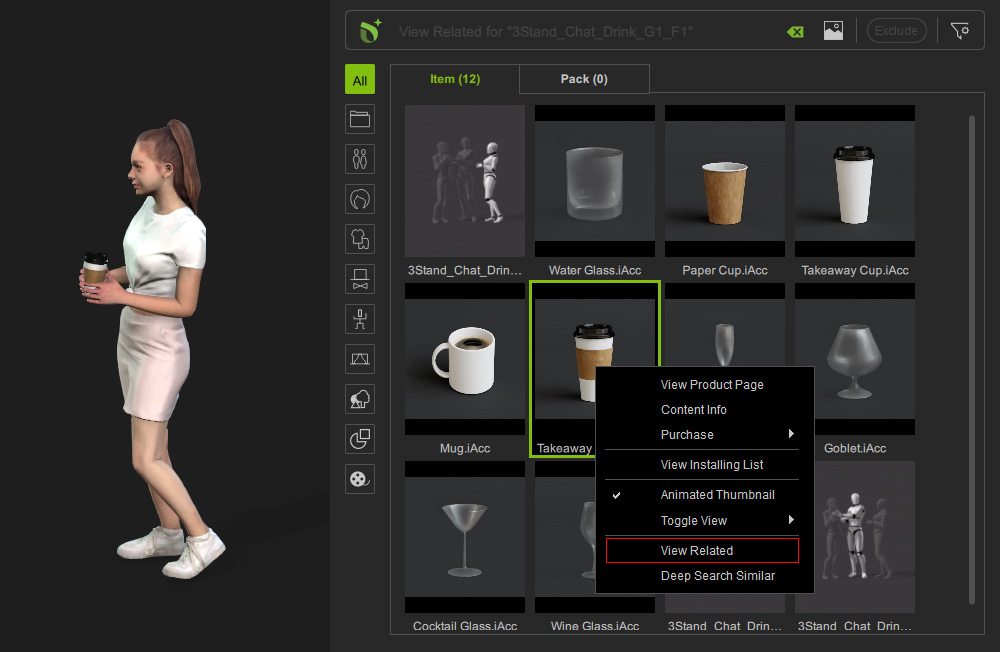
- Just as before the related content will be shown.
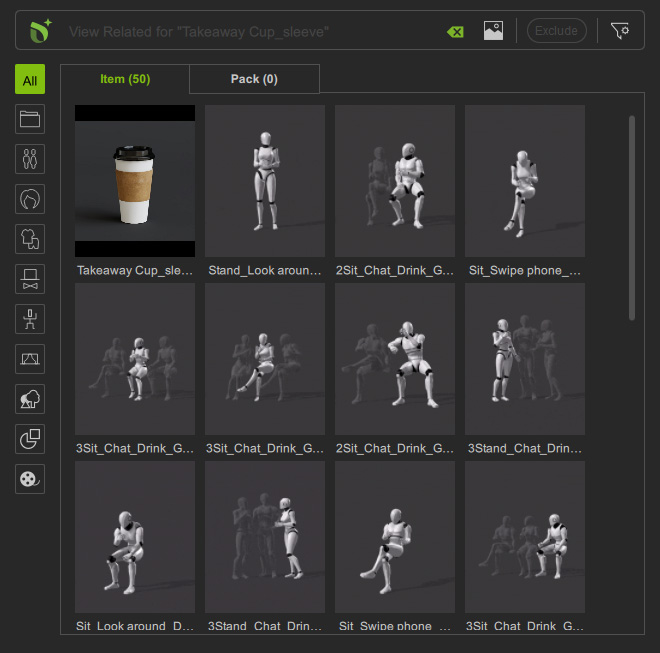
- When a motion is applied, the accompanying prop will be applied as well.