Prompting for Multi-Shot and Multi-Dialogue (v1.1.1)
During video generation and video extension, describe distinct scenes, camera angles, cuts, and transitions in the prompt to guide the AI in creating storyboard-like shot sequences. You can also include character dialogue to generate speech audio for spoken interactions. This enables cinematic storytelling in a single generation while maintaining consistency in character appearance, clothing, backgrounds, lighting, and scene transitions.
Multi-Shot Prompting
Instead of generating separate clips and stitching them in editing software, Multi-Shot allows you to direct the full sequence in one prompt.
You can describe camera movements or structure the scene using Shot 1, Shot 2, etc., letting the AI freely determine timing between cuts rather than relying on exact timecodes.
You can also use preset camera techniques to speed up prompting.
Provide Start Frame and End Frame image references to ensure the multi-shot video consistently matches your subject’s appearance and render style.
- Start Frame: Defines the starting frame of the video.
The AI uses the initial image as a visual reference to maintain the rendering style while generating the rest of the video based on the prompt.
Use the prompt to specify the desired rendering style, sound effects, and elements to avoid.
Advanced models, such as Kling 3.0 and Seedance series, support scene-specific sound effects and dynamic audio transitions.
Prompt Start Frame 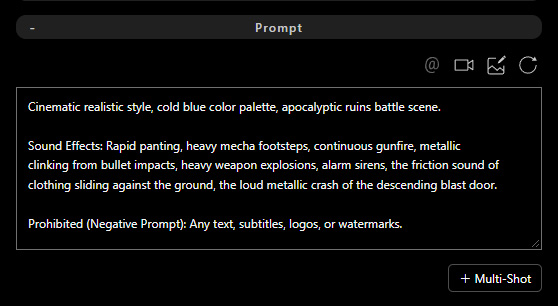
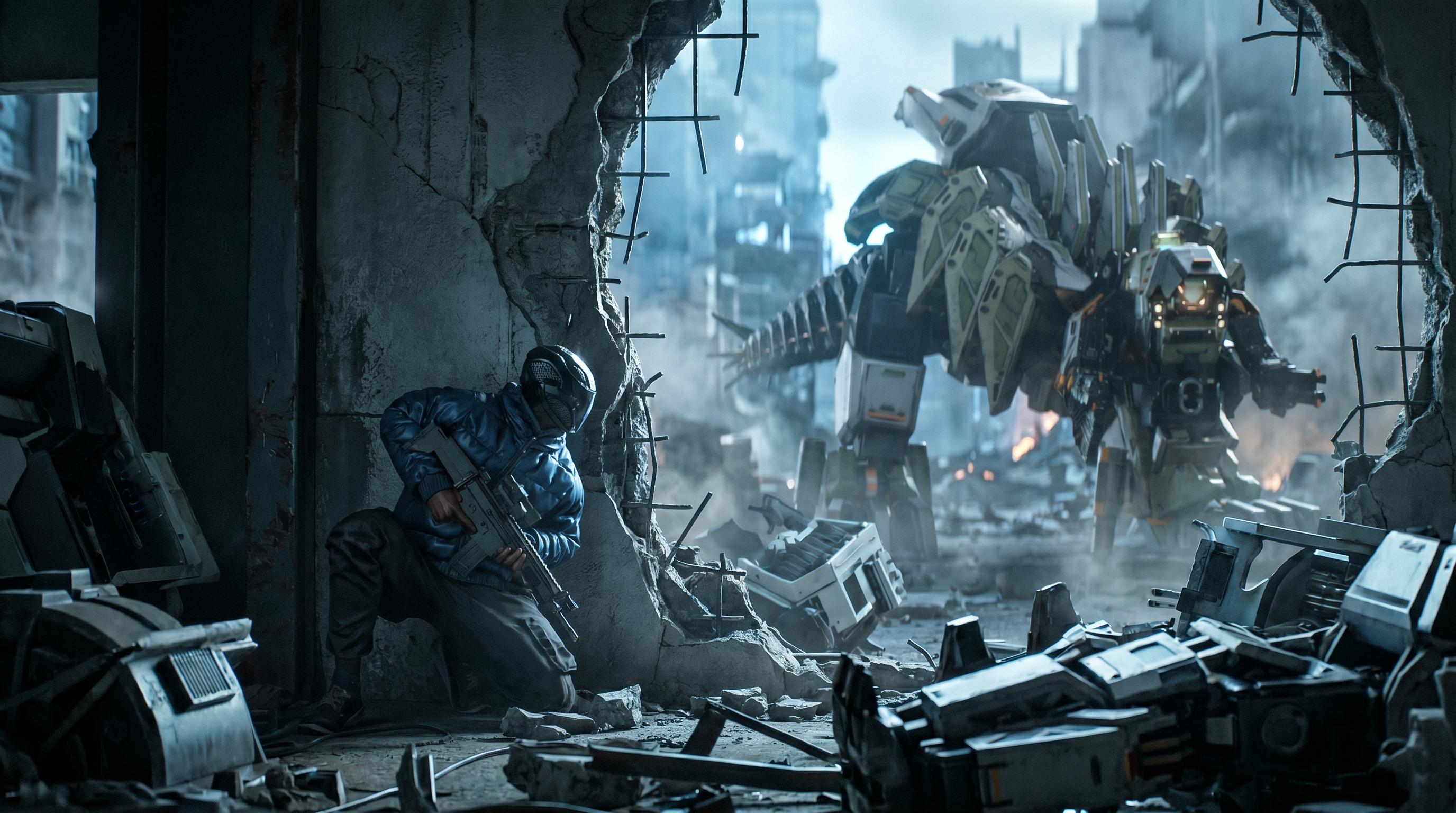
For Seedance series AI models, click + Multi-Shot to add a separate prompt field for each shot. In the Main prompt, define shared elements such as the overall story, characters, and style. In each Shot prompt, describe the shot-specific character motions, composition, camera movements, and references. Click + Add Shot to add up to 10 shot prompt fields.Prompt AI Output 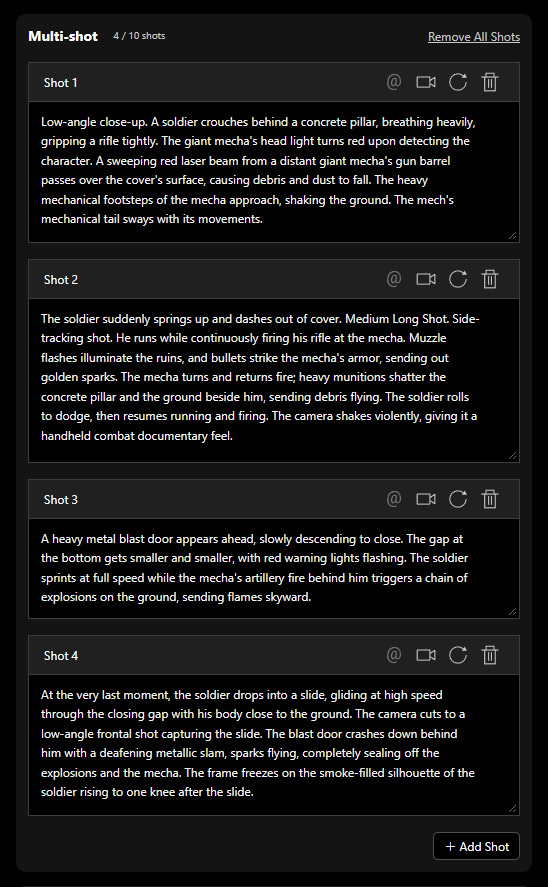
- Start Frame + End Frame: Defines both the beginning and ending images, with the AI generating the in-between content according to the prompt.
Start Frame End Frame 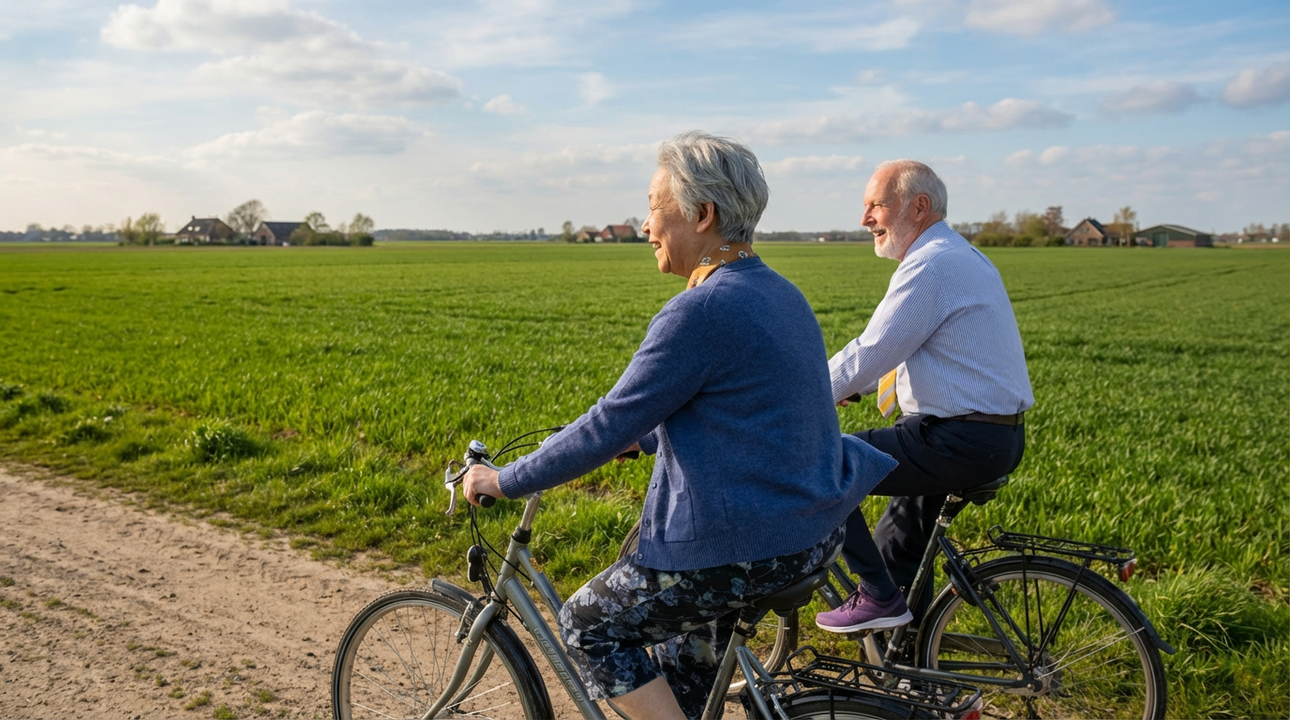
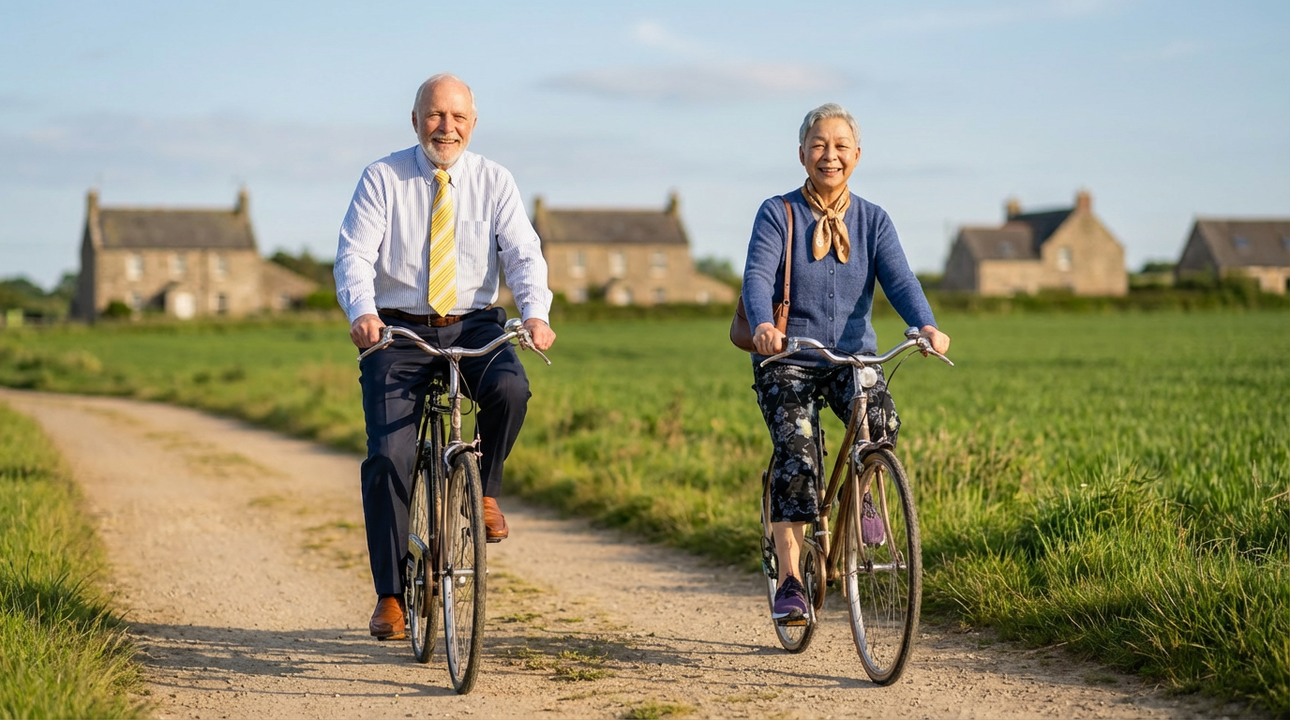
The following example uses Kling 3.0. Enter the overall rendering style and descriptions for all shots in a single prompt field. First, define shared elements such as the overall story, characters, and style. Then, describe the character motions, composition, camera movements, and references for each shot.Prompt AI Output 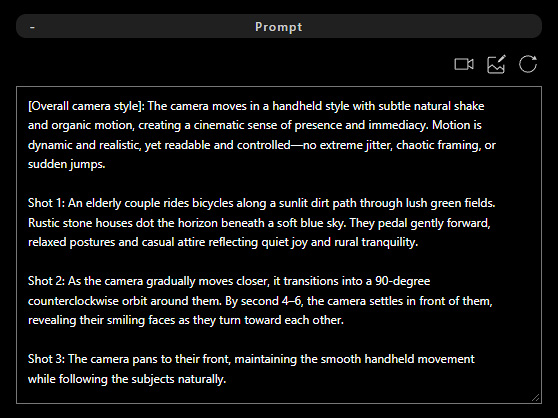
Multi-Dialogue Prompting
Include character dialogue in the prompt to generate lip-sync animations or interactions between multiple characters, enabling synchronized speech and matching facial movements.
| Prompt | Start Frame |
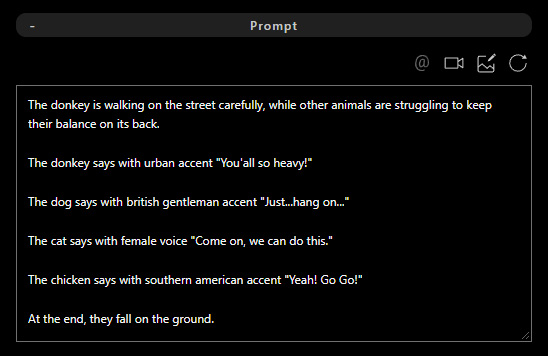 | |
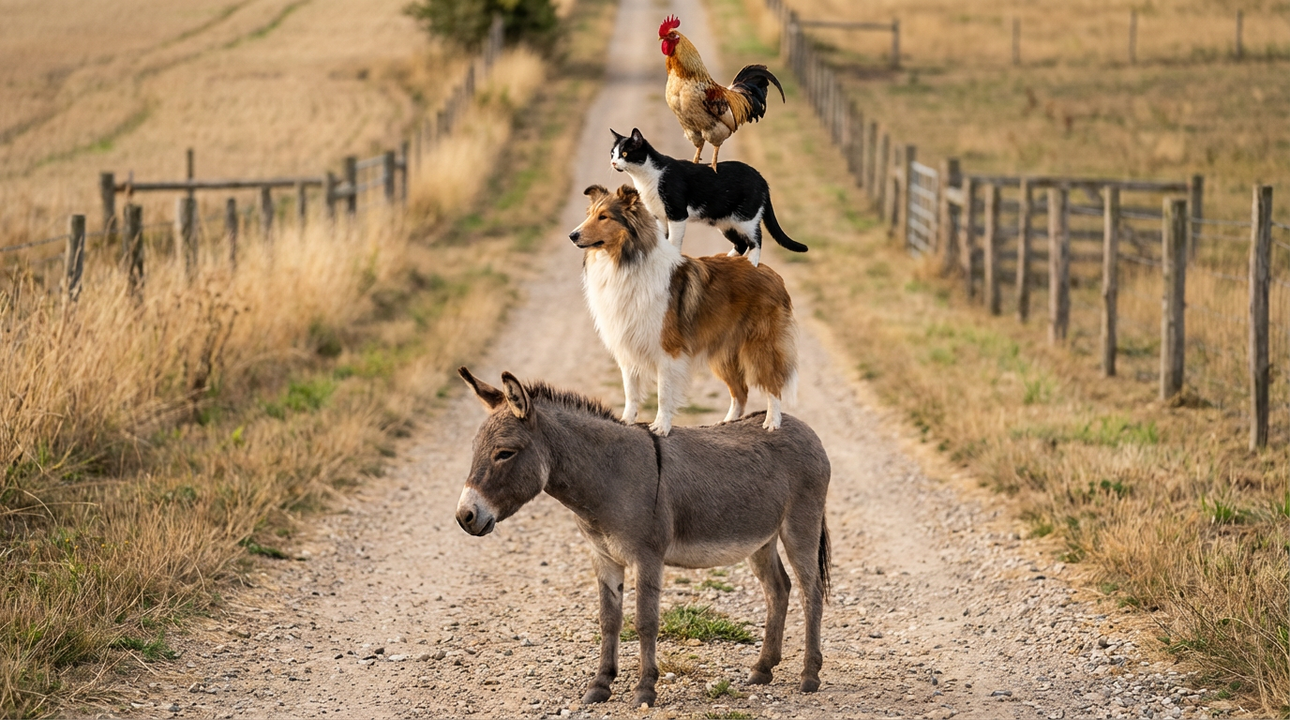 | |
| AI Output | |
Multi-Shot & Multi-Dialogue Prompting
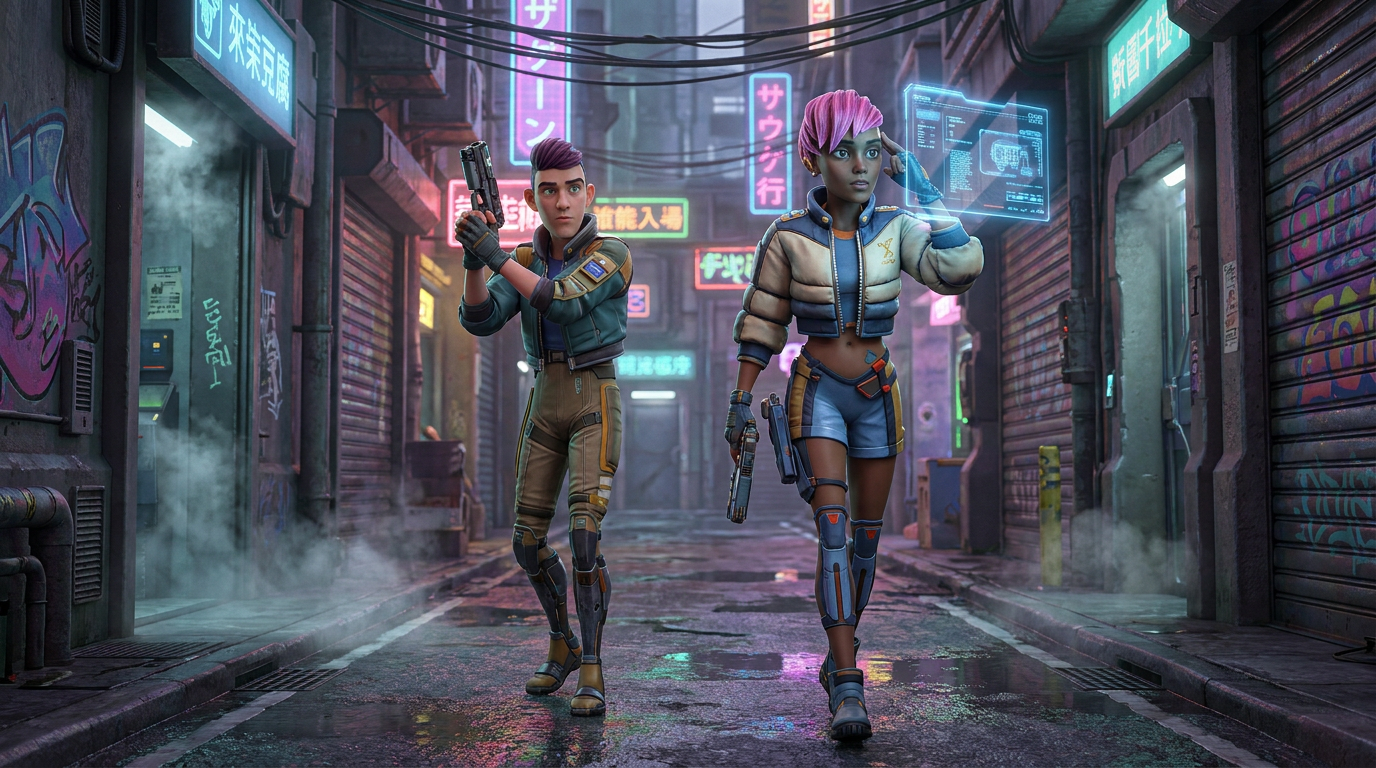
For Seedance series AI models, if no AI Actors are applied in the Reference section, specify the character appearances and rendering style in the Prompt field.
| Prompt | Start Frame |
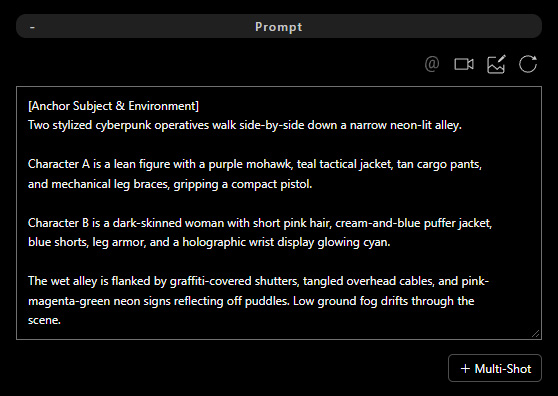 |  |
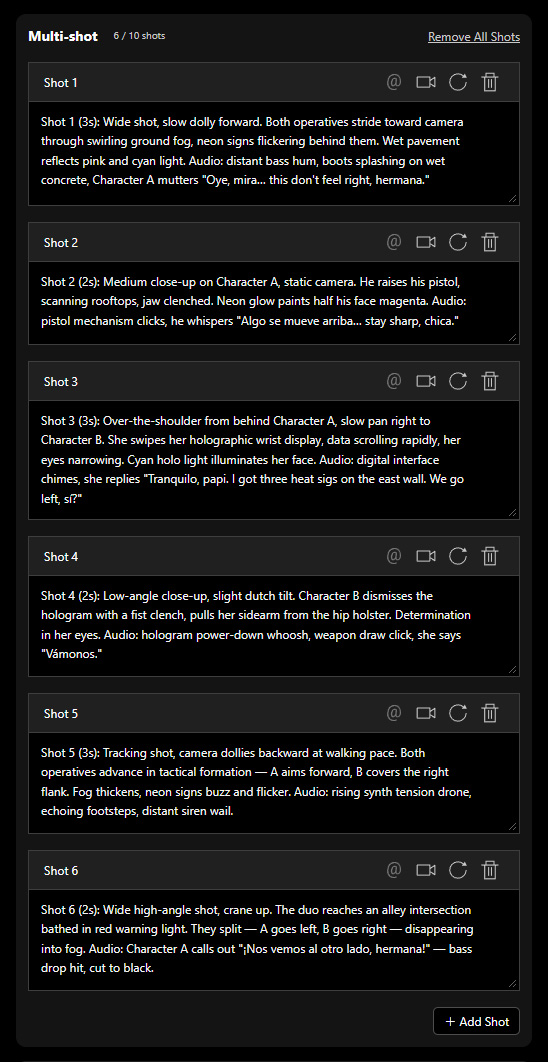
Click + Multi-Shot to add a separate prompt field for each shot. Use the Main prompt to define the overall story, character appearances, and scene setup. In each Shot prompt, describe the shot-specific character motions, dialogue, and sound effects. Click + Add Shot to add up to 10 shot prompt fields.
| Prompt | AI Output |
 |
