Viewing AI Generation Progress
After clicking GENERATE in an AI tool, AI generation progress can be monitored in the AI Render View or the side History panel.
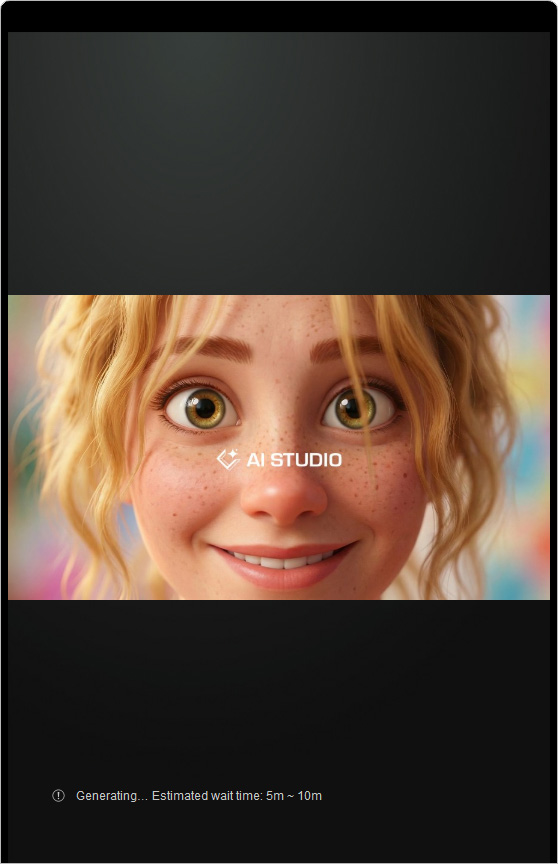 | 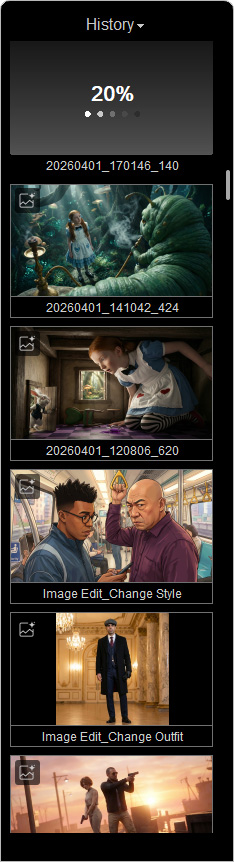 |
AI Render View | History Panel |
From the AI Render View
| Rendering Status | Description |
Pending… | Pending time is displayed based on the current queue status. Subscription plans may affect the number of batch processing tasks per user. When total demand exceeds system capacity, tasks are queued for processing. Pending tasks can be canceled by clicking the X icon in the top-right corner of the History thumbnail. |
Submitting… | Generation in progress.
|
Generating… Estimated wait time: | The estimated completion time is displayed on the screen. Once queued, requests from subscribed users are prioritized over those from free-tier users. |
From History Thumbnails
| Thumbnail Indicators | Description |
 | The generation is pending.
|
 | Generation in progress.
|
 | Generation failed. Check the on-screen message for details and follow the recommended steps to resolve the issue. |
Understanding and Handling Errors
View any on-screen error messages with recommended fixes, or take suggested actions from the pop-up dialog.
| Errors | Follow-up Actions |
Insufficient balance |
|
Pricing not up-to-date |
|
Unable to connect to the AI service | Please ensure a stable internet connection and try again |
Failed due to a service disconnection | Please ensure a stable internet connection and try again. |
Failed to be processed | No credits were deducted. Please check your internet connection and try again. |
Failed due to invalid parameters | Credits used are non-refundable. Please revise your prompt and ensure it does not contain inappropriate or sensitive content. |
Failed due to a technical error | You can retry without additional charges. If the issue persists, please contact Reallusion customer support. |
Unable to retry | Please retry the data retrieval with the owner account. |
Failed due to missing resource files | Please verify that the resource files exist and try again. |
