


Modifying Texture of Prop Sprite Elements
If you want to change the texture of any element in a sprite, then you need to enter the Composer Mode.
For Image-based elements, you can use any External Image Editor for editing.
 Editing Textures of Bitmap or Vector Elements for Props
If you want to use an external image editor to modify bitmap- or vector elements of a sprite, then follow the steps below:
-
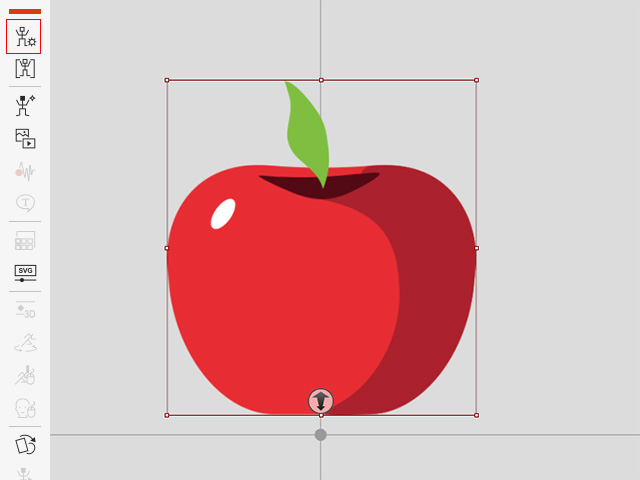
Pick a prop in Stage mode. Click the Composer button to switch to the
Composer mode.
-
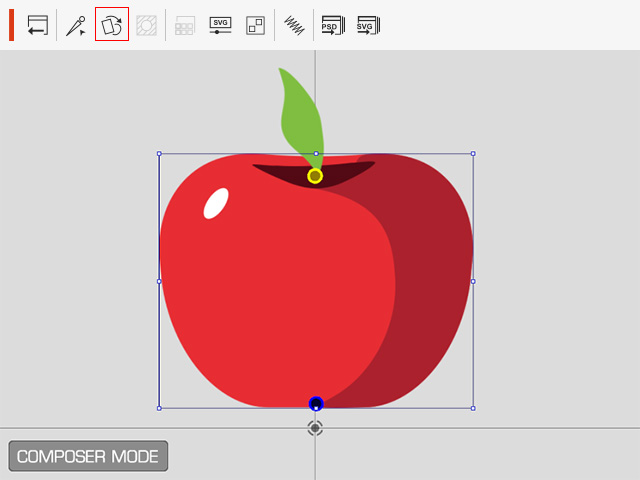
Select the prop and click the Sprite Editor button on the toolbar.
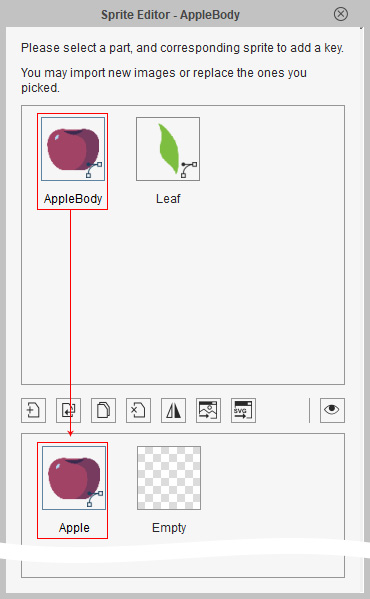
- Pick one of the sprites on the upper pane and select the target element in the lower pane.
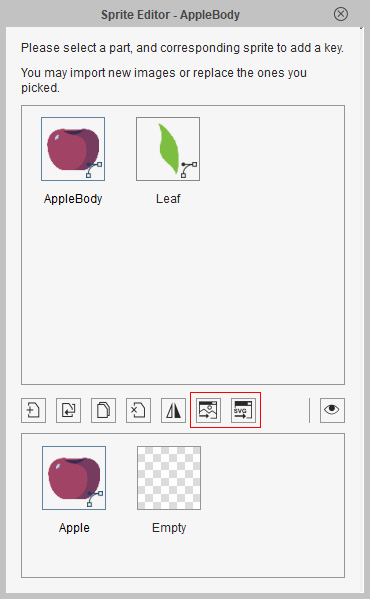
- Click the Edit in Bitmap Editor or
Edit in Vector Editor (for vector elements only) button to transfer the element to the desired editor.
-
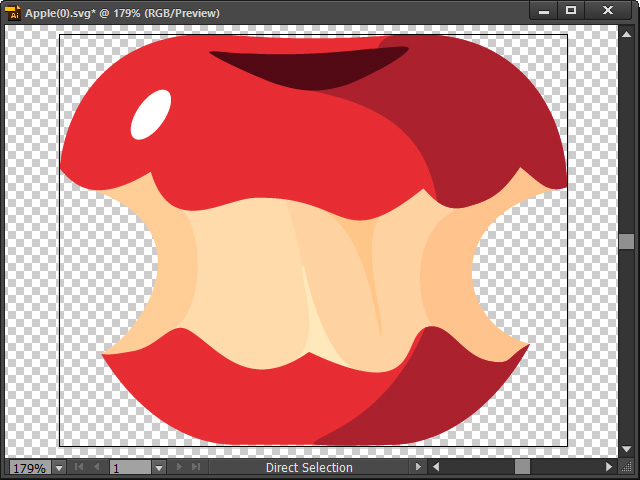
Edit the image or graphic and save.
-
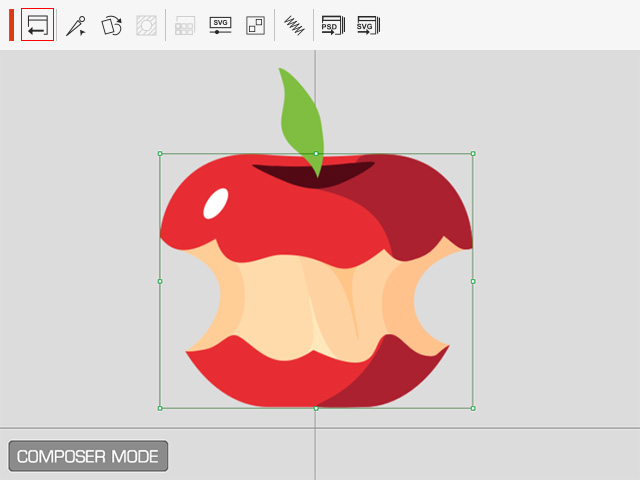
The data will then be automatically transferred into Cartoon Animator. Click the Back to Stage
button to update the prop in the Stage mode.
 Note:
Note:- Only bitmap or vector elements can be modified with external editors. If the element is a video or SWF, then these two edit buttons will be disabled.
