How to adjust Reflection effect
Before starting adjusting Reflection effect, you have to be familiar with the procedure to create Lens Flare Layers and Layer Types - Reflection.
A diagram of the reflection layer: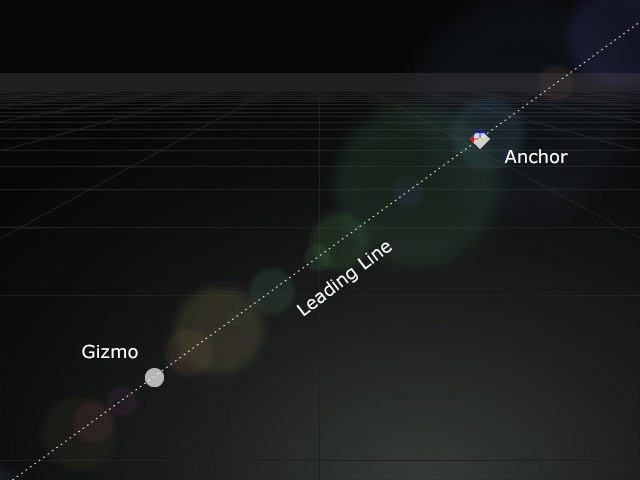
- Make sure there is already a Lens Flare effect in the scene, and the effect contains at least one Reflection layer.
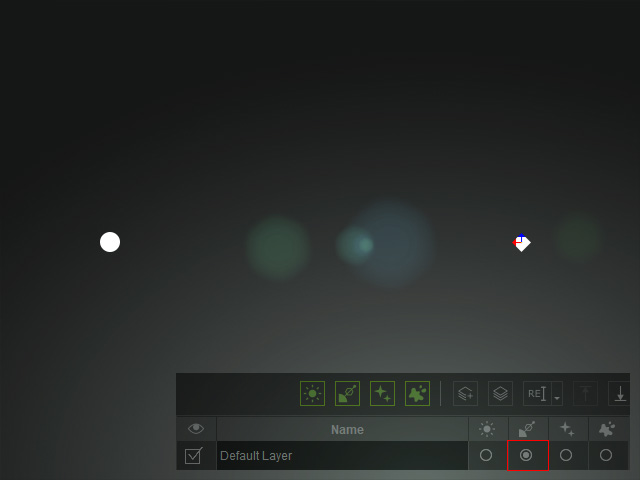
- You can optionally change the texture to create different Light Source effects.
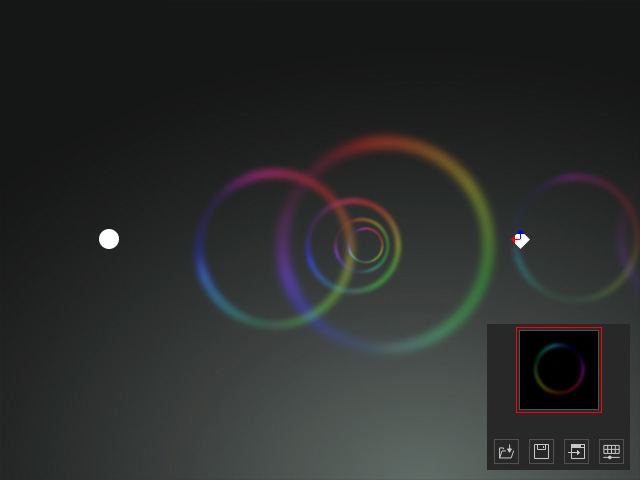
- Open the General Attribute sub-section.
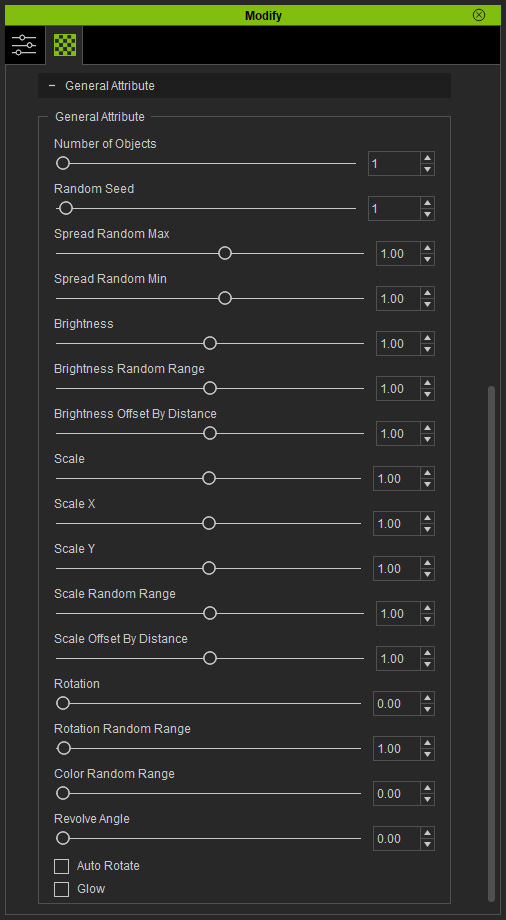
 Number of Objects
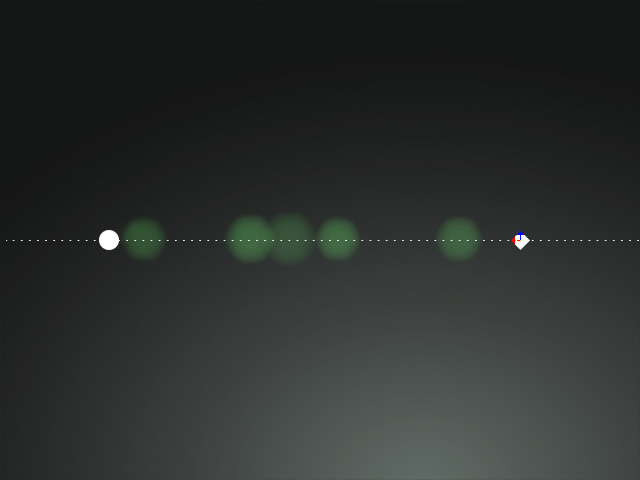
This value determines the number of image layers to duplicated on the lead line.
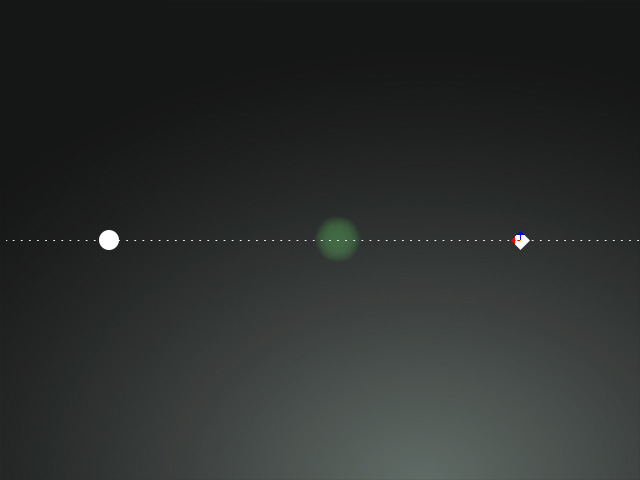
Number of Objects = 1
Number of Objects = 5
- Random Seed
This value randomly places the images on the lead line.
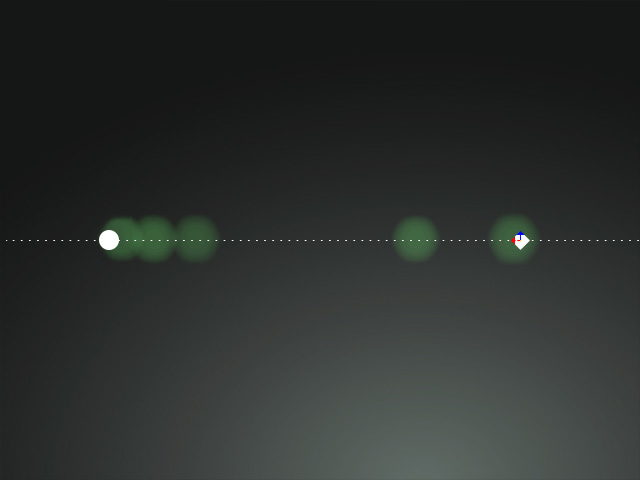
Random Seed = 1
Random Seed = 100
- Spread Random Max and Spread Random Min
These two values define the range in which the image layers on the lead lines are confined.
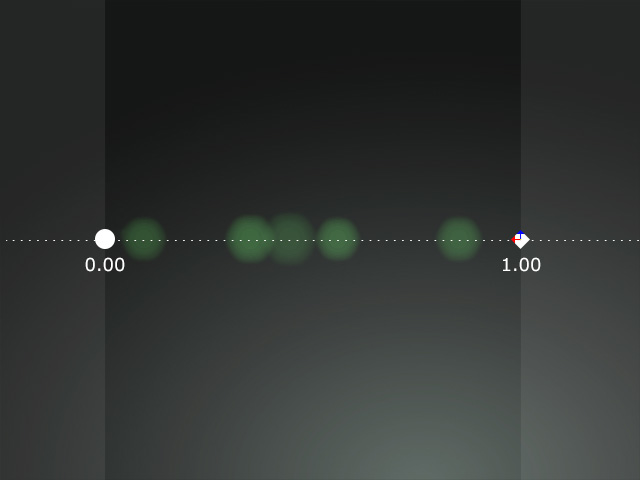
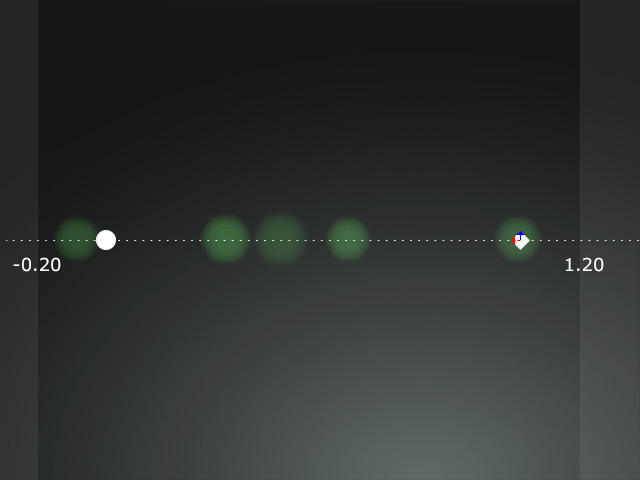
Speed Random Max = 1.00
Speed Random Min = 0.00
Speed Random Max = 1.20
Speed Random Min = -0.20
- Brightness
This value sets the brightness strength of all image layers.
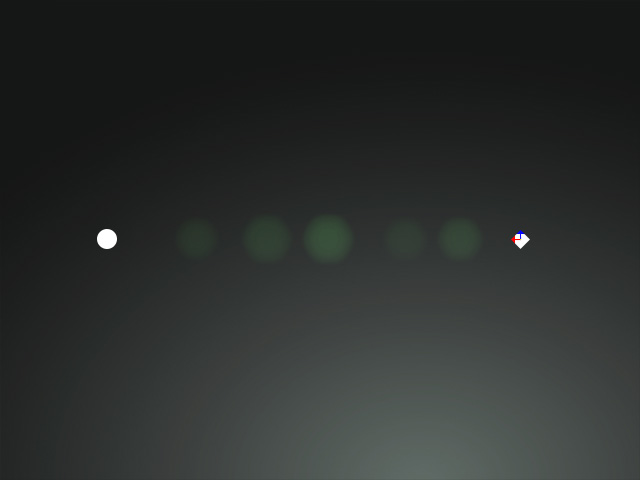
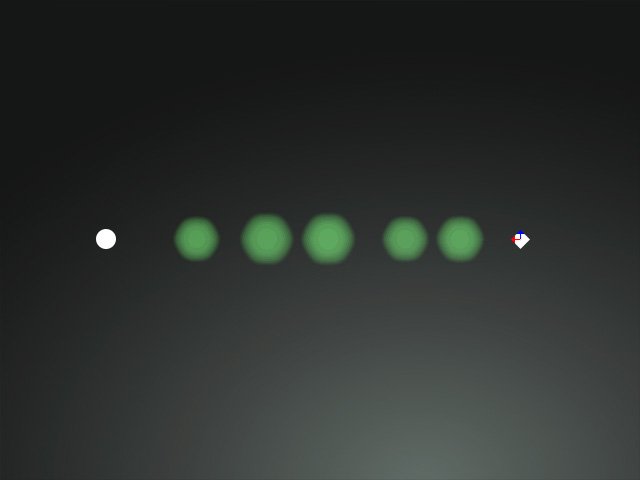
Brightness = 1.00
Brightness = 10.00
- Brightness Random Range
This value randomly sets the brightness strength of the image layers.
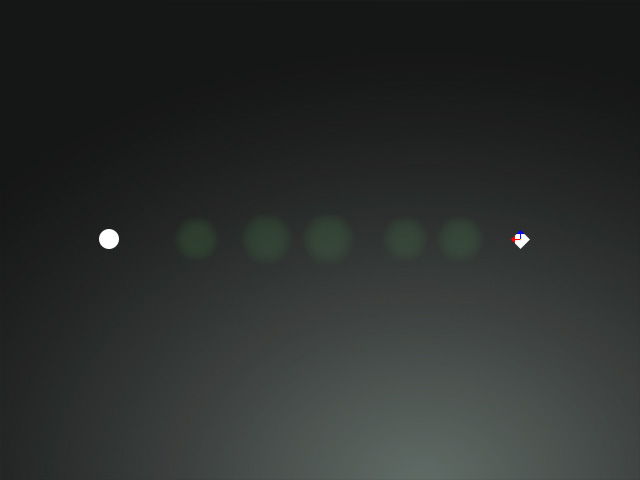
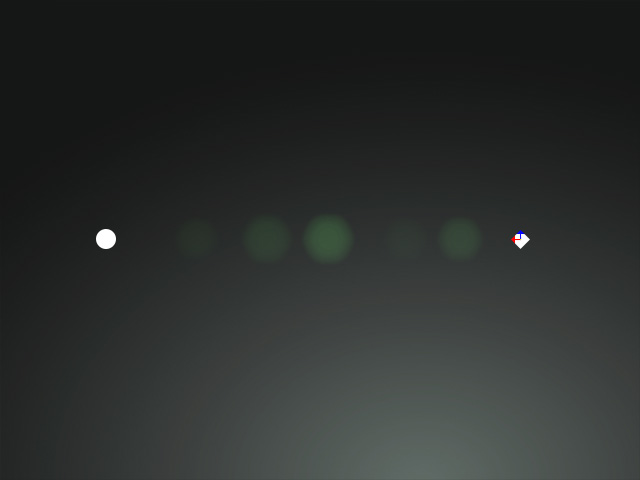
Brightness Random Range = 0.00
Brightness Random Range = 45.00
- Brightness Offset by Distance
This value sets the brightness strength of the image layers according to the distance between the gizmo and the Image Layers. When the value is 1.00, the brightness of the images is even.
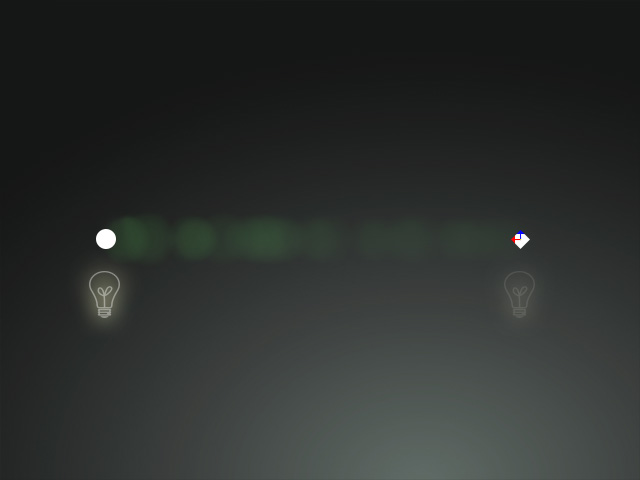
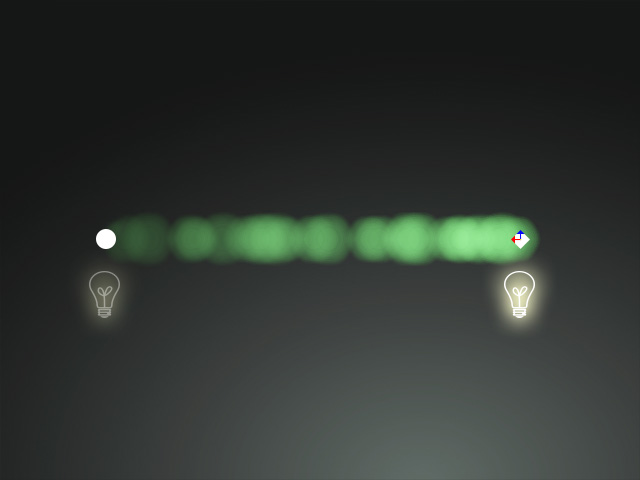
Brightness Offset by Distance = 0.10
Brightness Offset by Distance = 10.00
- Scale
This value scales all image layers.
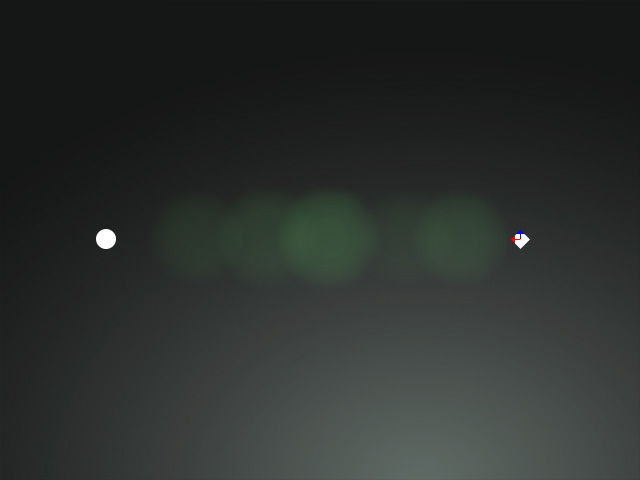
Scale = 1.00
Scale = 1.50
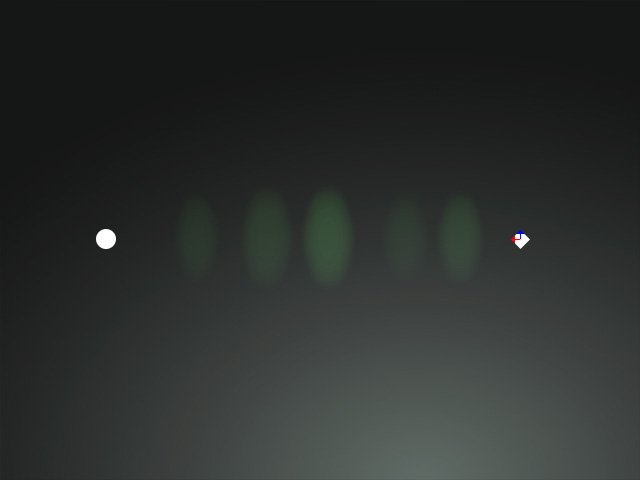
- Scale X and Scale Y
These two values scale the image layer horizontally and vertically.
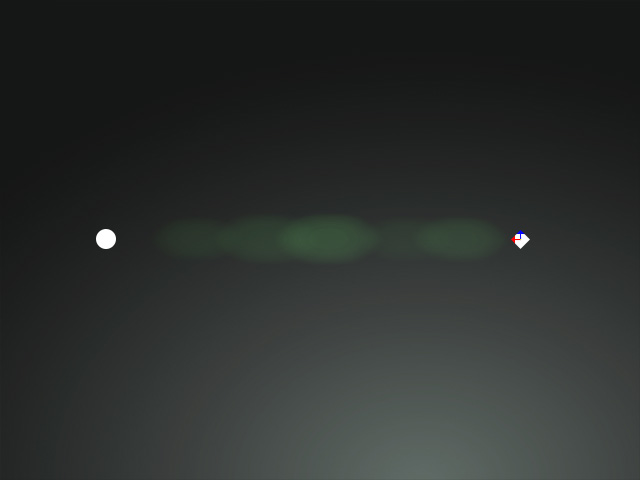
Scale X = 2.00 (Scale Horizontally)
Scale Y = 1.00
Scale X = 1.00
Scale Y = 2.00 (Scale Vertically)
- Scale Random Range
This value randomly scales the image layers.
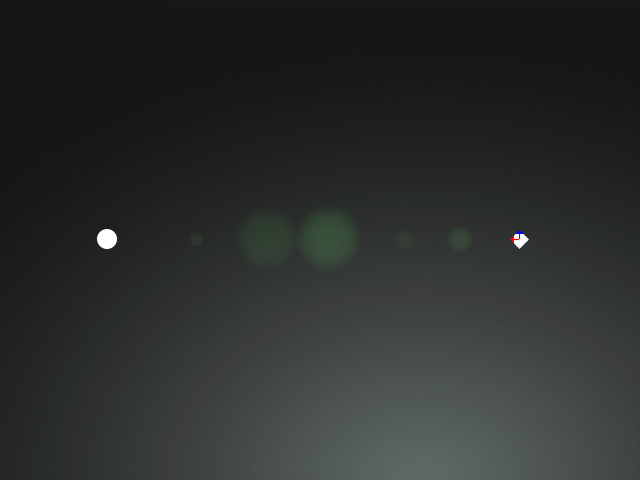
Scale Random Range = 0.10
Scale Random Range = 0.70
- Scale Offset by Distance
This value scales the image layers in accordance with the distance between the gizmo and the Image Layers. When the value is 1.00, the size of the images is uniform.
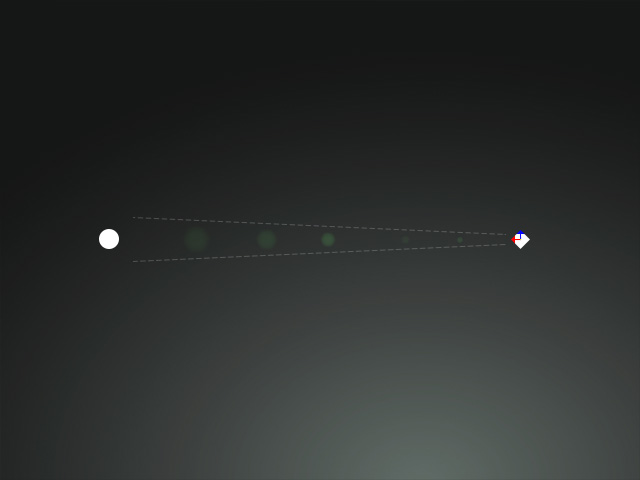
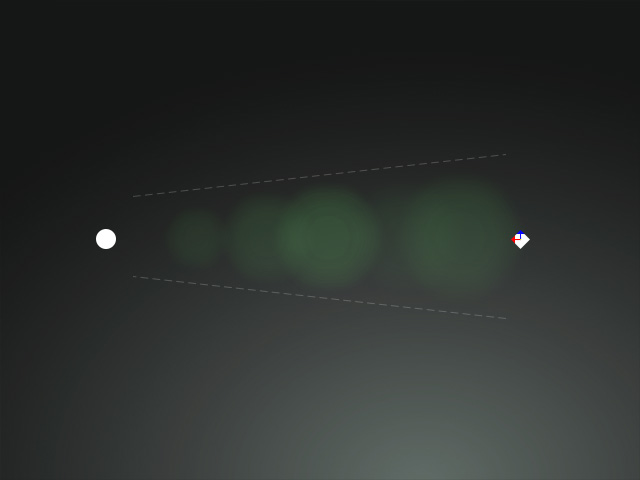
Scale Offset by Distance = 0.10
Scale Offset by Distance = 03.00
- Rotation
This value rotates all image layers counterclockwise.
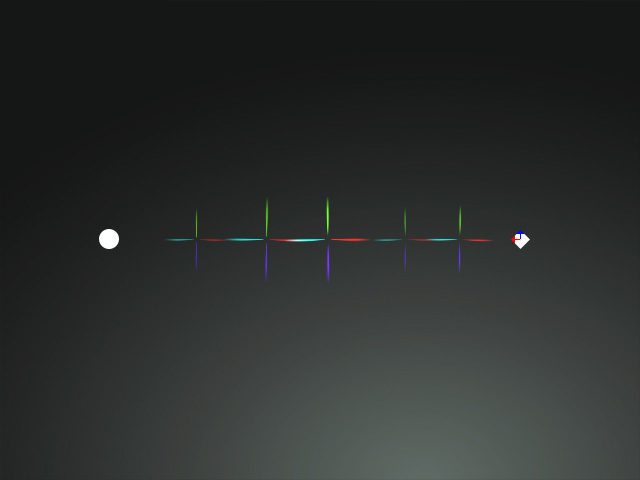
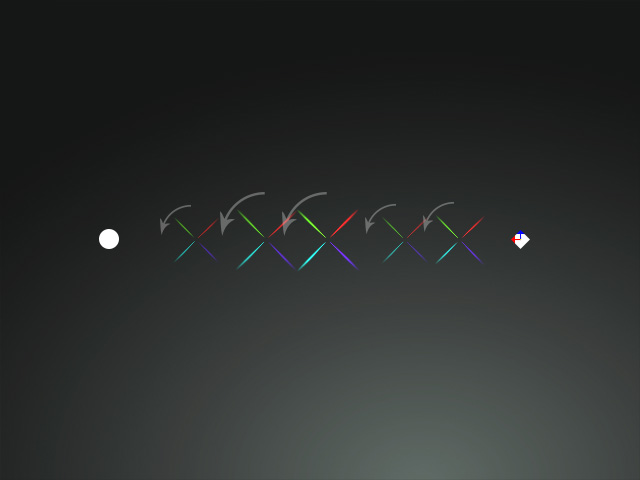
Rotation = 0.00
Rotation = 45.00
- Rotation Random Range
This value rotates all image layers in random angles.
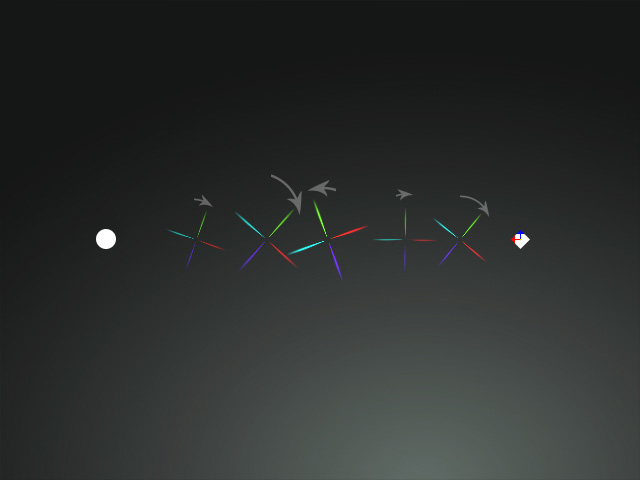
Rotation Random Range = 0.00
Rotation Random Range = 45.00
- Color Random Range
This value tints all image layers with random colors.
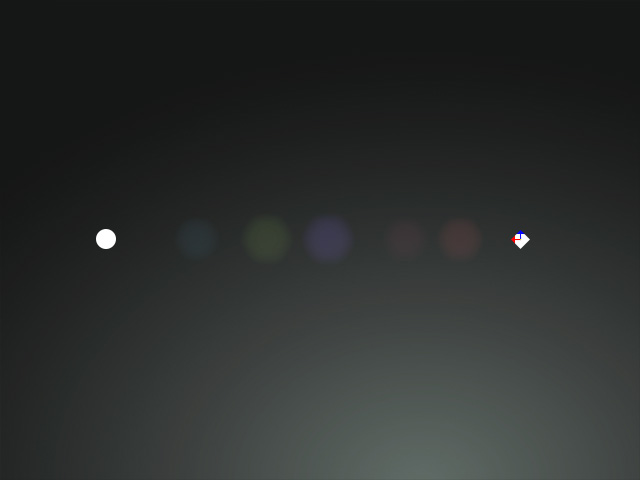
Color Random Range = 0.00
Color Random Range = 100.00
- Revolve Angle
This value rotates the lead line around the gizmo counterclockwise.
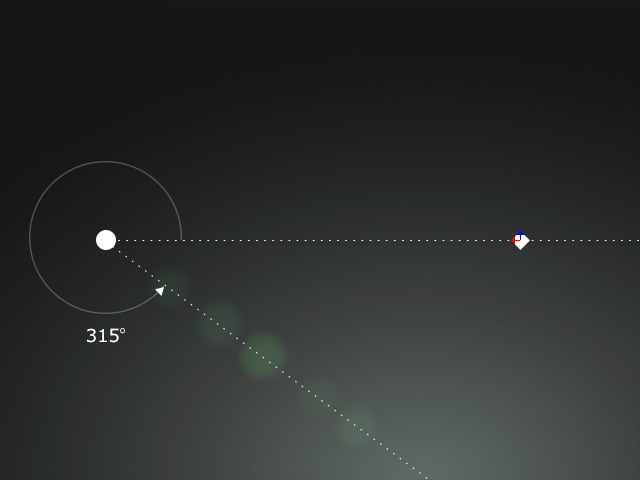
Revolve Angle = 0.00
Revolve Angle = 315.00
- Auto Rotate: Activate this checkbox to have the image rotate when the gizmo or the anchor point moves.
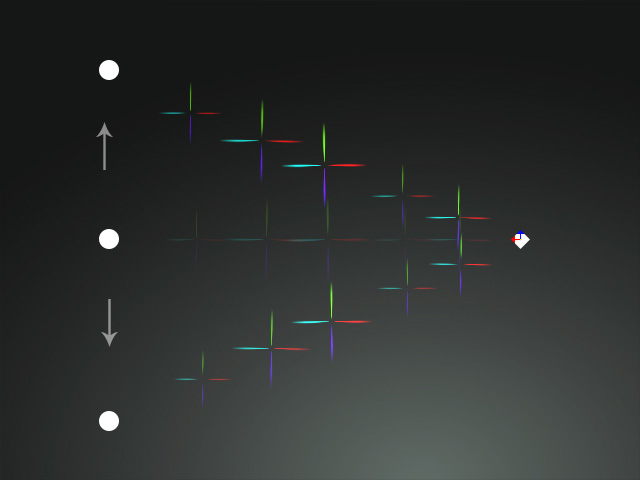
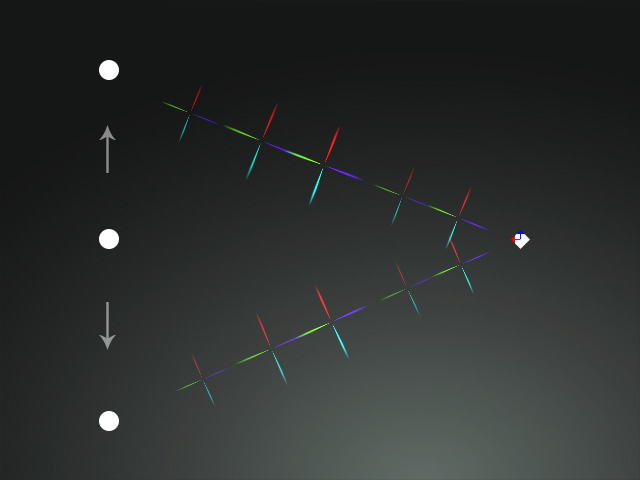
Auto Rotate = OFF
Auto Rotate = ON
- Glow: This checkbox can be activated to create a glow effect around the image layers.
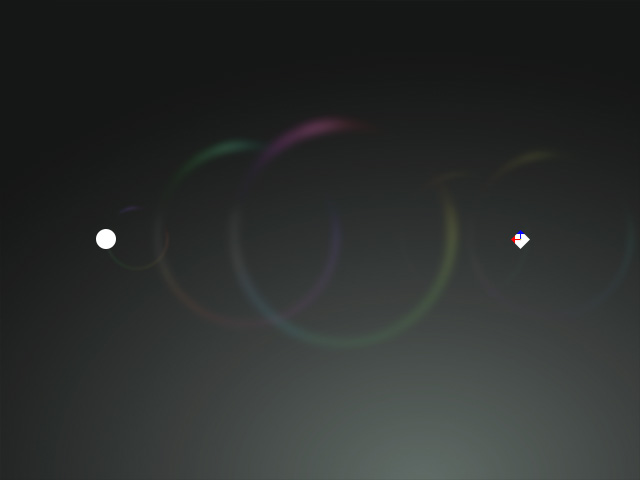
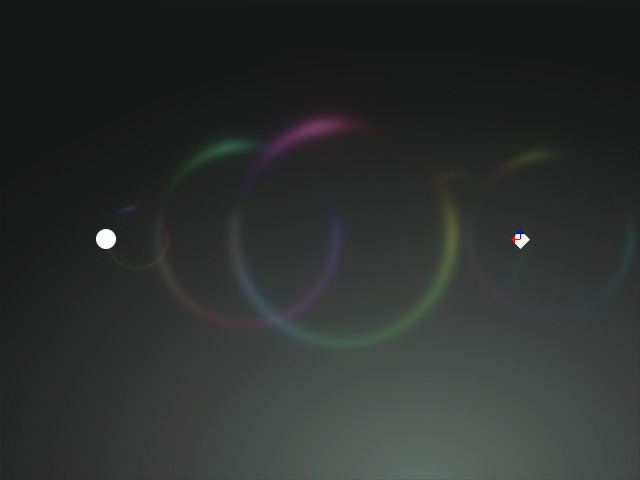
Glow = OFF
Glow = ON
