Basic Usage of Bezier Handles
To change the shape of a path, you can either transform the control points belonging to the path, or by using the Bezier Handles without touching the control points.
-
Create a path.
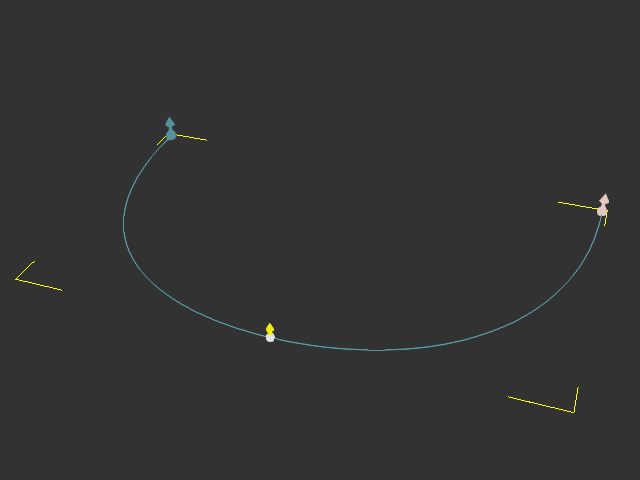
-
Select the path and click the Edit Point button on the Modify
panel to go into path edit mode.
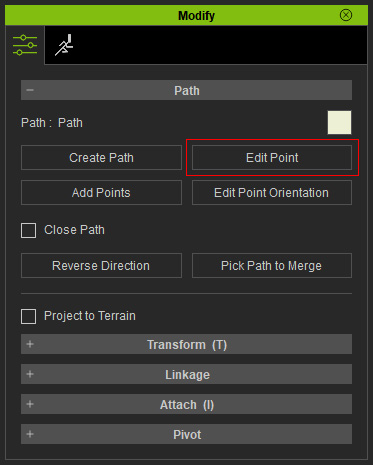
Alternatively, you can right-click on the path and choose Path >> Edit Path to enter the path edit mode.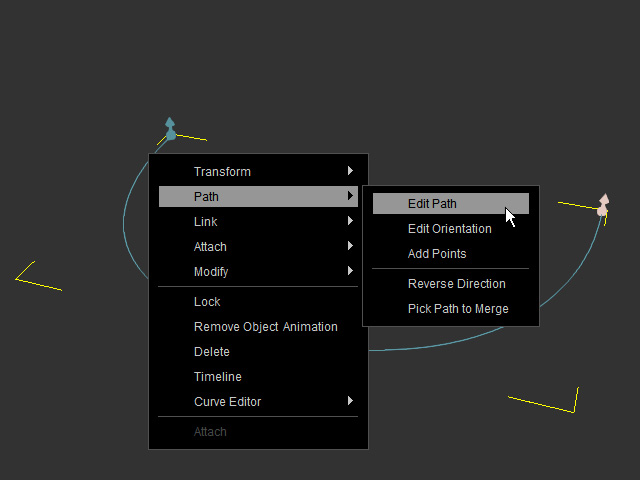
- Click on the desired control point. By default, the Bezier Handles
are shown bilaterally.
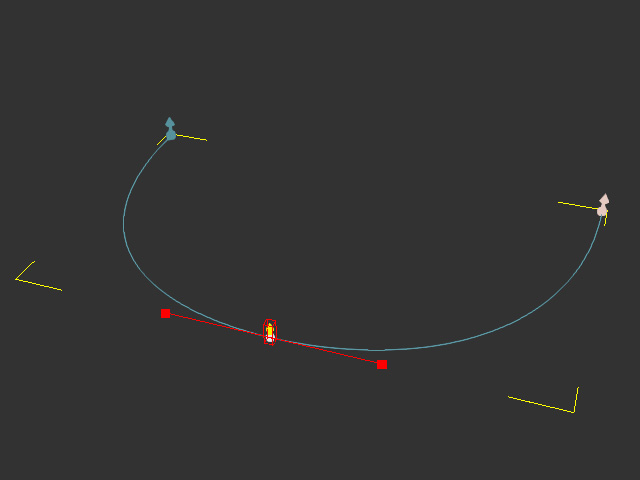
 Note:
Note:You can show or hide the bezier handles for a clear view.
- Click on either one of the red boxes. The transform gizmo will show (if not, press Ctrl + Q to show it).
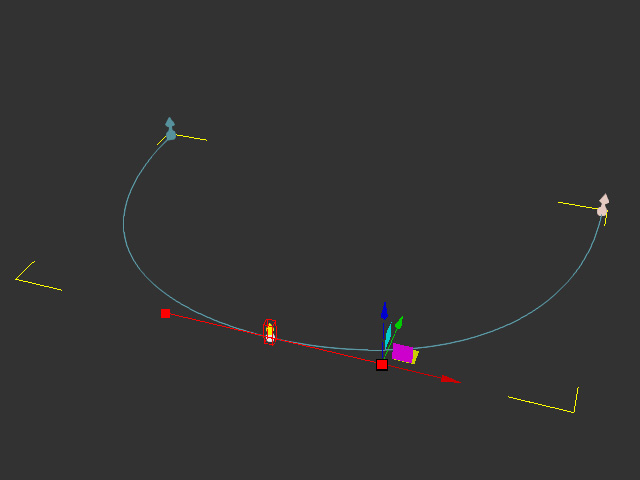
- Move the box with gizmo to modify the curve's direction.
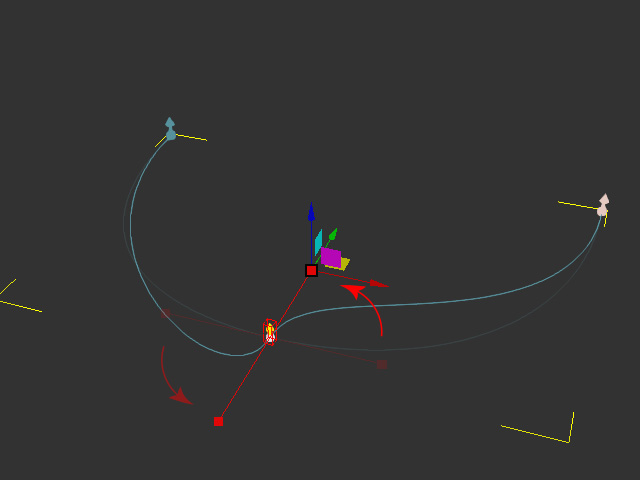
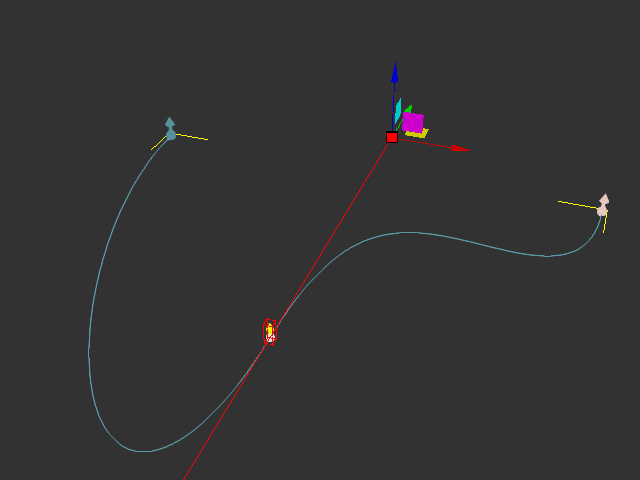
- Drag the red box away from the control point to increase the curvature.
See Also:
