Body Motion and Facial Expressions
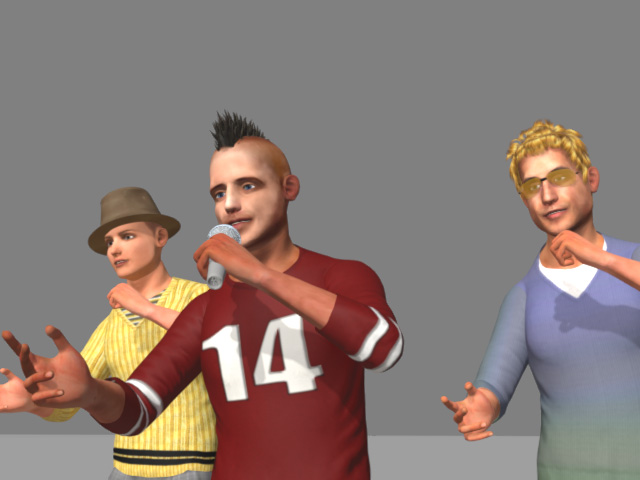
MotionPlus files allow you to not only transfer motions to other characters but also facial expressions. This capability makes it possible to assemble a group of individuals executing identical motions and expressions, such as a choir of singers or coordination of cheerleaders.
Exchanging Body Motions and Facial Expressions
-
Apply a character to a new scene.
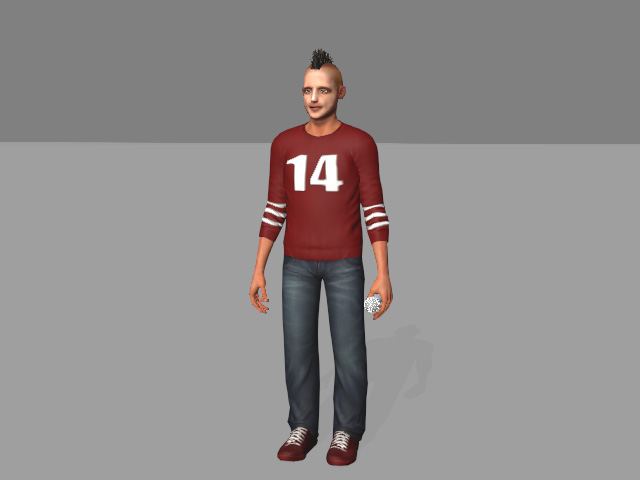
-
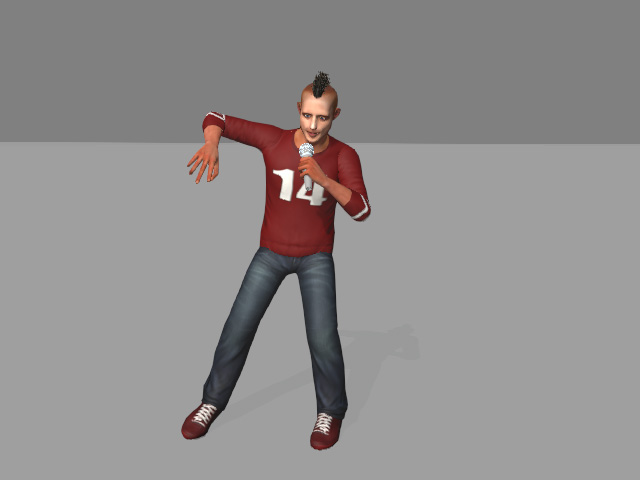
Create body motions (composed of motion clips, hands clips, and motion
layer keys) for the character.
-
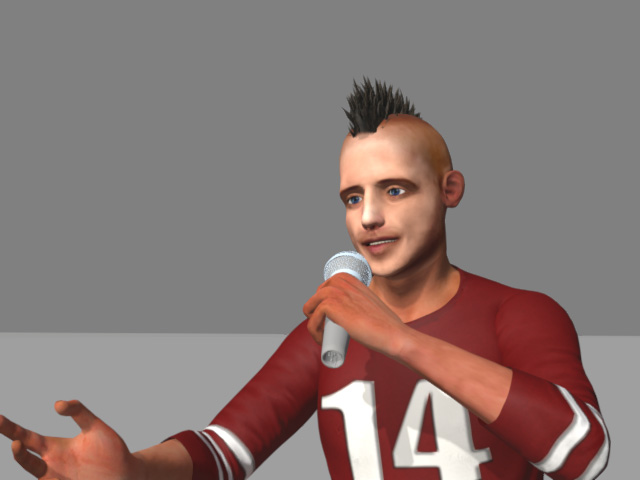
Apply a voice and expressions to the character to make it talk or
sing.
-
Drag in the actor's Collect Clip track to form a range.
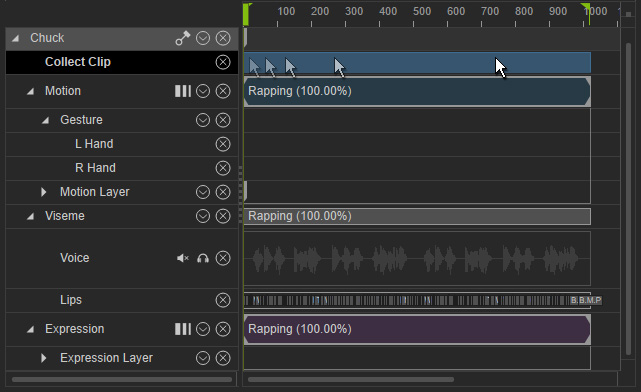
-
Right-click within the range to select the Save > Save MotionPlus from the menu.
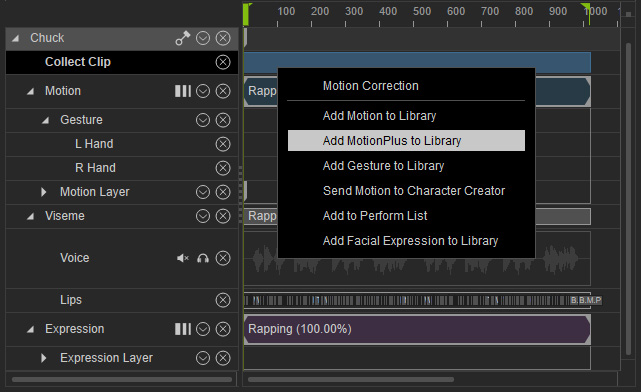
-
Activate the
Motion and Facial Animation checkboxes.
Save these items into one single MotionPlus file.
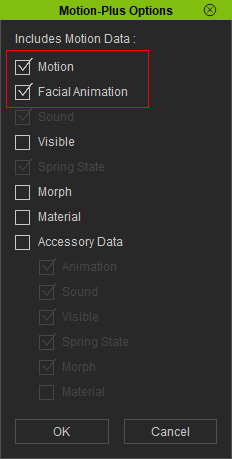
- Motion: Includes motion-related data.
- Facial Animation: Includes the facial animations.
- Sound: Includes the sound of the characters.
- Visible: Includes the visibility keys.
- Spring State: Includes the spring state keys.
- Morph: Includes the morphing animations.
- Material: Includes the material keys.
- Accessory Data: Includes accessory-related animations.
-
Apply other characters into iClone. They can be either in this or
another new project.
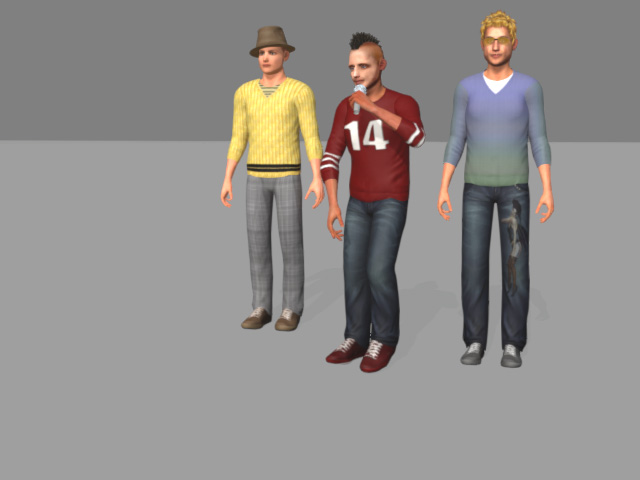
-
Drag and drop the saved MotionPlus file onto the new characters.
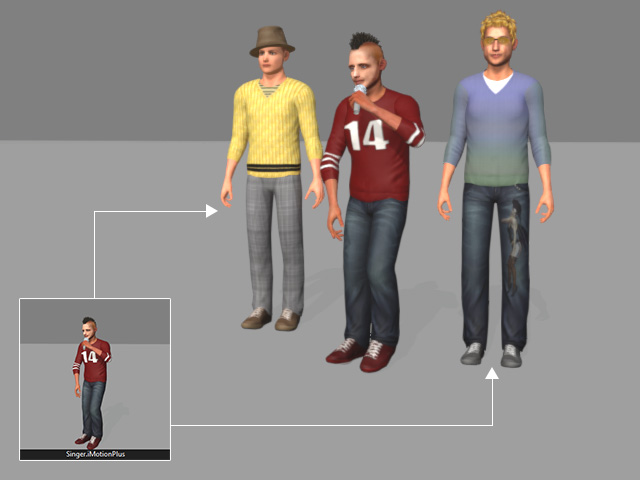
-
You can see that the included motions, as well as the facial expressions are applied to the
new characters.