Using Bolts (Intermediate Dummies) with Multiple Constraints
In the Constraint System, you can use one-to-one, many-to-one, or one-to-many (as this section described) methods to compose a physics set.
By using one of these methods or mixing them, you are able to produce more complicated physics structures which can consist of multiple of joints.
|
|
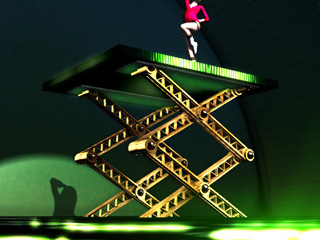
Here are two approaches you constructing a raising platform. By using the constraints as the joints or by using bolts.
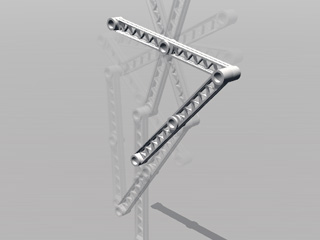
Directly Combining Objects - Using Constraints as Joints
To connect a physics structure, you are able to use the constraints as joints.
-
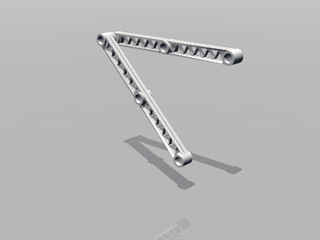
Apply two props and set them as
Dynamic rigid body.
-
Apply a Hinge constraint to the center of the upper bar in the example. Set its target to
World so
that it will be pinned to where it is.
When this rigid body is hit by other physics objects, it will rotate around the local axis of its pivot.
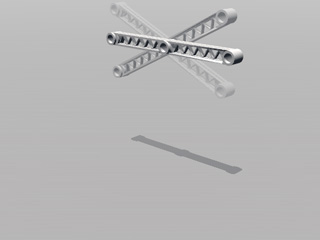
The upper bar rotates when it is hit by other rigid bodies.
-
Apply another Hinge constraint to the left end of the
upper bar. Set its target to the lower bar prop. Its weight
will drag the upper bar to rotate.
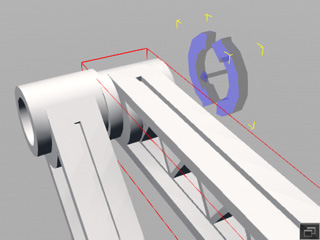
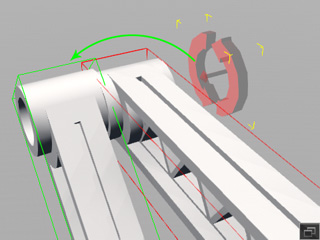
Apply a new constraint to the upper bar, set its target to the lower bar.
- The upper prop will rotate around its center constraint while the lower one
falls.
Using Bolts (Intermediate Dummies) with Multiple Constraints
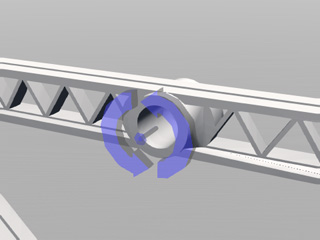
By using rigid bodies applied with multiple constraints as bolts, you can easily integrate other components into a structure, especially the joint parts.
-
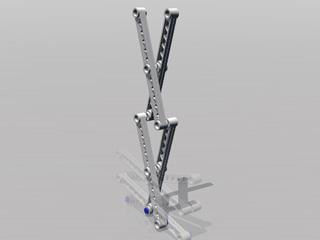
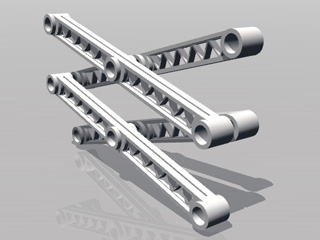
Using the structure shown in the illustration below.
-
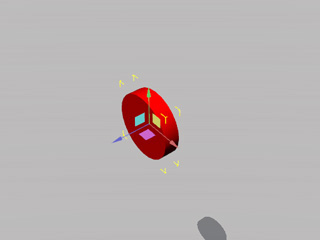
Apply a primitive prop with few polygons.
-
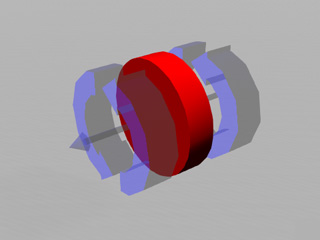
Apply two free hinges at both sides of the prop.
-
Locate the prop to one of the joints between two bars of the structure.
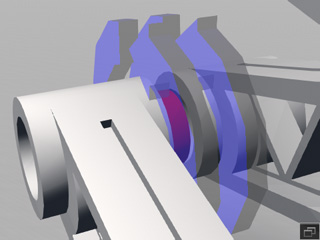
 Note:
Note:Please note that the constraints are sized up for better observation.
-
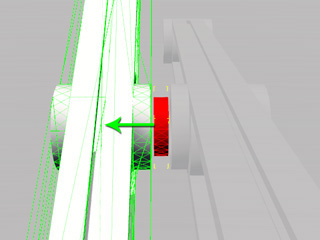
Pick the one of the constraints and pick one of the bar as its target.
-
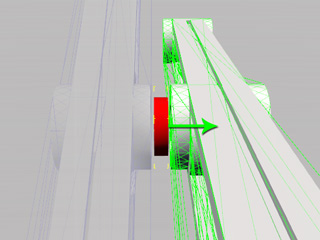
Select the other Hinge constraint and pick the other bar as the target.
-
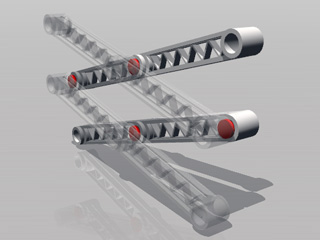
Repeat the same steps to create more bolts for the joints of the bars.
-
Apply another two bolts and set them as Kinematic rigid bodies.
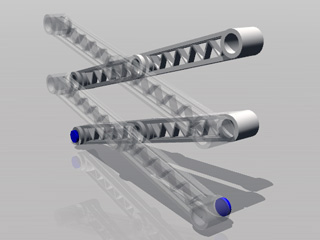
- Apply hinges to these two objects and individually pick the lower two bars as targets.
-
Set keys to the two kinematic rigid bodies so that they move close to each other.
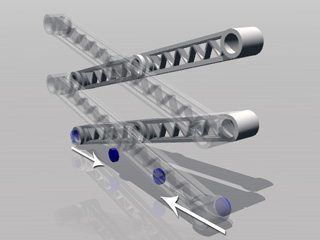
-
Play to simulate.