Replacing Motions (New in version 8.5)
After applying the MD prop template from the library, you can edit the motions integrated into the MD prop.
- Apply a character and one of the
MD prop templates from the library.
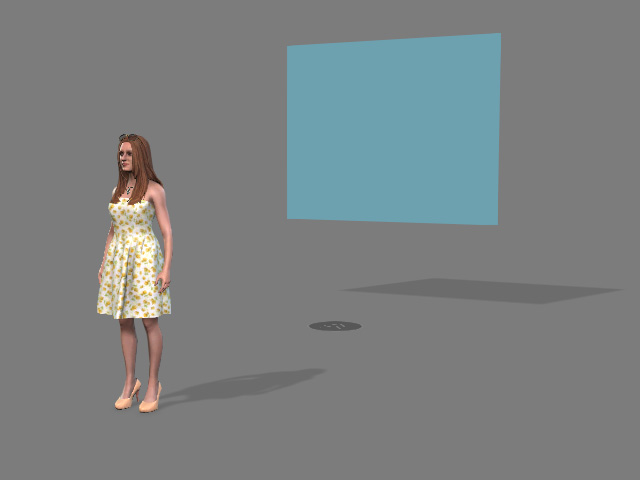
- Replace the dummy with desired prop.
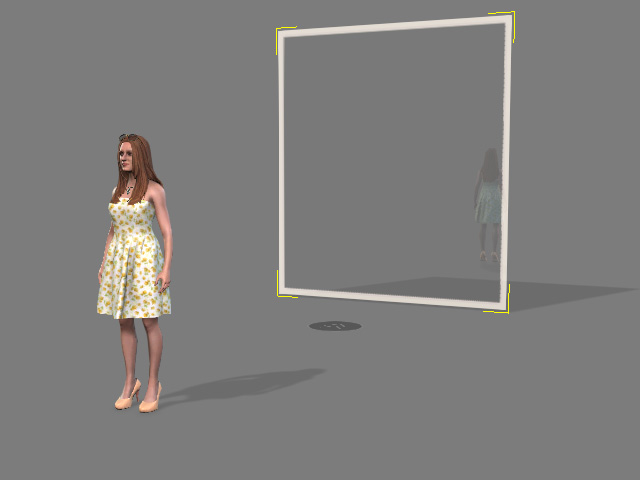
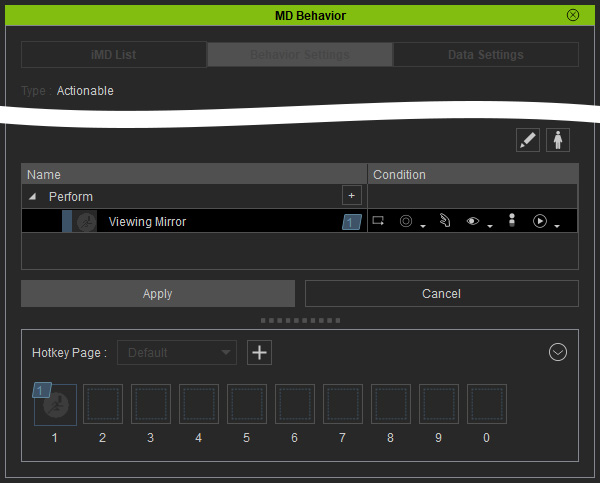
- Make sure the entire MD prop (not just the dummy) is selected and switch to the Behavior List tab in the
Behavior Settings panel.
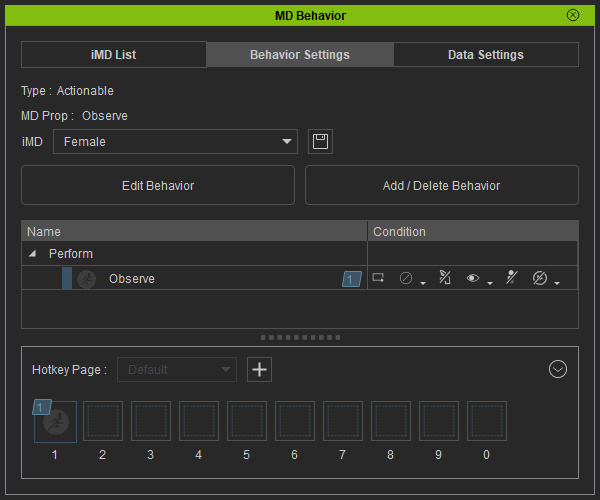
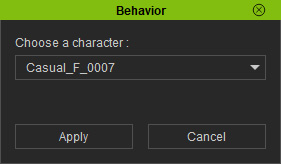
- Click the Add / Delete Behavior button. You
will be asked to choose a character from the list as a base for
editing the motions. Click Apply.
- Right-click on the item under "Perform" node and choose the
Replace Behavior... command.
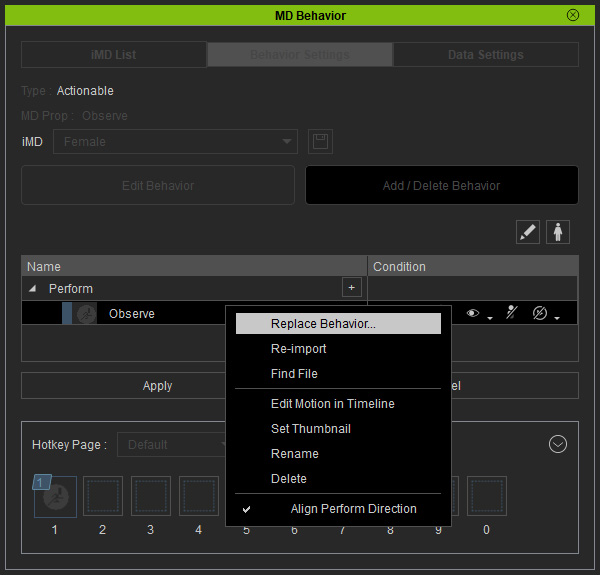
Choose desired motion from the browser and click the Open.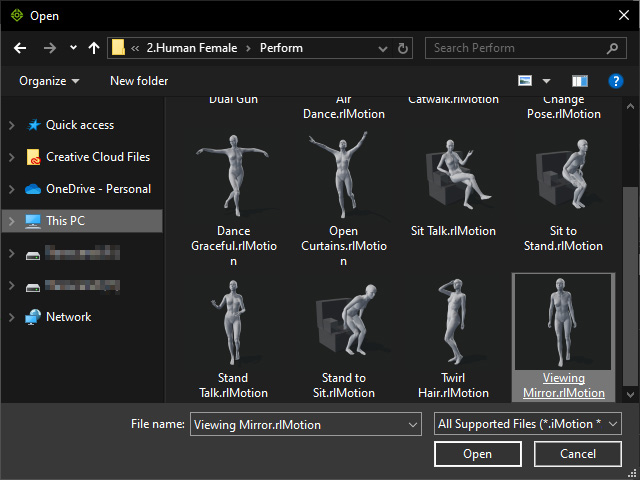
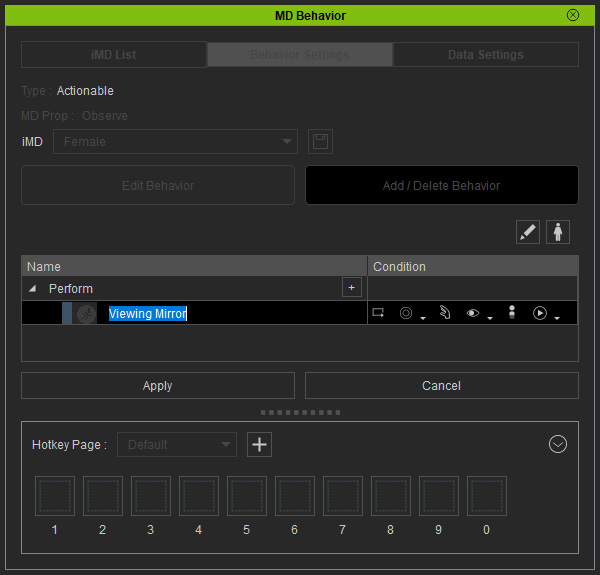
- Double-click on the item to rename it.
- Click the down arrow of the Hotkey section and choose Auto Assign Hotkeys.
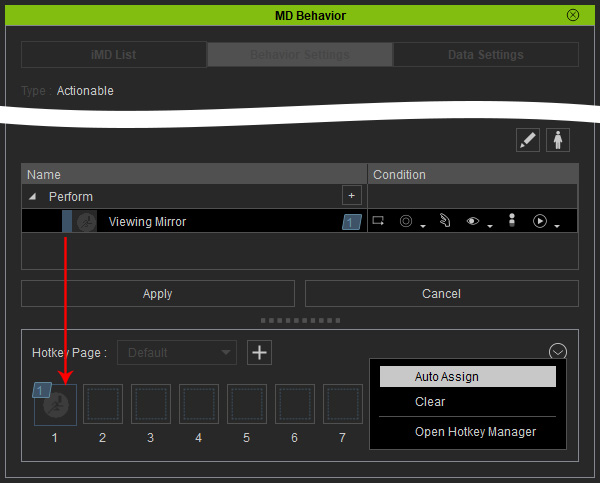
- Click the Apply button to accept the replacement.
- Enter MD mode to have the MD prop ready for interaction with the
replaced motions.
