Designing Look-At Animation
Design the Head and Eye animation style in a Look-At Asset, so you can load it in the Look-At nodes to deliver micro facial movements, eye contact, and head gestures in non-speaking states.
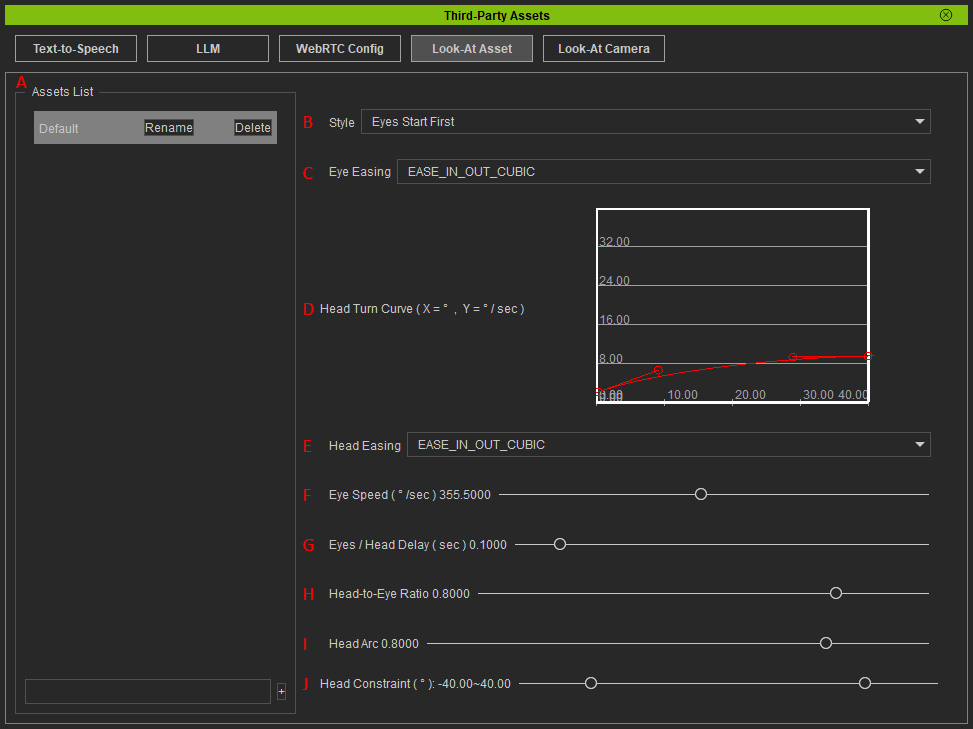
 Assets ListCreate assets, and rename or delete them in the list.
- StyleDefines the behavior relationship between the head and eyes within the Look-At Asset. There are four available options for the Look-At nodes to take actions:
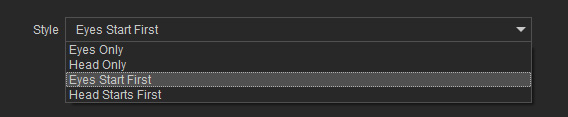
- Head Only: Ignores all eye-related settings in the asset and only follows head movement settings. The eyes remain fixed at their original position and simply follow the head’s movement angle.
- Eyes Only: Ignores all head-related settings in the asset and only follows eye movement settings. The head remains stationary, and only the eyes track the target.
- Eyes Start First: According to the Eyes / Head Delay setting, determines how much earlier the eyes should move compared to the head. The final head rotation angle is still influenced by Head-to-Eye Ratio and Head Constraint settings.
- Head Starts First: According to the Eyes / Head Delay setting, determines how much earlier the head should move compared to the eyes. The head rotation angle is still influenced by Head-to-Eye Ratio and Head Constraint settings.
- Eye EasingDetermines the preset animation curve used when the eyes transition from Position A to Position B during an animation (linear progression). The selected curve defines the motion dynamics of the eye movement.
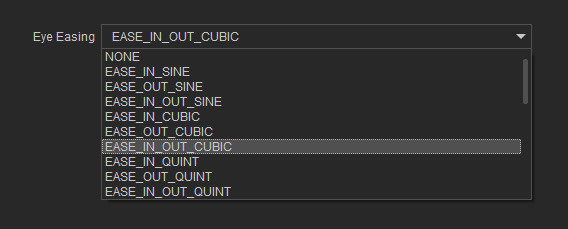
* If the Face Toward Camera checkbox is activated in the Face Camera or Face Current Camera Node, select None to prevent disjointed or intermittently paused eye movement.
For more information on different curve types, see easing styles.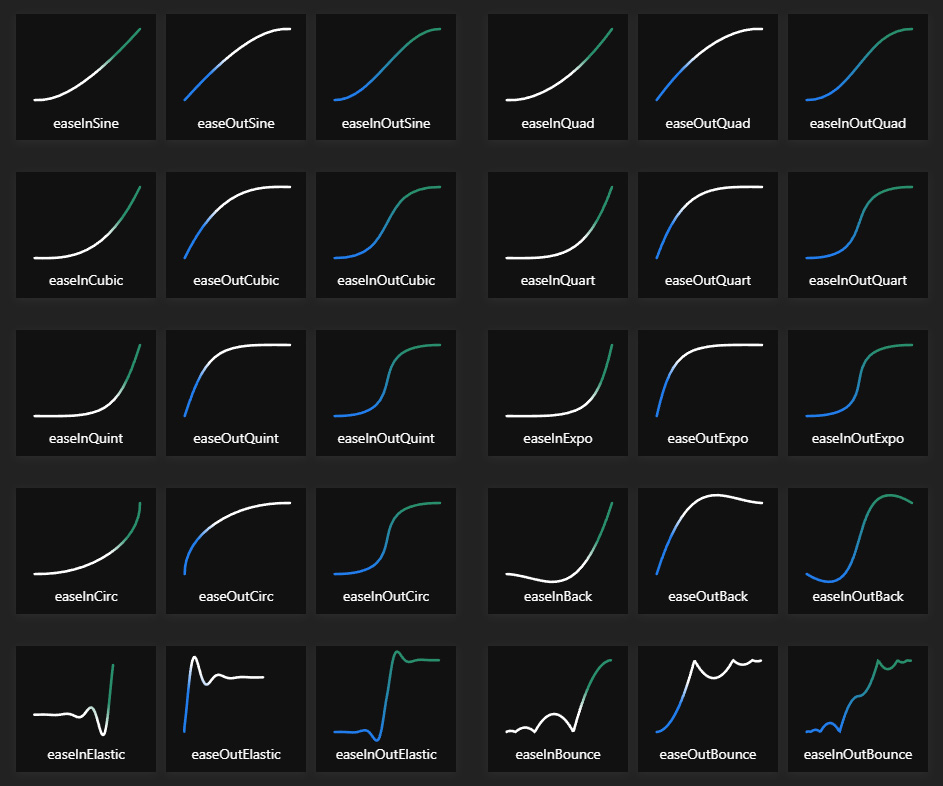
- Head Turn CurveDetermines the non-linear relationship between head rotation distance and speed, adjusting how many degrees the head rotates per second based on the required movement angle. Drag the Bezier curve to define the relative speed at 0° and 40° head rotation.
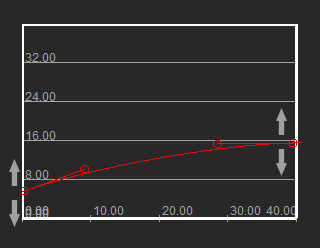
- X Axis: Total head rotation angle.
- Y Axis: Head rotation speed (degrees per second).
The curve typically follows a left-low, right-high pattern. Lower curve points indicate slower head rotation for small angles, making the movement more gradual. Higher curve points result in faster rotation, reducing the transition time for larger angles. - Head EasingDetermines the preset animation curve used when the head transitions from Position A to Position B during an animation (linear progression). The selected curve defines the motion dynamics of the head movement.
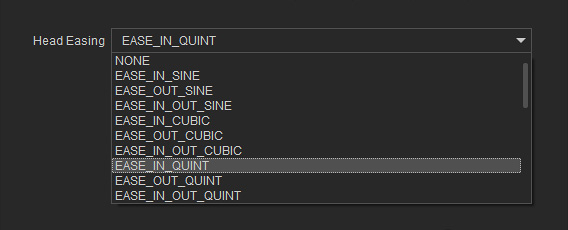
* If the Face Toward Camera checkbox is activated in the Face Camera or Face Current Camera node, select None to prevent disjointed or intermittently paused head movement.
For more information on different curve types, see easing styles. - Eye SpeedDefines the eye movement speed, determining how many degrees per second the eyes rotate (ranging from 50°/sec to 700°/sec).
- Eye / Head DelayThis setting is available when the Style is set to either Eyes Start First or Head Start First. It defines the time delay between head and eye movements, ranging from 0 sec (simultaneous movement) to 1 sec max.
- Head-to-Eye RatioThis setting is available when the head-eye relationship is set to either Eyes Start First or Head Start First. It defines the percentage of the eye movement angle that the head will complete, ranging from 0 to 1.
For example, if it is set to 0.75, when the eyes rotate 100°, the head will only rotate 75° in the same direction. - Head ArcControls the visual curvature of head movements when rotating up, down, left, or right. It simulates the natural head movement curves when subconsciously optimize movement efficiency by following curved motion paths. It ranges from 0 to 1, the closer to 1, the larger the curvature of the head movement.
- Left / Right head movement (or reverse): The head follows a downward curve.
- Right-side downward movement (or reverse): The head follows a rightward curve.
- Left-side downward movement (or reverse): The head follows a leftward curve.
- Head ConstraintDefines the maximum rotation angle limit (ranging 0° to 60°) for head movements in up, down, left, or right directions. It ensures natural head movement by restricting the maximum rotation when the shoulders remain stationary.
For example, if it is set to 60°, but the target requires an 85° rotation, then the eyes will still rotate 85° to track the target, while the head will only rotate up to 60° and stop.
