Resource Overview
You can utilize the embedded profile and a free content resource pack to walk through all features in AI Assistant. Third-party assets are also on standby for enabling interactive human-AI dialogue.
AI Assistant Resource Pack
In the Content Manager, search for the AI Assistant resource pack under the Template > Pack tab.
Double-click on the thumbnail to download and install the pack.
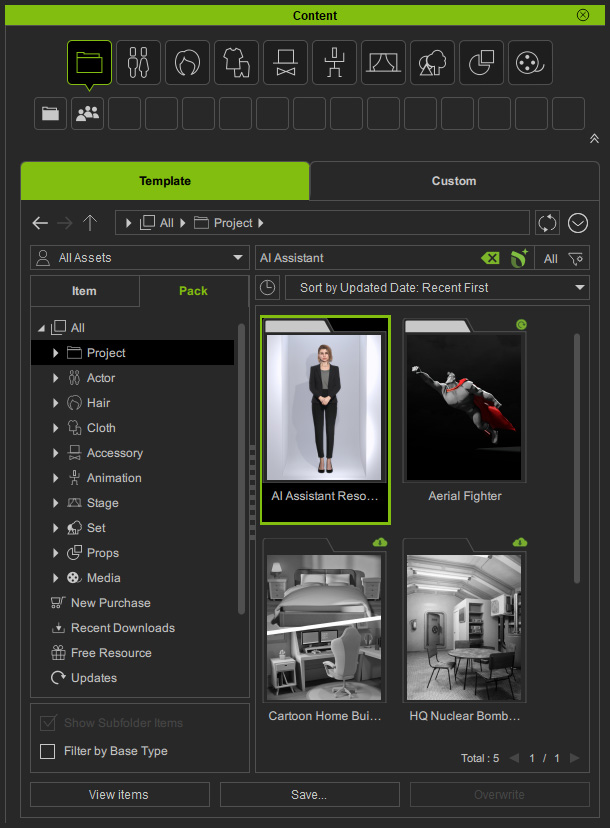
Resource Pack Intro: What's inside the resource pack?
- 5 default projects (iProject) for optional use in the AI Assistant.
- 3 default actors (iAvatar) to alternatively play as the representative for your brand.
- 10 cloth material sets (iCloth) to alter character appearance.
- 6 lightroom presets (ccLightroom) for a variety of atmospheres.
- 2 face makeup settings (iMtlPlus) to change face looking.
- 35 body animation clips (rlMotion/MotionPlus) including animations such as idling, waiting, thinking, greeting, and speaking with gestures.
- 70 facial animation clips (iTalk) to present diverse idling, listening and talking styles such as professional, friendly, and feminine lovely.
Default Profiles
There are three default profiles embedded in the system, letting you quickly start your own project.
Click the Load Default Project button near the bottom-right of the Behavior Tree panel to load these profiles at once from the path below:
C:\Program Files\Reallusion\iClone 8\Bin64\OpenPlugin\IAA_Plugin\Preset\Behavior Tree
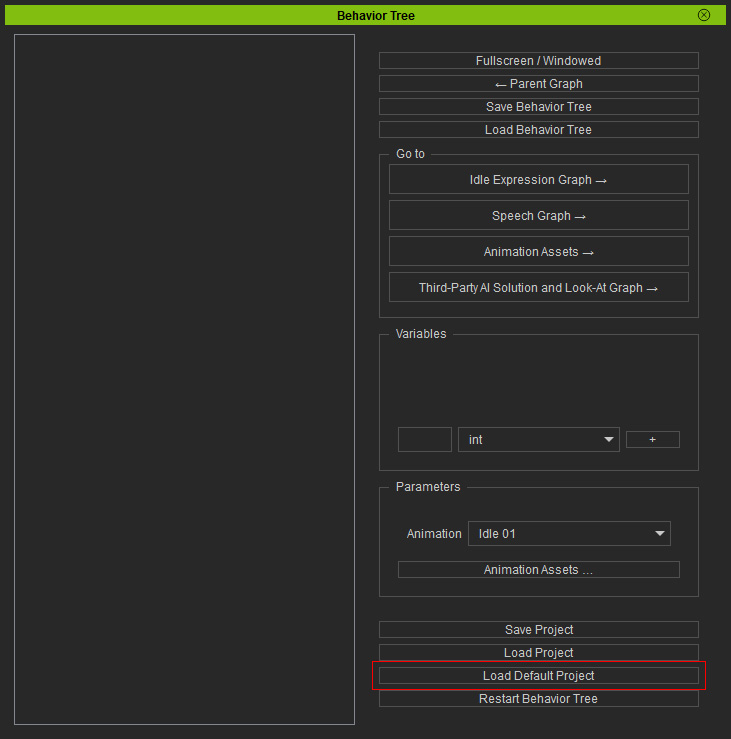
- Default Logic.json: Embed as default setting in the Look-At Graph for Look-At animation, and pre-load the facial and body animations in the Animation Assets for instant application.
- Default Idle Profile.afa: Embed as default setting in the Idle Expression Graph for facial auto-animation.
- Default Speak Profile.speak: Embed as default setting in the Speech Graph for Drive and Driven facial animation.
Third-Party Applications
The AI Assistant has integrated various third-party AI technologies, which require authorized API keys or tokens to function. You can obtain the API key or token from the provider website, and paste it in the corresponding field to enable the third-party service in AI Assistant. The third-party applications in AI Assistant include:
- Audio driven facial animation provided by NVidia Audio2Face-3d supports for lip-sync, ARKit blendshapes and individual fine-tuning.
Choose ACE from the Select Processor drop-down list In the main panel, and then paste the obtained API key in the text field.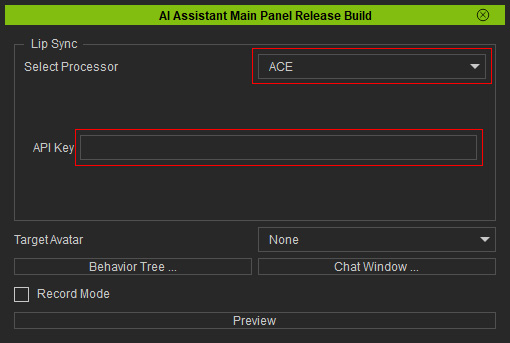
- TTS (Text to Speech) technology converts AI-generated responses into speech, allowing avatars to speak with natural voices. You can integrate Microsoft Azure, Google, and ElevenLabs TTS into the AI Assistant. Refer to the Creating TTS Asset section for more information.
- LLM (Large Language Model) powered by OpenAI enables text and voice-based conversations between the user and AI. Refer to the Creating LLM Asset section for more information.
