Applying Motion
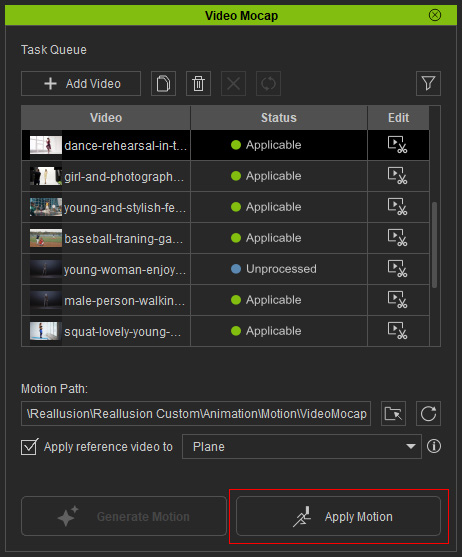
Generated motions from Video Mocap will be downloaded and available for application. A status of "Applicable" means that you can apply the generated motion using any of the following methods:
- Select a completed task, and click the Apply Motion button near the bottom-right of the panel.
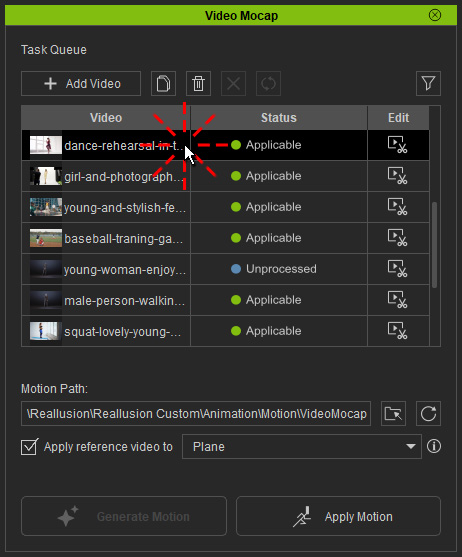
- Double-click on the completed task.
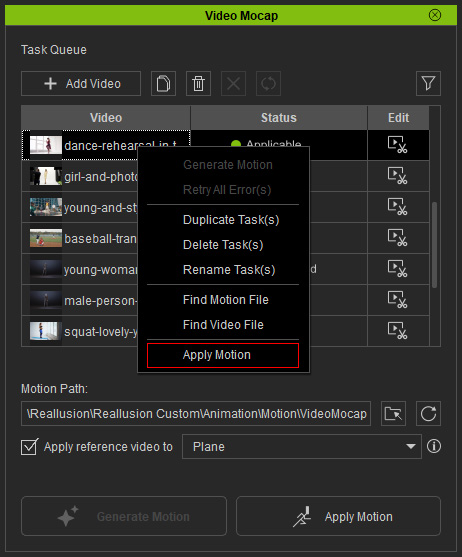
- Right-click on the completed task, and select Apply Motion from the context menu.
This operation will save the rlMotion to a preset folder and apply it to a selected character. If there is no selected character in the scene, a dummy will be loaded instead.
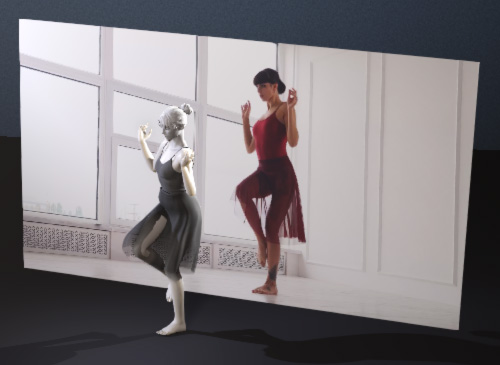 | 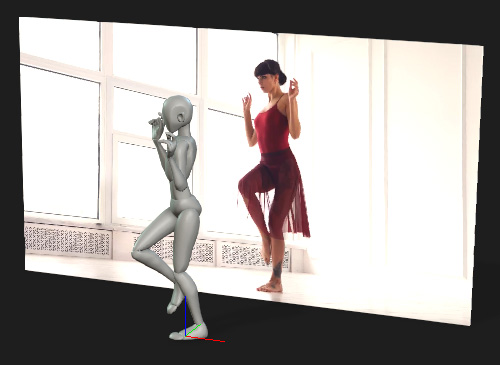 |
Apply the motion to a selected character in the scene. | When no character selected in the scene, the motion will be applied to a dummy character. |
Playback the project. The character will mirror the motion shown in the reference video.
Refine the motion if there are any flaws (pay special attention to the motion of the limbs and body).
